

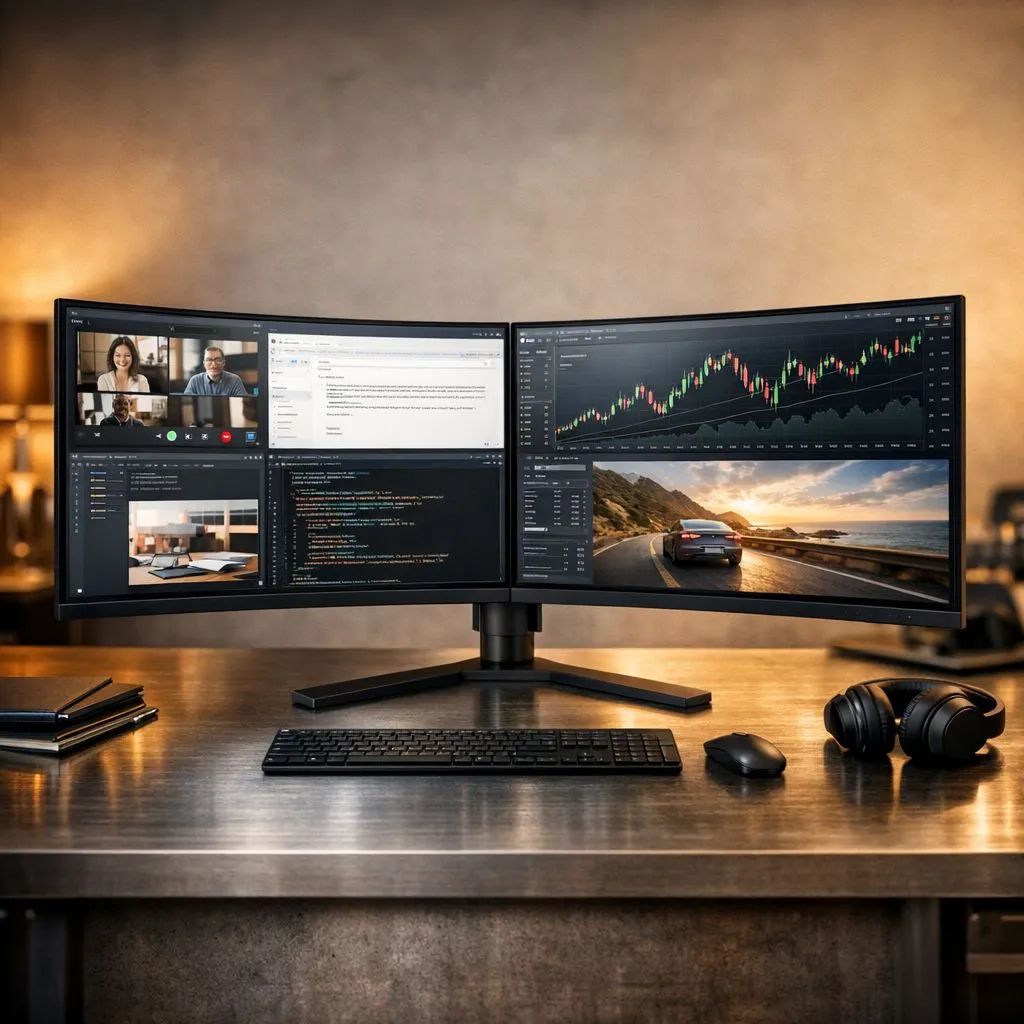
Why Dual QHD Multitasking is the Professional Standard
Stop squinting at your old 1080p screen while trying to juggle Discord, your IDE, and a high-stakes match. In South Africa, the shift toward Dual QHD Multitasking is more than just a trend... it is a productivity revolution. By doubling your screen real estate with 1440p resolution, you gain the clarity needed to maximize efficiency on two QHD monitors without the pixelation of lower-tier displays. 🚀
When you transition to a dual-screen workflow, the quality of the glass matters. Most professionals in the creative and engineering sectors prefer vibrant IPS panels because they offer superior colour accuracy and wide viewing angles. This ensures that your spreadsheets or design projects look identical on both screens, preventing the frustrating "colour shift" often seen on cheaper displays.
Finding the Perfect Shape for Your Desk
The physical layout of your workspace determines how much strain you put on your neck during a long day. If you prefer a seamless, panoramic view that wraps around your field of vision, curved monitors are an excellent choice. They bring the outer edges of the two screens closer to your eyes, reducing the need for constant refocusing.
Alternatively, many purists stick with traditional flat panels for their predictable lines and ease of alignment. Whether you are hunting for a bargain at R4,000 or building a high-end R20,000 workstation, choosing a consistent shape across both displays is vital for maintaining a fluid mouse movement across the desktop.
Productivity Pro Tip ⚡
On Windows, use the PowerToys FancyZones utility to create custom snap layouts for your windows. It's a lifesaver for managing multiple apps on a Dual QHD setup, letting you organise your email client, browser, and Slack perfectly across your 5120 x 1440 combined horizontal pixels.
Syncing Your Experience for Gaming and Work
Multitasking is not just about having more windows open... it is about how smoothly those windows move. Screen tearing can be a major distraction even during office work. To avoid this, look for displays that feature standard Adaptive Sync technology. This allows the monitor to synchronise its refresh rate with your GPU’s output. 🔧
For those using specific hardware, you might want to narrow your search. If you are rocking a Radeon card, look for FreeSync (AMD) support to ensure butter-smooth visuals. Conversely, Nvidia users should prioritise G-Sync (NVIDIA) compatibility to eliminate stuttering during fast-paced gaming or video editing. ⚡
Scaling Your Efficiency in South Africa
Investing in a high-resolution setup is the most effective way to optimise your daily output. By browsing a broad selection of PC monitors, you can find the right balance of refresh rate and price to suit your specific needs. Remember that a Dual QHD setup effectively gives you the pixel count of a 4K screen but with a much wider horizontal workspace... perfect for those massive Excel sheets or complex video timelines. ✨
Ready to Find Your Perfect Match? The 1080p vs QHD debate is over, and for maximum productivity, choice, and value in South Africa, a dual-monitor setup is hard to beat. Explore our massive range of monitor specials and find the perfect displays to conquer your workflow.











