

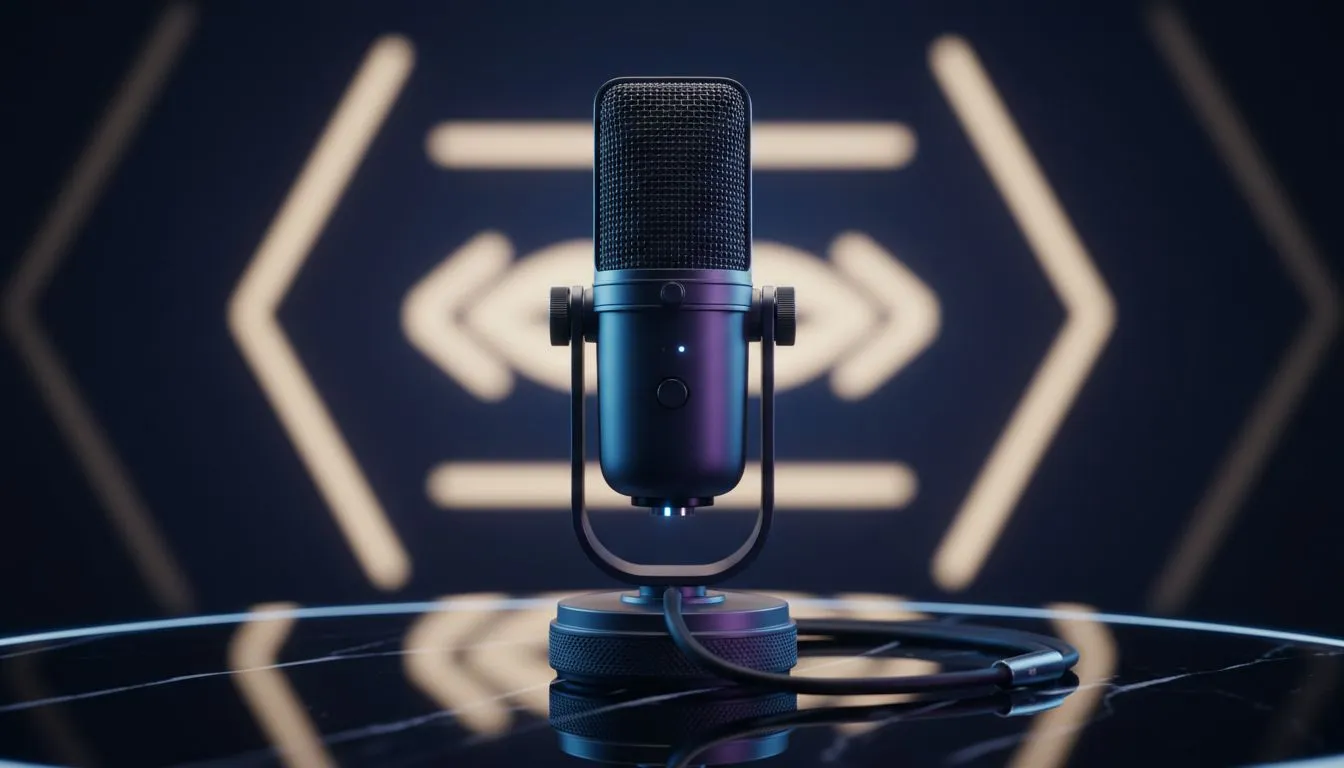
You have just unboxed the Elgato Wave DX... but it sounds quiet or muddy in your latest Discord call. Getting the best XLR gain and levels is the difference between a professional broadcast and sounding like you are underwater. If you want that crisp, radio-ready tone in your South African studio, you need to dial in these settings correctly. Let us make your voice stand out. 🔧
Finding the Sweet Spot for XLR Gain and Levels
The Elgato Wave DX is a dynamic microphone. This means it is excellent at rejecting background noise... like your neighbour's generator or a barking dog. However, dynamic mics require a significant amount of "clean gain" to sound their best. If your gain is too low, your voice will be buried. If it is too high, you will introduce unwanted hiss.
When using an interface like the Wave XLR, you should aim for a gain setting between 50dB and 60dB. This ensures your levels hit the "green zone" in your software without clipping into the red. You can find all your streaming essentials at Evetech to ensure your signal chain is solid from the start.
Achieving a Clean Sound with Wave Link
Elgato’s Wave Link software is the secret sauce for your Elgato Wave DX settings. Since Elgato is part of the CORSAIR family, the hardware and software integration is seamless. Within Wave Link, you can add VST plugins to further refine your audio.
A simple Noise Gate and a subtle Compressor will help maintain a consistent volume. This prevents your viewers from having to adjust their volume when you get excited during a clutch moment. Remember to keep the mic about 10cm to 15cm away from your mouth for the best proximity effect... this adds that warm, bassy "podcast" feel to your voice.
Audio Pro Tip ⚡
Always monitor your audio using "zero-latency" headphones plugged directly into your interface. This allows you to hear exactly what your audience hears without any distracting delay, making it much easier to catch clipping or background hum before you go live.
Visual Flair and Professional Presentation
Great audio is the priority, but your setup needs to look the part too. Adding some Cololight panels behind your desk can add a splash of colour that makes your stream pop. South African creators know that lighting is just as important as sound for keeping an audience engaged. 🚀
To complete the professional look, pair your high-quality audio with one of our premium webcams to ensure you look as sharp as you sound. When your XLR gain is balanced and your lighting is set, your production value will rival the biggest names in the industry. ✨
Ready to Level Up Your Content? Mastering your audio is just the beginning of your streaming journey. For the best gear and expert advice in South Africa, we have everything you need to build a world-class setup. Explore our massive range of streaming gear and start creating content that sounds and looks incredible.











