

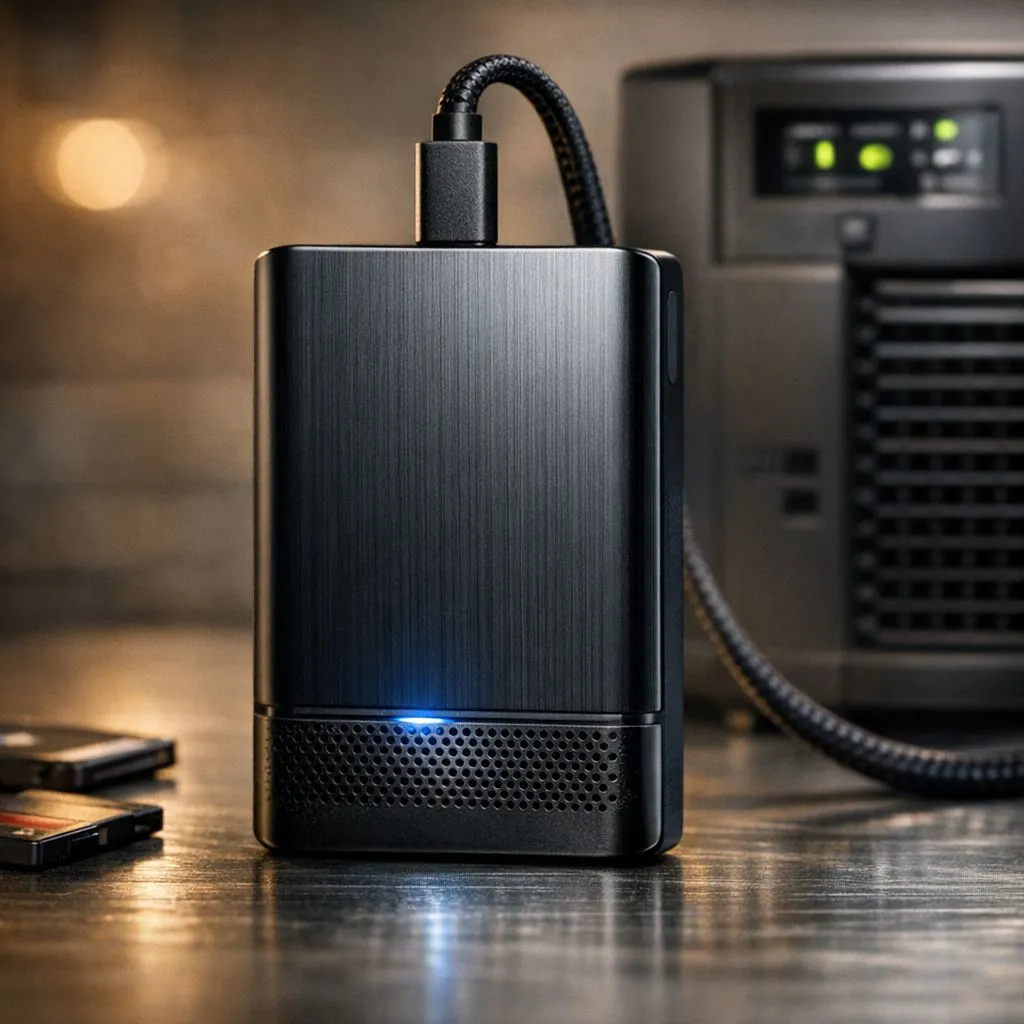
Beat the Blackout with Fast Backups Before Loadshedding
We’ve all been there. The Eskom push notification pops up… Stage 6 starts in ten minutes. You have 50GB of raw footage or game captures to move to your NAS, and the progress bar is crawling. In South Africa, speed isn’t just a luxury; it is a necessity to beat the blackout. Maximising transfer speeds for fast backups before loadshedding is the only way to ensure your data is safe. ⚡
Identify the Bottlenecks in Your Data Pipeline
Your storage drives might be lightning fast, but your network or interface often acts as a choke point. If you are still relying on old 10/100 Ethernet or weak Wi-Fi signals, you are leaving performance on the table. Upgrading to modern high-speed network adapters can drastically reduce the time it takes to move large files across your local network.
When the countdown to the power cut begins, every megabyte per second counts. Using a wired connection is always preferable to wireless when stability is the priority. A Gigabit connection provides roughly 110MB/s of real-world throughput. This allows you to move a massive 100GB game library in under fifteen minutes.
Optimise Your Hardware for Peak Throughput
Reliability matters when the clock is ticking. Brands like TP-Link network solutions offer Gigabit and even 2.5Gbps options that ensure your local transfers saturate your drive's capabilities. These components are designed to handle high-bandwidth tasks without dropping packets or overheating during long transfer sessions.
If you are looking for a balance of performance and value, Cudy adapters provide excellent throughput for home setups. They are particularly useful for upgrading older desktop PCs that lack modern connectivity features. By ensuring your hardware can handle the load, you remove the anxiety of watching a slow progress bar while the lights flicker. 🚀
Hardware Quick Check ⚡
Always ensure you are using a USB 3.0 port (usually blue) rather than a USB 2.0 port for external backups. The difference is massive... USB 2.0 caps at 480Mbps, while USB 3.0 starts at 5Gbps. It could be the difference between a five-minute backup and a one-hour ordeal before the power dies.
Software Tweaks for Faster File Handling
Windows' native file explorer is fine for small tasks, but it struggles with large batches of small files. For fast backups before loadshedding, consider using tools like TeraCopy or Robocopy. These utilities use asynchronous transfers to speed up the copy process. They also allow you to skip problematic files and resume later, which is vital if the power cuts mid-transfer. 🔧
Keep your drives defragmented if they are HDDs, or ensure your SSDs have enough "over-provisioning" space. A nearly full SSD will slow down significantly during write operations. By maintaining your hardware and using the right software, you ensure that your "Fast Backups Before Loadshedding" strategy actually works when you need it most. ✨
Don't Let the Darkness Catch You Off Guard Loadshedding is a reality in South Africa, but losing your data doesn't have to be. Ensure your rig is equipped to handle rapid data transfers with the best hardware. Browse our full range of network adapters and secure your workflow today.











