

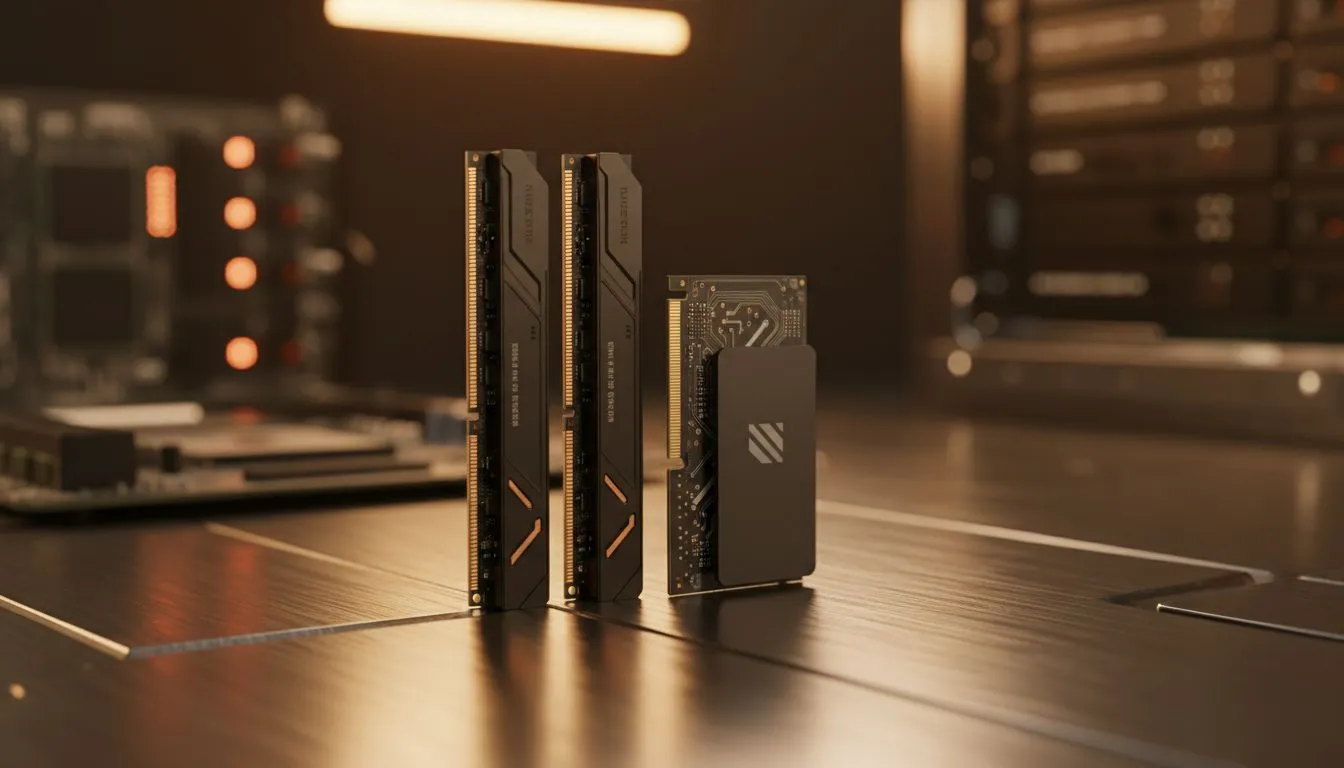
We've all been there… the blue loading circle spinning endlessly while your mates are already dropping into the game. In South Africa, where every second of uptime counts, a slow PC is more than an annoyance; it’s a bottleneck. But what if you could slash those agonising waits? The secret isn't some complex hack. It's about understanding how faster RAM and SSD speeds transform your entire computing experience, from boot-up to boss fight.
How Faster RAM Speeds Cut Down Waiting Times
Think of your computer's RAM (Random Access Memory) as its workbench. It's the temporary space where your PC holds all the apps and files you're actively using. The more RAM you have, and the faster it is, the more things you can work on at once without slowdowns. Faster RAM and SSD speeds work in tandem, but speedy RAM specifically reduces the lag when you're multitasking… like streaming on Discord while gaming. This is a crucial factor whether you're looking at our latest Intel laptops on special or a custom-built rig.
When your system runs out of RAM, it has to shuffle data back to your main storage drive, which is a much slower process. This creates stuttering and lag. Upgrading to a higher capacity or faster frequency of RAM ensures your CPU has instant access to the data it needs, keeping everything buttery smooth. ✨
The SSD Difference… From Minutes to Seconds 🚀
This is where the magic really happens. For years, traditional Hard Disk Drives (HDDs) with their spinning platters were the standard. An SSD (Solid-State Drive), on the other hand, uses flash memory with no moving parts. The difference is staggering. An SSD can find and serve up files almost instantly. This is why faster RAM and SSD speeds reduce boot times and app loading so dramatically.
Switching from an HDD to an SSD can cut your Windows boot time from over a minute to under 15 seconds. Games that took ages to load a new level now snap into action almost instantly. It’s the single most impactful upgrade you can make for overall system responsiveness, which is why all the best gaming laptop deals now feature SSDs as standard.
Check Your Speeds 🔧
On Windows 10 or 11, open Task Manager (Ctrl+Shift+Esc), go to the "Performance" tab, and click on "Memory" to see your RAM speed (e.g., 3200MHz). Click "Disk" to see if you have an SSD or HDD. This quick check helps you identify your biggest performance bottleneck!
How RAM and SSDs Work Together for Ultimate Performance
Neither component is an island. The synergy between fast RAM and a speedy SSD is what creates a truly snappy system. Your lightning-fast SSD loads your operating system, games, and apps into your high-speed RAM for your processor to work on. This smooth data flow is critical in demanding titles, something you'll notice on high-performance GeForce RTX gaming laptops on special. A bottleneck in one area will hold the other back, so a balanced system is key.
Is an Upgrade Worth It? A South African Perspective
Absolutely. In a country where we value making the most of our time, waiting for a slow computer is just not an option. Investing in a system with faster RAM and SSD speeds pays you back every single day with saved time and reduced frustration. You don't need to break the bank either; many excellent gaming laptops under R20k offer a fantastic speed boost over older machines.
Whether you're editing videos for a client, grinding ranks in Apex Legends, or just want a PC that keeps up with you, the benefits are undeniable. For workloads that benefit from high core counts, our Ryzen laptop deals pair these speedy components with powerful processors, ensuring a well-rounded and responsive machine for any task.
Ready to Ditch the Lag? A slow PC holds you back. The right combination of fast RAM and a speedy SSD is the key to unlocking instant boot-ups and seamless performance. Explore our massive range of laptop specials and find the perfect machine to conquer your world.











