

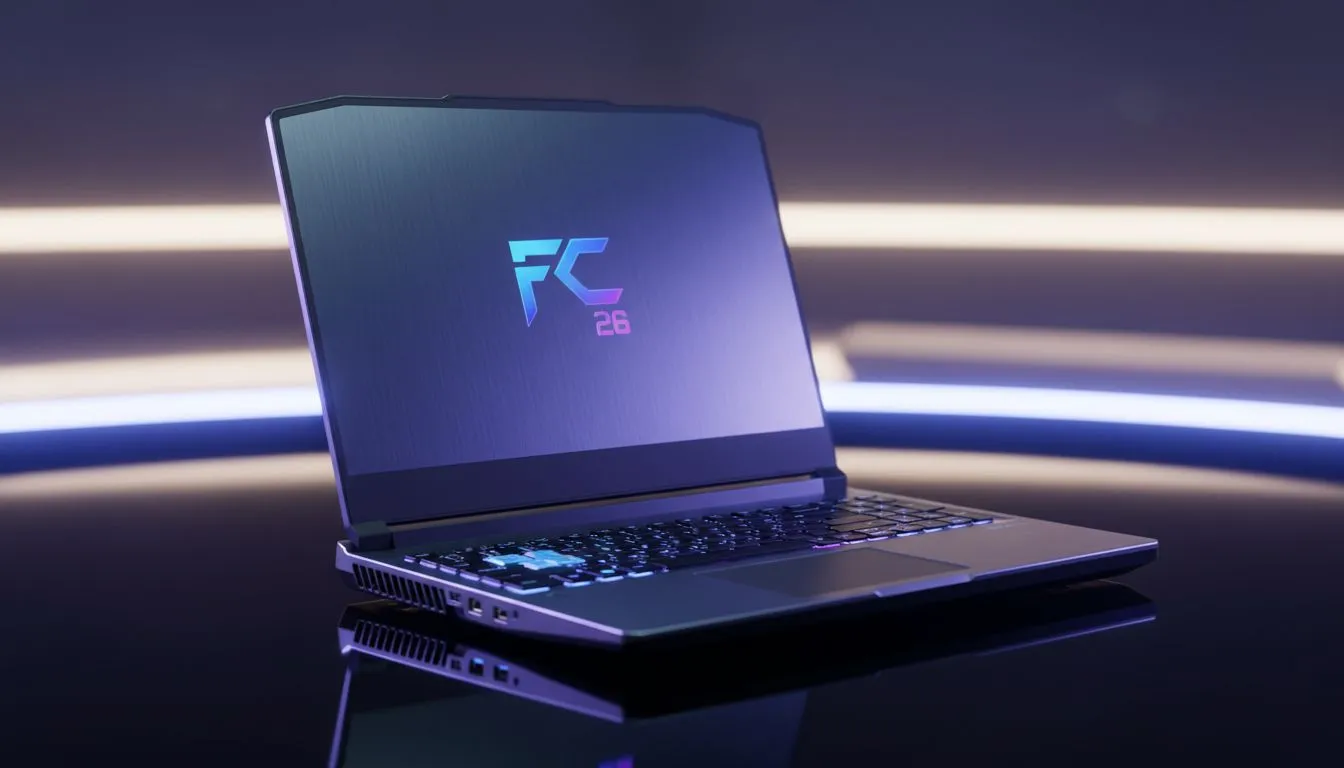
Loading up FC 26 on a laptop in South Africa often feels like a race against the battery icon... especially when Eskom decides to intervene. You want those smooth skill moves without your machine sounding like a jet engine. Finding the right FC 26 Laptop Optimization is about balancing raw power with efficiency. Let’s look at how to keep your frame rates high and your power consumption low ⚡.
Prioritising Smooth Gameplay on the Move
When you are away from a plug point, every watt counts. To get the best out of your session, you need to look at your power plan first. Windows "Best Performance" mode is great for FPS but it will drain your battery in record time. Switch your system to "Balanced" and cap your frame rate to 60 in the game settings. If you are currently hunting for value, checking out gaming laptops under R20k is a great starting point for finding efficient mid-range performance.
Hardware Choices for Better Efficiency
Your choice of processor plays a massive role in how long you can stay on the pitch. Many local players prefer the efficiency found in Ryzen laptop deals because these chips often handle thermal throttling gracefully during long sessions. On the other hand, looking at Intel laptops on special can land you a high-clock speed CPU that keeps the simulation running smoothly without stuttering during corner kicks.
Battery Saver Pro Tip ⚡
When playing FC 26 on battery, lower your screen brightness to 70% and disable keyboard RGB. These small changes can add up to 15 minutes of extra game time during a power cut... which might be just enough to finish that last Ultimate Team match.
Adjusting Visuals for Maximum Frames
Graphics settings are the biggest battery drain in any sports title. While we all want ultra-sharp textures, dropping to medium or high can save significant power. If you have a modern GPU, browsing GeForce RTX gaming laptops on special allows you to use features like DLSS. This upscaling tech provides a massive boost to FPS without taxing the hardware as heavily as native resolution. It is the smartest way to achieve FC 26 Laptop Optimization on high-end hardware 🚀.
Finding the Sweet Spot for South African Gamers
Finding the right balance is easier when you have the right hardware to begin with. You can find some of the best gaming laptop deals at Evetech that feature high-refresh screens and large capacity batteries. Remember to keep your drivers updated. NVIDIA and AMD often release specific patches for titles like FC 26 to improve efficiency and fix bugs ✨. Keeping your laptop cool with a flat surface or a cooling pad also prevents the fans from ramping up and wasting precious battery life.
Ready to Dominate the Pitch? Finding the sweet spot for FC 26 requires the right hardware and the right settings. Whether you are playing through a blackout or on the move, we have the gear to keep you winning. Explore our massive range of laptop specials and find your next gaming powerhouse today.











