


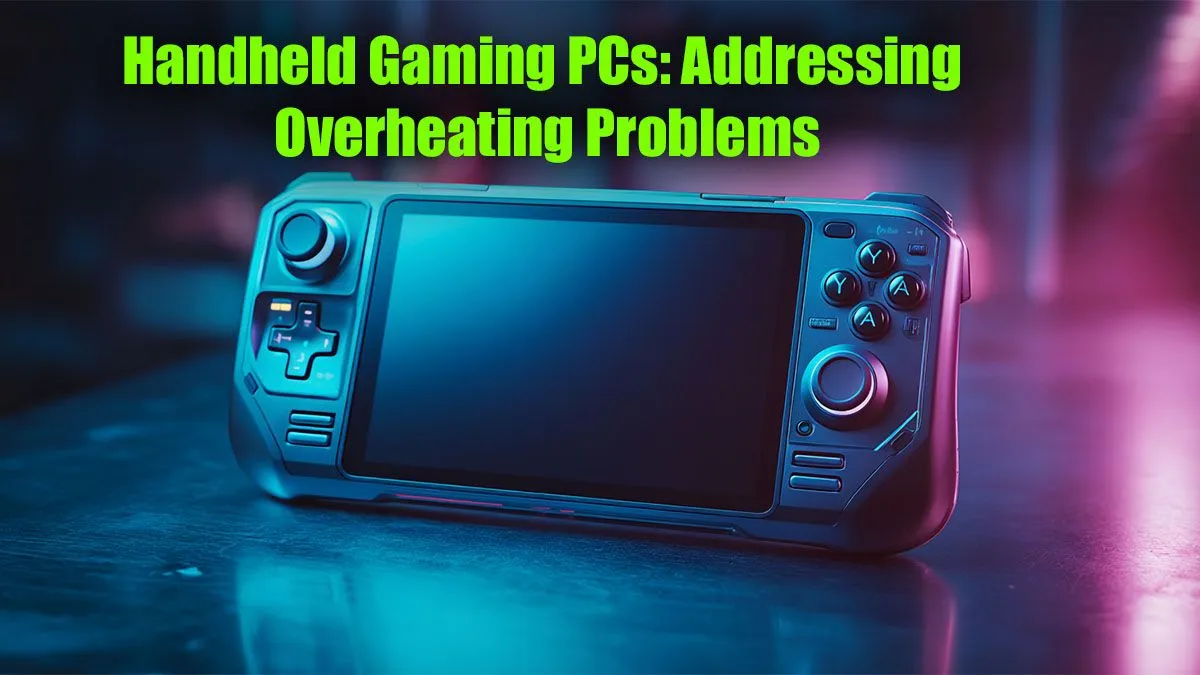
You’re deep into a tense firefight in Helldivers 2 on your ROG Ally, the action is frantic… and then it happens. Stutter. Lag. Your frames drop off a cliff. Your powerful portable rig is suddenly hot enough to brew a cup of rooibos tea. A handheld gaming PC overheating is more than just an annoyance; it’s a performance killer. But don’t stress, we’ve got the ultimate South African guide to keeping your cool.
Why Your Handheld Gaming PC is Overheating
Let's get straight to it. These compact powerhouses pack desktop-level components into a chassis smaller than a textbook. That incredible performance generates serious heat. When the built-in fans can't keep up, the system protects itself by "thermal throttling"—slashing performance to cool down.
Common culprits include:
- Blocked Vents: Fluff from your backpack or playing on a blanket can suffocate your device.
- Dust Buildup: Over time, dust clogs heatsinks and fans, trapping heat inside.
- Demanding Games: Pushing ultra settings at high resolutions will naturally work the hardware harder.
- Ambient Temperature: Gaming in the Highveld summer sun is a recipe for a hot handheld.
Solving a handheld gaming PC overheating issue often starts with the basics. A little maintenance can make a massive difference.
Simple Fixes for Handheld Overheating Issues
Before you think about complex mods, try these simple, effective strategies. You'll be surprised how much they can help restore your performance.
1. Clean Your Vents & Check Your Environment 🔧
This is the easiest win. Take a look at your device's intake and exhaust vents. Are they clear? Use a soft brush or a can of compressed air (in short bursts!) to clear out any visible dust. Make it a habit. Keeping your gear in top shape is one of the most crucial tech essentials for longevity. Also, always play on a hard, flat surface to ensure maximum airflow.
2. Optimise Your In-Game & System Settings
You don't always need to run everything on Ultra. Lowering shadows or texture quality a notch can significantly reduce the load on the GPU and APU, leading to lower temperatures and more stable framerates.
Most handhelds, like the Steam Deck, also allow you to adjust the Thermal Design Power (TDP). Lowering the TDP limits the wattage the processor can draw, directly reducing heat output. It’s a trade-off, but finding the sweet spot for each game preserves battery life and keeps things cool.
Fan Control Pro Tip ⚡
Many handheld PCs offer software utilities (like Armoury Crate on the ROG Ally) that let you set custom fan curves. Don't be afraid to experiment! Setting your fans to spin up more aggressively at lower temperatures can prevent heat from building up in the first place, stopping thermal throttling before it even starts.
3. Upgrade Your Components Strategically
While you're optimising your handheld for cool performance, don't let poor audio or slow loading times ruin the immersion. A great headset helps you focus on the game, not the whir of your fans. You can find some excellent options in our best gaming headset deals to complete your portable setup. Similarly, upgrading your internal storage with one of the best SSD deals in South Africa can reduce load times, meaning the system spends less time working at 100% just to get you into the game.
Advanced Cooling Solutions ✨
If software tweaks aren't enough, it might be time to look at hardware. Many companies now make external cooling fans that clip onto the back of popular handhelds. These accessories actively pull hot air away from the chassis, providing a significant thermal boost. While you're browsing for a solution, you might find other useful items in our wide range of gaming accessories deals to enhance your on-the-go experience.
Ultimately, preventing your handheld PC from overheating is about smart management. By keeping it clean, optimising settings, and considering a few key accessories, you can ensure smooth, throttle-free gaming sessions no matter where you are.
Ready to Optimise Your On-the-Go Rig? Tackling handheld gaming PC overheating puts the power back in your hands. For every other part of your setup, from high-speed storage to crystal-clear audio, Evetech has you covered. Explore our massive range of gaming accessories and find the perfect gear to conquer your world.









