

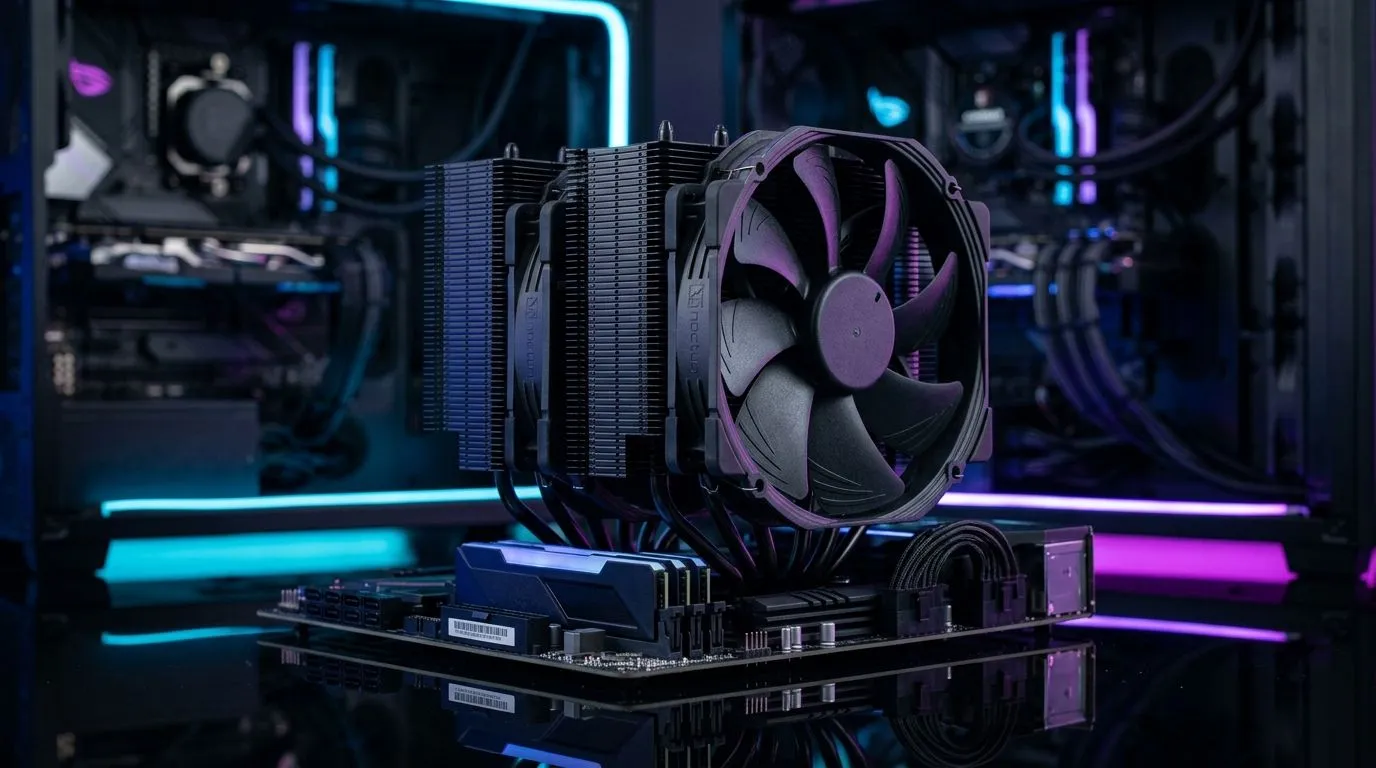
How to Fix Loud PC Fans Without Losing Cooling Performance ⚡
Nothing kills the immersion like your PC’s fans sounding like a jet engine during that crucial raid or intense battle. Loud PC fans aren’t just annoying; they can signal airflow issues or inefficient cooling setups. South African gamers want peace and power—cool your rig quietly without compromising performance. Let’s explore effective ways to fix loud PC fans without losing cooling performance, so your system stays chill and stealthy.
Diagnosing the Root Cause of Loud PC Fans
Before rushing to replace fans, pinpoint why yours are noisy. Sometimes dust buildup or loose screws cause vibrations that ramp noise unnecessarily. Also, check your fan curves in BIOS or software to see if speeds spike too high under light loads.
If your case fans are older models or low quality, they might struggle to balance airflow and noise. Upgrading to smarter fans designed for silent performance is often the best fix. Visit Evetech’s extensive range of case fans to find options tailored to your needs.
Choosing the Right Fan Size and Type for Quiet Cooling 🔧
Fan size impacts both noise and airflow. Larger fans (like 140mm) can push the same air at lower RPMs than smaller 120mm fans, making them quieter. Evetech offers 120mm case fans and 140mm case fans to suit different builds.
Also, consider fans without RGB lighting if silence is a priority—sometimes LEDs add electrical noise or extra components. Browse non-RGB fans for a simpler, quieter setup.
Conversely, if you love cool lighting effects without loud noise, brands like Corsair have RGB fans that balance aesthetics and acoustics well.
Brand and Build Quality Make a Difference
Not all fans are built alike. Brands matter, especially if you want to reduce loud PC fans while keeping airflow strong. Corsair and Deepcool stand out for quality and quiet operation. Review the Corsair case fans and Deepcool case fans ranges for proven reliability.
Higher build quality means better bearings, balanced blades, and smoother motors—these reduce vibrations that cause noise spikes. It’s wise to invest in these components if silent gaming matters to you.
Optimising Fan Settings for Quieter Performance 🚀
Your BIOS or fan control software is your best friend when taming loud PC fans. Fan speed curves allow gradual ramp-up instead of sudden surges. Lower your default fan speeds slightly and monitor temperatures to find a quieter balance without sacrificing cooling.
Fan Curve Tuning Tip
Start by lowering your fan curve by about 10%. You might shave off noticeable noise, while still keeping temps in check.
Try also adjusting profiles between ‘quiet’, ‘balanced’, or ‘performance’ modes based on your session type—gaming or streaming.
Keeping Your PC Clean and Smooth
Dust accumulation restricts airflow and forces fans to spin faster—making them louder. Regularly clean dust filters, fan blades, and vents. Also, check fan mounts and screws; snug fitment prevents rattles.
Final Thought: Small Changes, Big Impact
Fixing loud PC fans without losing cooling performance is about combining hardware upgrades with smart tweaks. Between picking the right fan sizes and models, and fine-tuning your fan profiles, you’ll reclaim your gaming focus.
Start exploring different fan options on Evetech’s page for case fans to elevate your PC’s silence and chill factor.
Upgrade Your Rig’s Cooling Today! Don’t settle for noisy gameplay—Shop now at Evetech to find case fans that deliver quiet cooling with top performance.











