

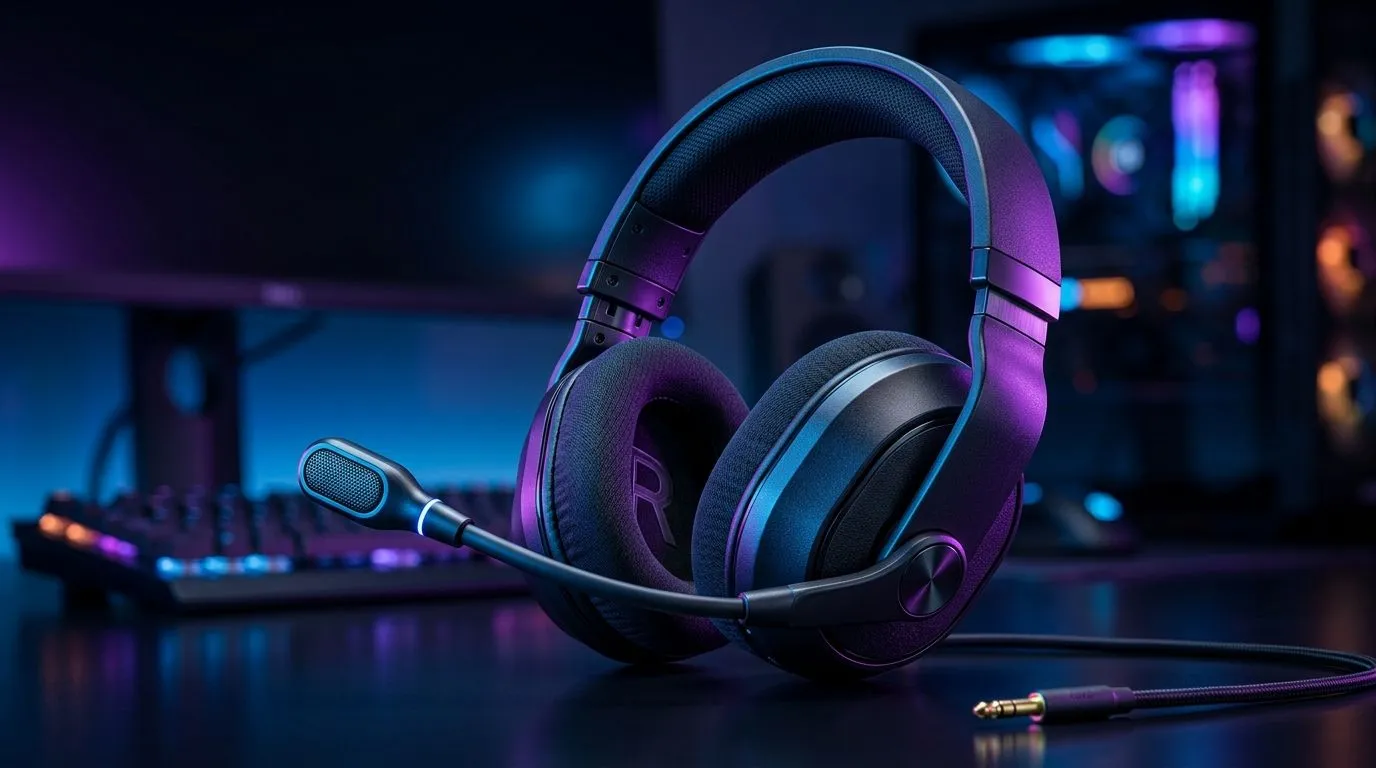
Fix Poor Mic Quality on Gaming Headsets for Clear Voice Chat: Start with the quick wins
Gaming nights die quietly when teammates start saying “bro, you sound far away” or “your mic is muffled”. Fixing poor mic quality on gaming headsets is usually faster than you think… and it can instantly level up your comms in Fortnite, Valorant, or Warzone. 🔧
In this guide, we’ll walk through the most common causes (and the fixes) for clear voice chat, plus how to choose a headset that helps your voice sound closer and cleaner.
Fix Poor Mic Quality on Gaming Headsets for Clear Voice Chat: Check settings before you buy anything
Before you swap hardware, make sure your voice path is correct. Most “bad mic” reports are actually Windows or app settings.
Windows + Discord essentials
- Correct input device: In Windows Sound settings, select the headset mic as the default input.
- Disable “Enhancements” if voice sounds distorted: Some audio enhancements can worsen clarity.
- Discord input mode: Use Automatic Gain Control only if your volume is wildly inconsistent. If you already sound consistent, try lowering noise processing.
In-game voice settings
Some shooters have separate sliders for voice volume and mic sensitivity. If mic sensitivity is too high, background noise gets amplified. If it’s too low, your voice won’t register.
Productivity Pro Tip ✨
On Windows, open Sound settings and quickly test changes by recording a 10-second voice memo. It’s the fastest way to hear whether the fix improved clarity, before you jump into a match.
Fix Poor Mic Quality on Gaming Headsets for Clear Voice Chat: Position, distance, and background noise
Even a great mic struggles if it’s working at the wrong distance. For many headset booms, the mic should sit roughly one fist-width from your mouth, angled slightly downward.
Also look for these real-world issues:
- Breathing and plosives: If your “P” and “B” sounds are harsh, tilt the mic a little and speak across it.
- Background audio: Fans, open windows, and TV audio can trigger noise suppression.
- Headset fit: A loose seal can make your voice sound thin, especially on closed-back designs.
Fix Poor Mic Quality on Gaming Headsets for Clear Voice Chat: Upgrade the hardware with the right headset traits
If your mic stays muddy after settings and positioning, it’s time to consider hardware. When buying in South Africa, prioritise:
- Microphone clarity and directional pickup (boom mics usually help)
- Comfort for longer sessions (a better fit improves consistency)
- Closed-back design to reduce spill noise
If you’re shopping now, the Razer Barracuda X Chroma Wireless is a solid option for gamers who want reliable comms and comfort. For current availability and deals in ZAR, check:
Want more choices across Razer models? Start here:
If you’re browsing by category, these links are great when you want to compare what’s on the shelf:
- Gaming headset headsets on Evetech
- Headphone headsets with 7.1 options
- Headphone headsets with stereo audio
Fix Poor Mic Quality on Gaming Headsets for Clear Voice Chat: A simple checklist that works
Here’s a practical “fix order” for your next match night:
- Select the correct input device (no wrong mic).
- Record 10 seconds and listen back.
- Adjust mic gain or Discord sensitivity.
- Reposition the boom mic and reduce background noise.
- Only then consider an upgrade for better pickup.
Do this once, and your voice chat stops sounding like you’re underwater… and starts sounding like you’re in the same room. 🚀
Ready to Find Your Perfect Match? The Mac vs Windows debate is complex, but for maximum power, choice, and value in South Africa, Windows is hard to beat. Explore our massive range of laptop specials and find the perfect machine to conquer your world.











