

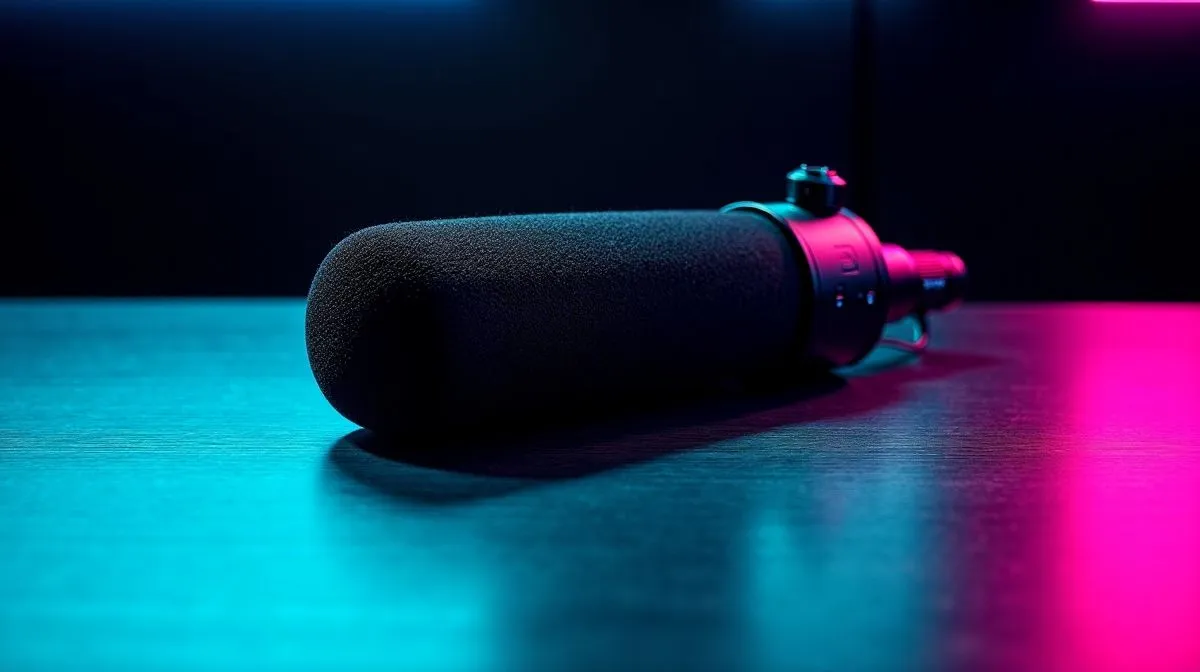
Fix Poor Voice Chat Quality in Gaming with Studio Mics: what’s really going on?
Ever hop into a ranked match and hear your own voice crackle… or your squad sounds like they’re underwater? 😅 In South Africa, where load shedding, variable latency, and Wi‑Fi quirks are real, voice chat issues often aren’t “your mic”… they’re a stack of small problems. The good news? With the right setup and a few settings tweaks, you can fix poor voice chat quality in gaming quickly. 🔧
Fix Poor Voice Chat Quality in Gaming with Studio Mics: start with the basics (and remove the noise)
Before you buy anything, do the cheap fixes. Most bad voice chat quality comes from gain being too high, the wrong input device, or background noise overwhelming the signal.
1) Check your input device in-game and in Windows
Even if you “picked your mic”, games can still default to something else. Confirm:
- Your studio mic (or headset mic) is selected as the input device in the game and Discord.
- Your Windows privacy permissions allow microphone access.
2) Set gain properly (clipping is brutal)
If your voice suddenly turns harsh or distorted, your mic gain is probably too high. Aim for consistent levels without peaks. When in doubt: lower gain first, then increase in software if you must.
3) Position matters more than you think
Studio mics like to be used close and aimed slightly off-axis to reduce plosive “P” and “B” bursts. Try 10–15 cm away and use a pop filter if you have one. ✨
Productivity Pro Tip 🔧
On Windows, open Sound settings and set your microphone as the default input. Then test your input level in the same menu. If peaks clip (you see the meter max out), reduce microphone level or boost in software; clipping will sound worse than a slightly quieter voice.
Fix Poor Voice Chat Quality in Gaming with Studio Mics: studio mics vs headset mics (what to choose)
Studio mics can sound cleaner because they’re designed for voice capture and often have better sensitivity control than typical boom mics. But they’re not magic. You still need:
- Stable audio input
- Noise reduction that doesn’t “mangle” speech
- Correct monitoring so you don’t crank gain to hear yourself
If you’re buying gear in SA, it’s worth choosing a headset or mic that fits how you game. For example, a wired headset can be more consistent on chat quality than wireless if your Wi‑Fi or Bluetooth gets flaky.
For gamers shopping today, you can browse Evetech’s range of headset options here:
- If you want a well-reviewed wireless option, start with the Razer Barracuda X Chroma deal: Razer Barracuda X Chroma Wireless Headset (Phantom White)
- If you prefer comparing multiple headphone/mic styles, use this category overview: Razer Headphones & Headsets
- Or explore broader headset models across the board: Headphone Headsets
Fix Poor Voice Chat Quality in Gaming with Studio Mics: settings that stop “robot chat”
Now the part that fixes most squad complaints…
Use the right chat mode (and don’t fight it)
- Turn off extra mic effects inside your game if you’re also using Discord noise suppression.
- If you’re using voice effects, start conservative. Over-processing creates that robotic, watery sound.
Tame background noise with a single tool
Pick one noise reducer (Discord, Windows, or streaming software). Stacking multiple tools usually makes voices sound gated or hollow.
Validate with a 30-second test
Do a quick test call:
- Speak at normal volume.
- Then speak loudly like you’re hyped mid-push.
- If your voice collapses or distorts at the loud part, reduce gain and adjust output later.
Choose audio settings that match your gear
If your system supports it, ensure you’re using the expected audio mode (Stereo vs 7.1). Wrong modes can feel like “thin” voice or odd echo.
You can compare audio mode options in Evetech listings like:
By the way… if your squad says you’re “fine” but you still hear yourself as echoey, check your monitoring settings. Self-monitoring can trick you into overcompensating.
Fix Poor Voice Chat Quality in Gaming with Studio Mics: final checklist before the next match
- Correct input device selected (Windows + game + Discord)
- Gain lowered until peaks don’t clip 🔥
- Mic placed consistently at 10–15 cm (pop filter if possible)
- Only one noise reduction tool enabled
- Audio mode set correctly (Stereo or 7.1 for your setup)
If you want smoother comms for Apex, Fortnite, Valorant, or even co-op work, this checklist gets you there faster than random driver installs.
Ready to Find Your Perfect Match? The Mac vs Windows debate is complex, but for maximum power, choice, and value in South Africa, Windows is hard to beat. Explore our massive range of laptop specials and find the perfect machine to conquer your world.











