

Troubleshooting Your Connection Without a Router Swap
We have all been there... you are deep into a competitive match, your ping spikes, and suddenly your character is rubber-banding across the map. Before you blame your ISP or rush to replace your router, remember that your desktop’s wireless performance is often limited by internal hardware or environmental interference. You do not always need a hardware overhaul to stabilise your connection. 🚀
Optimising Your Wireless Hardware
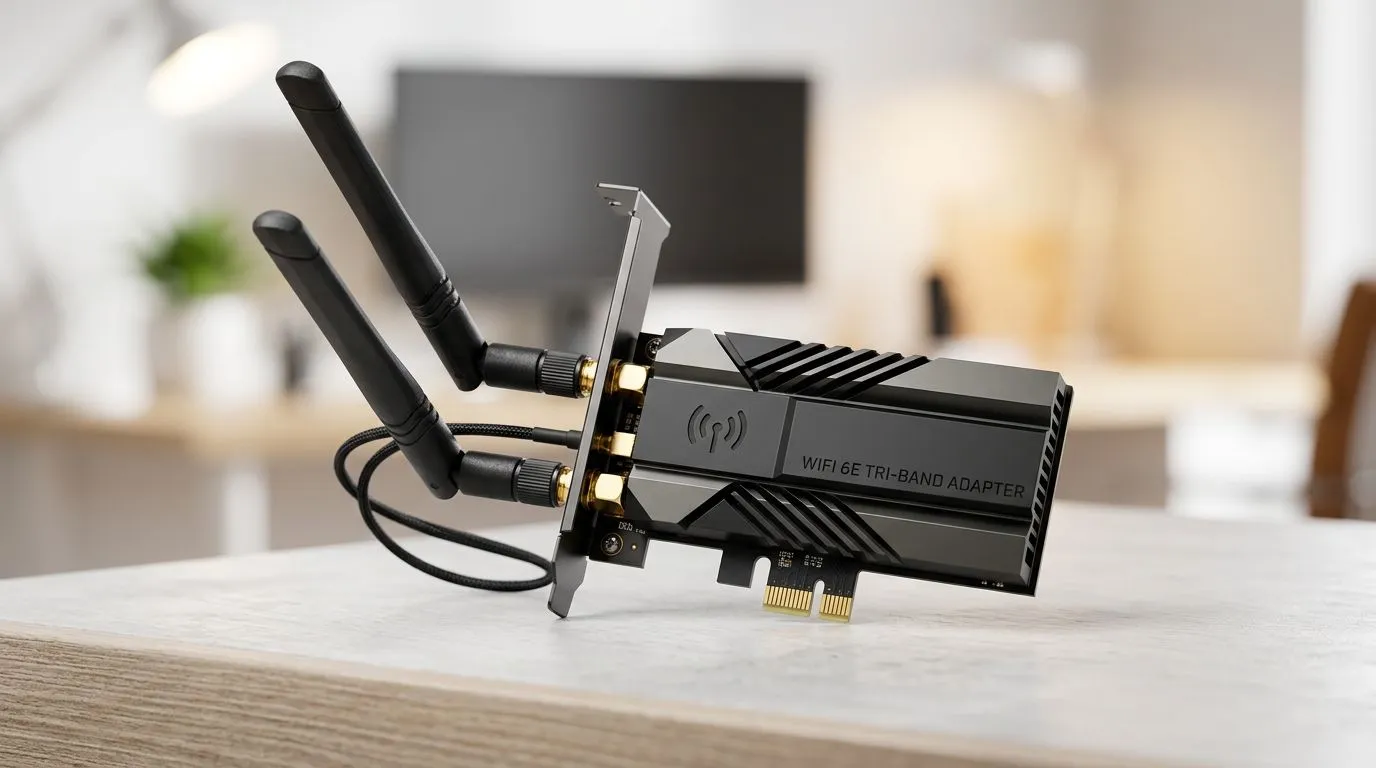
If your motherboard’s built-in Wi-Fi is struggling to keep up with modern fibre speeds, it might be time to look at dedicated hardware. Upgrading your internal or external network adapters can provide a massive boost to signal stability. Often, a dedicated card offers better antenna placement and superior heat management compared to the basic chips soldered onto budget boards.
Choosing the Right Signal Boosters
Not all Wi-Fi hardware is created equal. For those looking for reliable performance without breaking the bank, TP-LINK network adapters have become a staple in South African gaming rigs due to their consistent driver support and solid throughput. If you are struggling with dead zones in your home office, a high-gain adapter can often bridge the gap far better than a standard USB dongle. 🔧
Signal Stability Hack ⚡
Always ensure your Wi-Fi antennas are positioned vertically. If your PC is tucked under a metal desk, the signal is likely bouncing off the frame. Use a USB extension cable to move your adapter to a more open position on top of your desk for a cleaner line-of-sight to your router.
Reliable Connectivity on a Budget
If you want a balance between price and performance, Cudy network adapters are excellent for users who need a plug-and-play solution that just works. Whether you are downloading massive game updates or streaming in 4K, having a stable link is non-negotiable. ✨
Final Steps to Better Latency
Beyond hardware, check your Windows Power Plan. Sometimes, Windows will throttle your network card to save electricity. Go to your Device Manager, find your wireless adapter, and ensure "Allow the computer to turn off this device to save power" is unchecked. Small adjustments like these, combined with quality hardware, usually solve the most persistent connection issues. 🏁
Ready to Boost Your Connection? A slow connection shouldn't hold you back from victory. Whether you need a high-speed PCIe card or a robust USB solution, we have the hardware to get you back in the game. Explore our massive range of network adapters and experience the difference today.











