

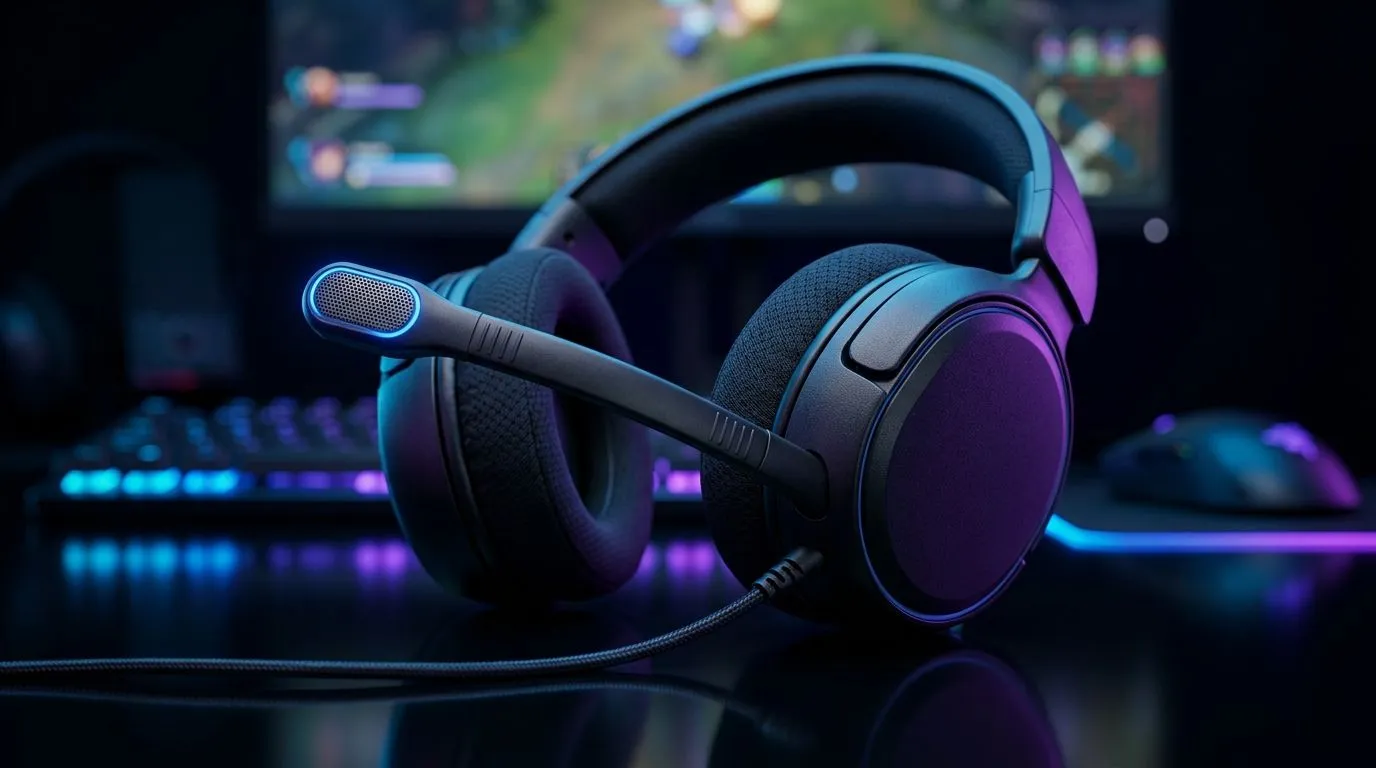
Flip-to-Mute Microphone Settings and Mic Monitoring for Clear Game Chat
Tired of embarrassing background noise during Ranked nights? Flip-to-mute microphone settings and mic monitoring for clear game chat can fix that fast. South African squads need crisp comms; a quick hardware mute or subtle monitor mix keeps shotcalls audible and banter friendly. This guide walks you through minimal setup, headset choices, and pro tips to stay heard without shouting. 🔧✨
Flip-to-Mute Microphone Settings and Mic Monitoring for Clear Game Chat ... Why it matters
Good voice comms reduce mistakes and boost team cohesion. Flip-to-mute hardware mics instantly silence noisy homes or kids, while mic monitoring lets you hear your own voice level so you don’t overcompensate. For reliable hardware, check curated PlayStation options if you game on PS5 or PS4: https://www.evetech.co.za/buy-playstation-headsets/x/1575.aspx provides suitable picks. For Xbox players, find compatible designs here: https://www.evetech.co.za/buy-xbox-headsets/x/1576.aspx.
Flip-to-Mute Microphone Settings and Mic Monitoring for Clear Game Chat ... Setup tips
Start with Windows or console audio settings. Enable mic monitoring (sometimes called sidetone) so you hear yourself at low latency. If your headset uses inline flip mutes, practice the flip during warm-ups to make it reflexive. For wired reliability, consider wired headsets listed at https://www.evetech.co.za/buy-wired-headset/x/1577.aspx; for wireless freedom, browse options at https://www.evetech.co.za/buy-wireless-headset/x/1578.aspx. Small tweaks: lower mic boost and move the mic slightly off-axis to reduce plosive pops. 🎧
Quick Mic Monitoring Tip
If your voice sounds distant, increase sidetone slightly and drop system game volume by 5–10% so teammates stay loud but your mic stays centred. Practise in a private party first.
Microphone position matters. Aim for 2–3 cm from the mouth, angled to avoid breath. Flip-to-mute switches are invaluable for in-game rage control and real-life interruptions... you’ll thank yourself during long sessions. If you want a broader shopping sweep, Evetech’s headset deals page helps compare features and discounts: https://www.evetech.co.za/best-gaming-headset-deals/x/053.aspx. For technical lovers who want more models and specs, the full headset and headphone catalogue is here: https://www.evetech.co.za/components/headphone-headsets-100.aspx.
Flip-to-Mute Microphone Settings and Mic Monitoring for Clear Game Chat ... Final thoughts
Practice makes the setup instinctive. Combine flip-to-mute hardware with mic monitoring to maintain clarity without yelling. Test in quick lobbies, note adjustments, and pick a headset that matches your comfort and platform. Local gamers value value and durability; Evetech stock covers affordable to premium rigs suited to South African conditions. 🚀
Want hands-on help? Evetech's support team can advise on headset features, compatibility and whether flip-to-mute or mic monitoring suits your rig. Try quick A/B tests with party chat, record a 30-second clip, and listen back to check compression and noise gates. Small checks save Rands and hours of frustration when tournament time arrives. Shop smart; compare specs and warranties for the best ZAR value right now.
Ready to Find Your Perfect Match? The Mac vs Windows debate is complex, but for maximum power, choice, and value in South Africa, Windows is hard to beat. Explore our massive range of laptop specials and find the perfect machine to conquer your world.











