

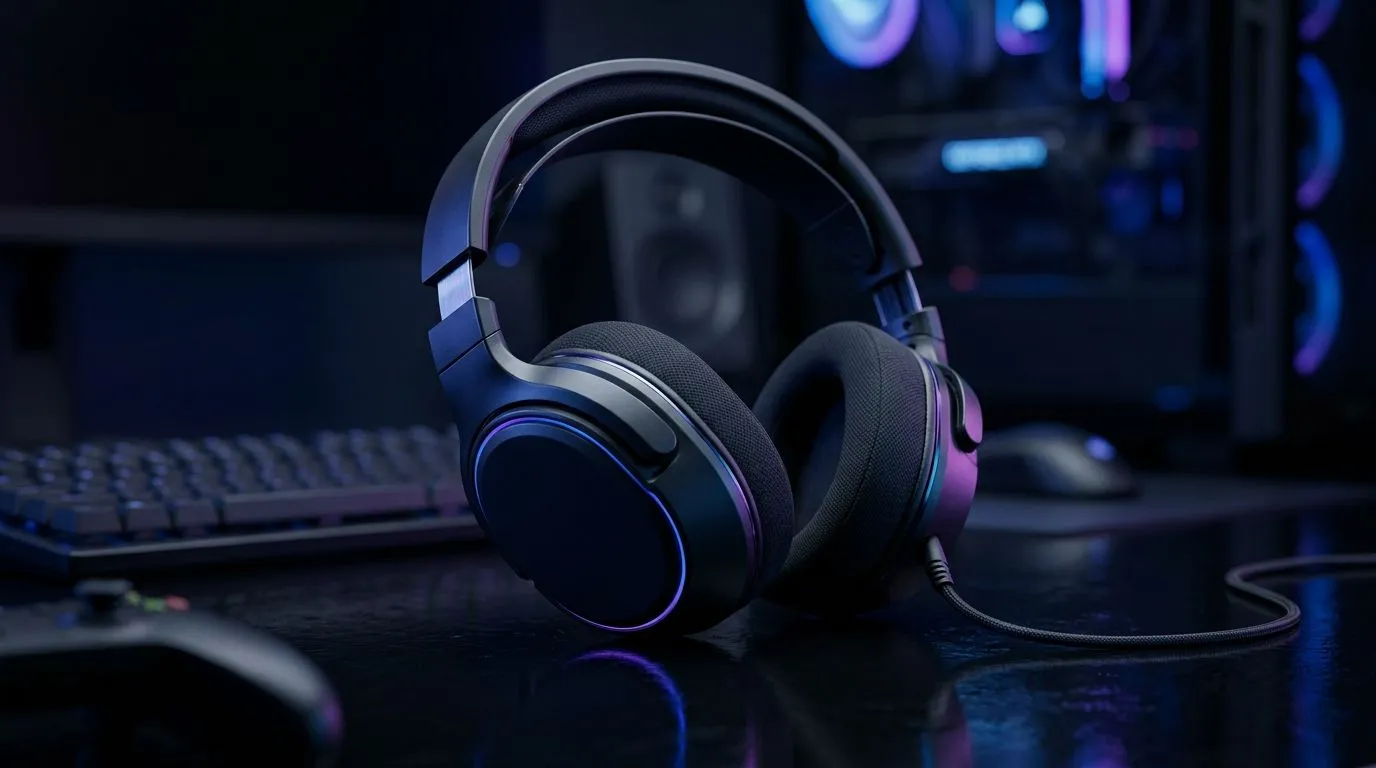
Footsteps Not Clear: Fix Positional Audio in Headsets for Better SA FPS Accuracy
South African gamers know the pain… you hear movement, but it sounds like it’s coming from the wrong direction. In Counter-Strike, Valorant, Warzone or Apex, even small audio errors can cost rounds. If your “footsteps” feel flat or muddy, you’re not imagining things. Positional audio depends on how your headset simulates space, and on your settings in Windows or in-game. Let’s fix it properly 🔧
Why “Footsteps Not Clear” Happens (And What to Change First)
Most issues fall into three buckets: wrong audio mode (stereo vs surround), headset features fighting your game settings, or a poor EQ/preset for competitive play. Here’s the fast diagnostic:
- Confirm your output device: Windows can send sound to a different “headset” profile than you think.
- Avoid stacking surround modes: If your headset software enables virtual surround and the game also enables it, you can get confusing placement.
- Check positional audio support: Some headsets perform better with stereo + good imaging, while others need a specific mode.
If you’re shopping too, the right headset matters. For example, Evetech lists Razer headsets across different lineup options, plus you can browse their headphone-and-headset collections to compare models by audio type. Start here for options that match your play style:
Explore Evetech’s Razer headsets and headphones range
Footsteps Not Clear: Fix Positional Audio in Headsets (Windows + Game Settings)
On Windows, the best approach is simple: set a clean output and let one system do the spatial processing.
Windows output sanity check
- Right-click the speaker icon → choose your headset.
- Turn off any extra “virtual surround” options in headset software temporarily.
- Test with a short audio clip in multiple directions (left/right and front/back).
In-game settings that usually fix it
Look for options like:
- Audio Output Mode (Stereo / Headphones / Surround)
- Headset/3D Audio toggle
- Equaliser or “Sound Presets”
Switch between Stereo and surround and see which one keeps footsteps “anchored” instead of smeared.
Productivity Pro Tip ✨
On Windows, keep positional audio consistent by using a single source for spatial processing. If you enable virtual surround in your headset app, set the game to Stereo. If you want the game to handle positioning, disable headset surround. This prevents double-processing, which is a common reason footsteps feel off. It's a quick A B test that takes less than 5 minutes.
If you’re using EQ or presets
Avoid heavy bass boosters for competitive FPS. Extra low-end can mask footstep transients. Aim for:
- slightly reduced bass
- boosted presence/upper mids
- unchanged or gently smoothed highs
Choosing Headsets to Fix Footsteps Not Clear: What to Look For
When footsteps are unclear, you’re often fighting either imaging quality or the wrong audio profile. Look for headsets that are known for clear imaging and configurable modes.
If you want a wireless option with strong tuning for everyday use, check out:
Razer Barracuda X Chroma Wireless Headset (Phantom White)
Prefer to browse by category first? Evetech’s selections make it easier to compare sets:
Browse headphone and headset options on Evetech
And if you’re specifically shopping around multichannel options, you can filter by audio type here:
Compare 7.1 headphone-headsets at Evetech
For competitive players who often stick with cleaner imaging, you may prefer stereo-focused models:
Compare Stereo headphone-headsets at Evetech
Footsteps Not Clear: Fix Positional Audio in Headsets for Consistent Clutches
Once you’ve found the right combination, lock it in. Save your headset profile, keep the same Windows output, and don’t switch between surround modes mid-season. Consistency builds “sound memory”, and that’s what helps you react faster under pressure. ⚡
If you want the quickest path to clarity, start with Stereo + one spatial processor, then tune with small EQ changes. Your next clutch starts with better placement… not louder volume.
Ready to Find Your Perfect Match? The Mac vs Windows debate is complex, but for maximum power, choice, and value in South Africa, Windows is hard to beat. Explore our massive range of laptop specials and find the perfect machine to conquer your world.











