

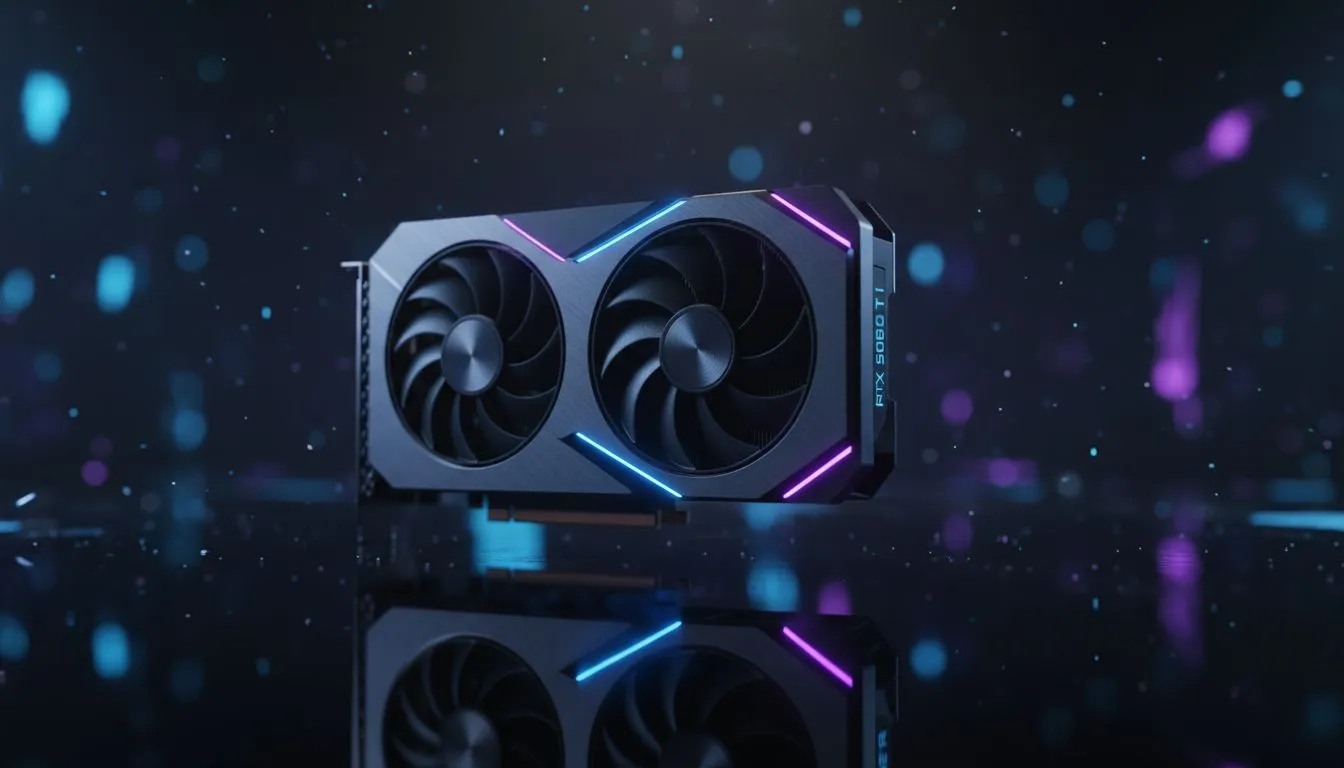
Understanding Fortnite Frame Gen: Input Lag vs FPS on RTX 5060 Ti
Every millisecond counts when you are in the final circle of a Fortnite match. With the RTX 5060 Ti, South African gamers are asking if Frame Gen is worth the potential trade-off. Is the smoother visual experience better than raw responsiveness? Let’s dive into the data to see if you should toggle that setting or keep it off for competitive play. ⚡
When we talk about Fortnite Frame Gen: Input Lag vs FPS on RTX 5060 Ti, we are looking at NVIDIA’s DLSS 3 technology. This feature uses AI to insert extra frames between existing ones. On a mid-range powerhouse like the 5060 Ti, this can push your frame rates from 120 FPS to well over 200 FPS at 1440p. You can find a wide range of NVIDIA graphics cards that support this technology right now.
The FPS Boost vs The Latency Tax
The visual fluidity is undeniable. Moving through Mega City feels buttery smooth on a high-refresh monitor. However, the process of generating those frames adds a slight delay. This is known as system latency. For a casual player, 30ms of lag might be unnoticeable. For a competitive player, it could mean missing a crucial sniper shot.
If you are using premium MSI graphics cards, you often have access to superior cooling. This helps maintain stable clock speeds during intense build fights. Stable speeds help keep latency consistent... even when Frame Gen is active. 🚀
Optimising Your Setup for Competitive Play
To combat the "latency tax," NVIDIA includes Reflex technology. This feature is mandatory when Frame Gen is on. It works to synchronise the CPU and GPU. This reduces the time it takes for your mouse click to register on the screen. While NVIDIA leads this space, even budget-friendly Intel Arc graphics cards are starting to offer competitive frame-boosting alternatives for South African builders.
Latency Reduction Tip ⚡
Always enable NVIDIA Reflex to 'On + Boost' in the Fortnite settings menu. This forces the GPU to stay at higher clock speeds... even in CPU-bound scenarios. It significantly offsets the input lag introduced by Frame Generation technology.
Alternatives in the South African Market
Not every user needs AI-generated frames for gaming. Some professionals prefer raw power for rendering and creative tasks. In these cases, workstation graphics cards might be a better investment than a gaming-focused 50-series card.
If you find that the input lag on the RTX 5060 Ti bothers you, consider the competition. The latest AMD Radeon graphics cards use Anti-Lag+ to keep things snappy. Many local players find that AMD provides a more "raw" feel... which some prefer for fast-paced shooters. ✨
Ultimately, the choice depends on your monitor. If you have a 240Hz screen, the extra frames from Frame Gen help fill that refresh rate. If you are on a 60Hz panel, the extra lag is not worth the visual gain. Always test your settings in Creative mode before jumping into a Ranked match.
Ready to Upgrade Your Gaming Rig? Finding the balance between high FPS and low latency is easier with the right hardware. Whether you want the latest RTX tech or a high-value alternative, we have the best deals in ZAR. Explore our massive range of graphics card specials and dominate the lobby today.











