

Optimising Your Fortnite Low End PC Settings
Dropping into Mega City only to have your screen freeze is a nightmare. If your frame rate tanks during a build fight, you need a solution fast. Finding the right Fortnite low end PC settings is the best way to fix lag on budget PCs without spending a fortune. You don't need the latest gear to stay competitive in South Africa's growing esports scene. 🔧
Switch to Performance Mode for Instant Gains
The single biggest change you can make is switching your Rendering Mode to "Performance - Lower Graphical Fidelity". This setting is specifically designed to help older systems maintain a high frame rate by reducing the load on your CPU and GPU. It simplifies textures and removes unnecessary visual clutter. If you are still using a variety of older NVIDIA or ATI graphics cards, this mode is essential for a smooth experience.
Once Performance Mode is active, set your 3D Resolution to 100%. If things still feel sluggish, you can drop it to 75% for a massive boost... though things will look a bit more pixelated. Keep View Distance on "Medium" so you can still spot enemies before they spot you.
Tuning Your Hardware for Better Stability
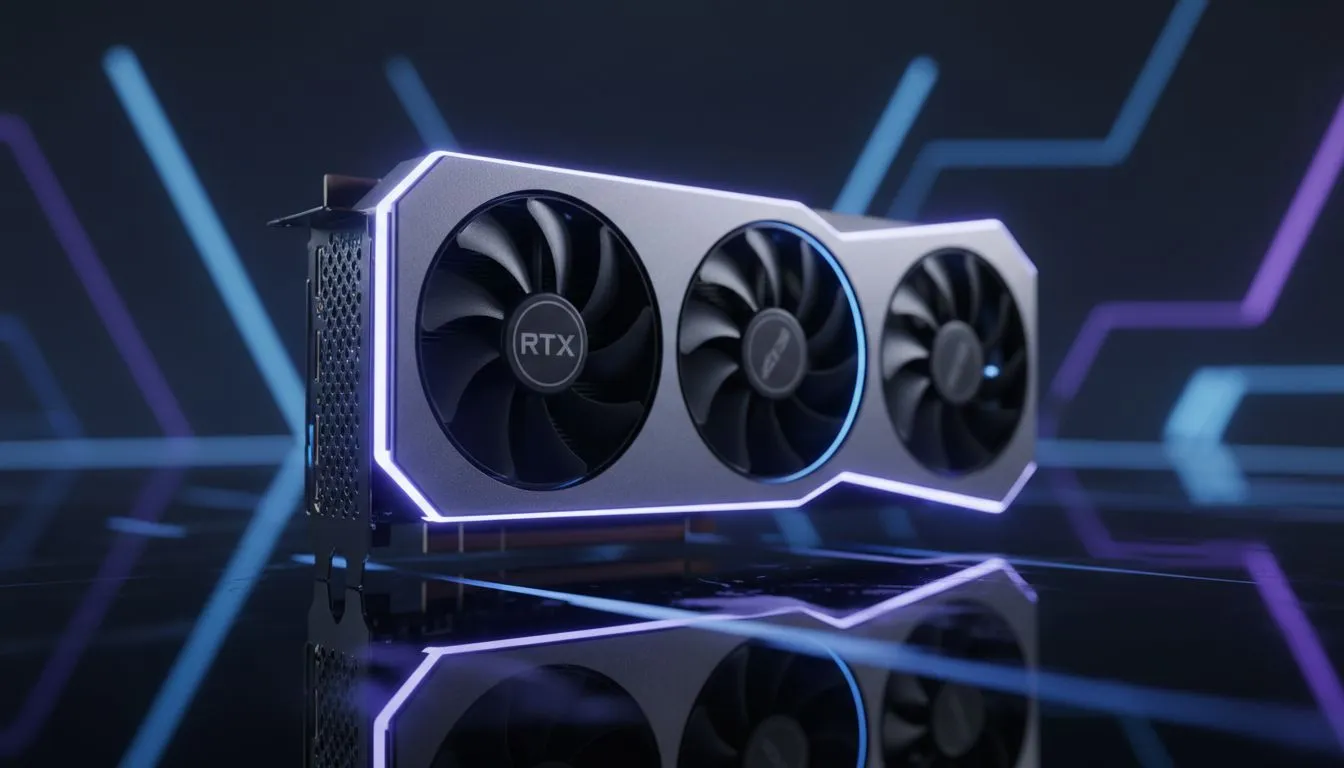
Sometimes software tweaks aren't enough to overcome hardware limitations. If you find your system stuttering even on low settings, it might be time for a small upgrade. Many local gamers find that switching to MSI graphics card models provides better cooling and more consistent clock speeds during long gaming sessions. ⚡
For those looking at newer tech that offers great value, the range of Intel Arc graphics cards has seen massive driver improvements. These cards now handle popular titles like Fortnite very well for the price. If you are on a strict budget, even entry-level AMD Radeon graphics cards can provide the VRAM needed to keep your textures from popping in and out. 🚀
Performance Pro Tip ⚡
Ensure your Windows Power Plan is set to "High Performance". This prevents your CPU from downclocking during intense fights. To do this, search for "Choose a power plan" in your Windows search bar and select the high-performance option. It is a simple way to squeeze extra frames out of your existing hardware without spending a cent.
Clean Up Your Background Processes
Lag isn't always caused by your graphics card. Background apps like Chrome or Discord can eat up your RAM. Before launching the game, close any unnecessary tasks. Some users even repurpose older workstation graphics cards for budget builds, which often require very clean Windows environments to perform at their peak in gaming scenarios.
Lastly, check your "Allow Multithreaded Rendering" setting in the Fortnite menu. If your CPU has more than four cores... which most modern budget chips do... keep this "On". It helps distribute the workload and prevents a single core from becoming a bottleneck.
Ready to Boost Your FPS? Don't let lag hold you back from your next Victory Royale. Whether you need a small upgrade or a total system overhaul, we have the best deals in South Africa. Explore our massive range of graphics cards and PC components to find the perfect hardware to fix your lag once and for all.











