

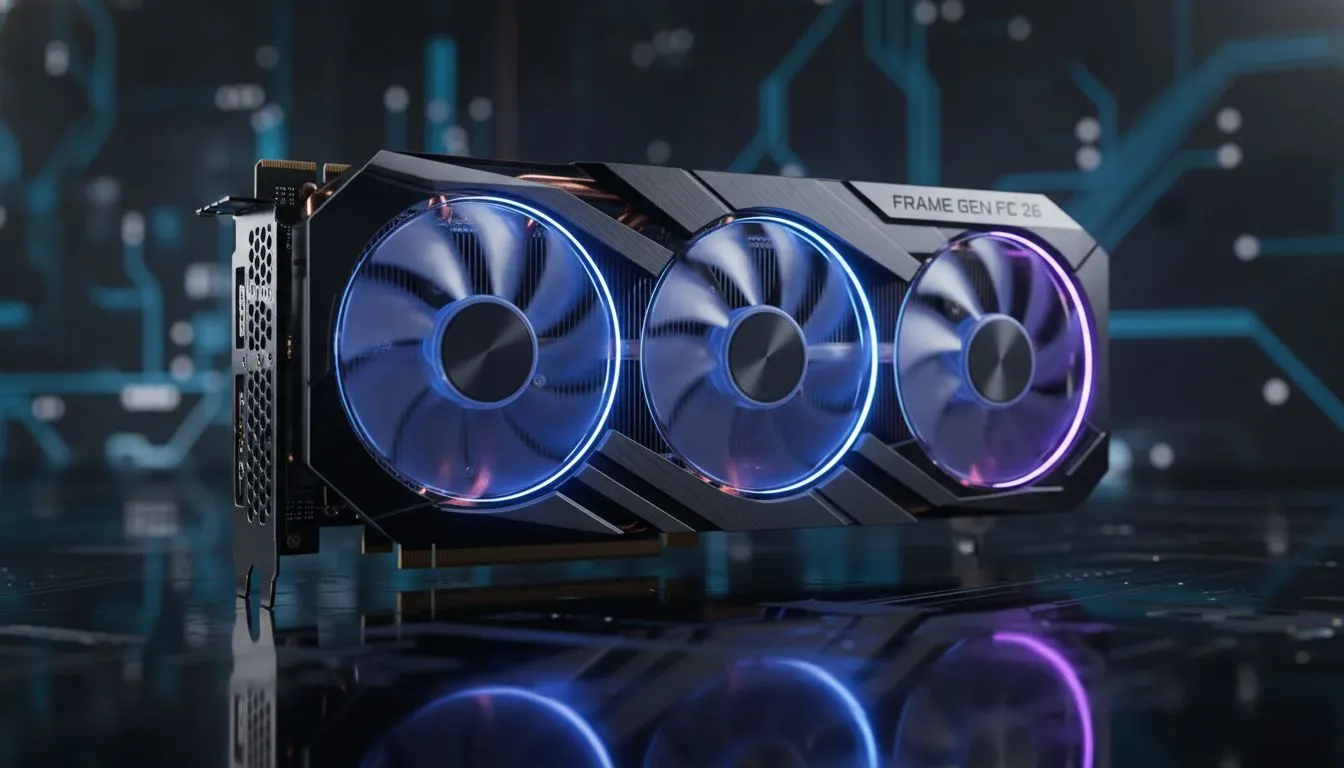
Understanding Frame Generation in FC 26
Struggling to time that perfect power shot in the dying minutes of a Weekend League match? In the high-stakes world of FC 26, every millisecond counts. While Frame Generation promises buttery-smooth visuals, South African gamers are asking the ultimate question: does it come at the cost of responsiveness? Let’s dive into how Frame Generation in FC 26 affects your input lag and whether you should keep it on.
The technology behind frame interpolation is fascinating. It uses AI to insert synthetic frames between traditionally rendered ones. This effectively doubles your perceived frame rate, making the player movements look incredibly fluid. However, this process requires a powerful GPU to handle the real-time analysis. If you are looking to upgrade your rig for the new season, checking out the latest NVIDIA and ATI graphics cards is the first step toward a smoother pitch experience.
The Impact of Frame Generation on Input Lag
The core issue with Frame Generation in FC 26 is the inherent "processing tax." Because the GPU must analyse two sequential frames before it can generate the middle one, a tiny delay is introduced. For casual players, this might not be noticeable. For those using high-end MSI graphics cards, the impact is often mitigated by dedicated hardware encoders, but the lag remains a factor in competitive play.
In a game where a mistimed tackle leads to a penalty, that extra 10ms to 20ms of latency can feel like moving through mud. This is why many professional players choose to disable the feature in favour of raw, native performance.
Latency Pro Tip ⚡
If you decide to use Frame Generation, always ensure that NVIDIA Reflex or AMD Anti-Lag is enabled in your game settings. These technologies help synchronise the CPU and GPU, significantly reducing the "wait time" for frames and making the controls feel much snappier during intense matches.
Balancing Visuals and Performance
It is not just a "Green Team" game anymore. Many local gamers prefer the raw value offered when they buy AMD Radeon graphics cards. AMD’s FSR 3.1 technology also offers frame interpolation, and while it improves visual flow, the input lag trade-off is still present.
Even gamers experimenting with Intel Arc graphics cards can now enjoy competitive frame rates in modern titles. The key is to test your specific setup. If your monitor has a high refresh rate, say 144Hz or 240Hz, you might find that the extra smoothness of Frame Generation outweighs the slight lag. However, on a standard 60Hz display, the added latency usually feels more pronounced.
Optimising Your Setup for Competitive Play
While most players stick to gaming GPUs, some multi-purpose builds might utilise workstation graphics cards. These cards focus on stability and precision, but they can still deliver a decent FC 26 experience if the driver support is there. Regardless of your hardware, the goal is consistency.
If you notice your players feeling "heavy" or unresponsive, try turning Frame Generation off and lowering your resolution scale instead. High FPS is great, but in the world of FC 26, timing is everything.
Ready to Dominate the Pitch? Finding the right balance between FPS and latency is the key to winning more matches in FC 26. Explore our massive range of graphics cards and find the perfect hardware to keep your game responsive and smooth.











