

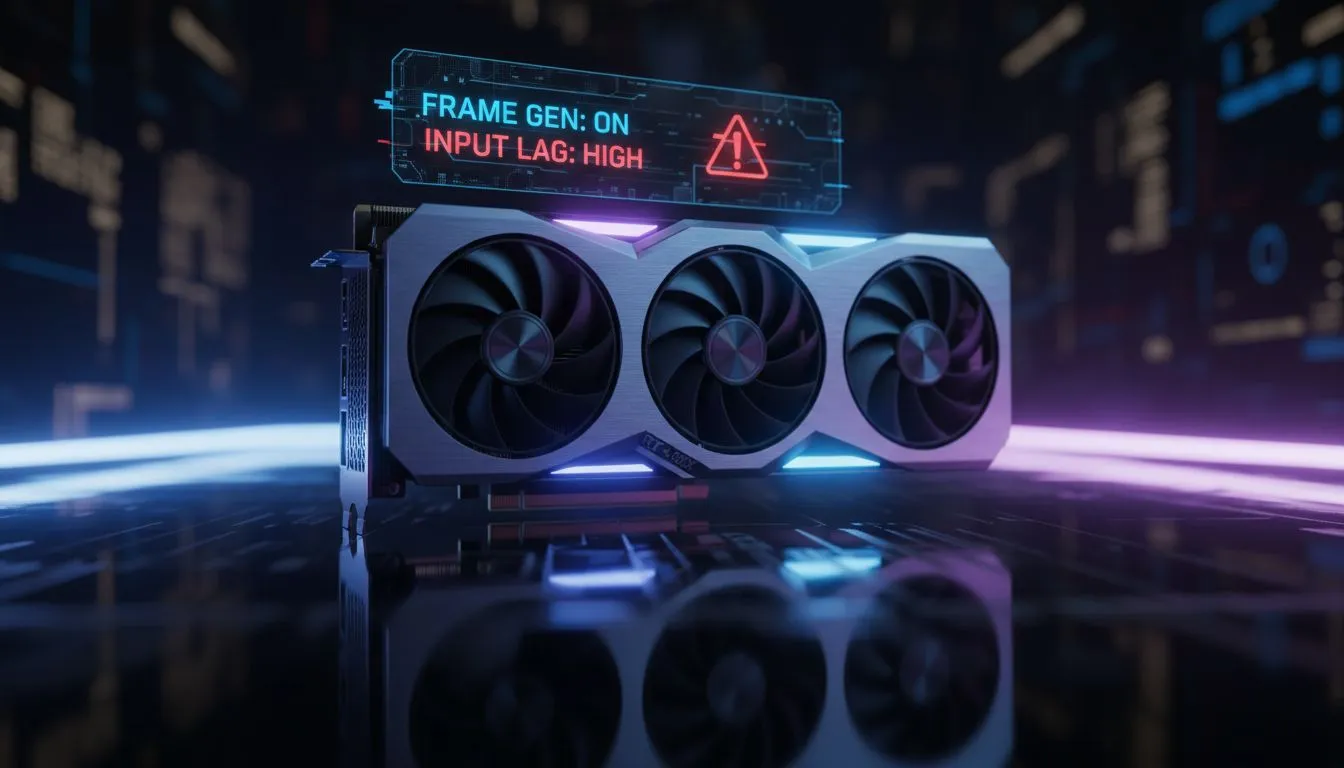
How Frame Generation Works in Tactical Shooters
Valorant players in South Africa are obsessed with frames. We want that 240Hz or 360Hz smoothness to land every headshot. When NVIDIA and AMD introduced frame generation... it felt like a free upgrade for every PC. But in a tactical shooter where latency is king... extra frames might actually cost you the round. This Frame Generation Valorant guide explores why that Input Lag Warning on your screen matters more than a high FPS counter.
Frame generation uses AI to insert "fake" frames between real ones. While this makes movement look buttery smooth... it creates a hidden delay. The GPU has to wait for two real frames before it can generate the middle one. For casual titles... this is fine. For Valorant... it can be a disaster. If you are starting your competitive journey... our budget gaming PCs provide a solid foundation for high native performance without relying on AI tricks. ✨
The Hidden Cost of Artificial Smoothness
The biggest issue is "system latency." When you click your mouse... you want the bullet to fire instantly. Frame generation adds a buffer that increases the time between your physical movement and the on-screen action. Even with NVIDIA Reflex enabled... the delay is often higher than playing with lower, native frames.
Many pre-built PC deals now feature cards capable of this tech... but professional players almost always leave it off. In a game where 20 milliseconds is the difference between a win and a loss... you cannot afford artificial lag. ⚡
Latency Pro Tip ⚡
Always prioritise "NVIDIA Reflex Low Latency" set to "On + Boost" in your Valorant settings. This reduces the render queue and ensures your CPU and GPU are working in perfect sync... giving you the fastest possible response time regardless of your frame rate.
Balancing FPS and Latency for SA Gamers
If you are playing on a standard 60Hz monitor... you might not notice the slight floaty feeling. But if you have invested in a high-refresh-rate display... the difference is clear. To get high native FPS without the lag... you simply need more raw horsepower.
For most local players... you can buy PCs under R20k that comfortably push 200+ FPS in Valorant at 1080p. This is the "sweet spot" for competitive integrity. 🔧
If you are aiming for the top of the Radiant leaderboard... it is better to buy PCs above R20k that feature high-end CPUs like the Ryzen 7 7800X3D. These processors provide high "1% lows"... meaning your game stays smooth during heavy utility usage without needing frame generation. Keep an eye on the best gaming PC deals to find these high-performance components at the best value in South Africa.
Should You Ever Use It?
The only time to consider frame generation in Valorant is if your hardware is severely struggling to reach your monitor's refresh rate... and you don't mind a "floaty" mouse feel. For 99% of players... native performance is the only way to play. Don't let a fake frame count ruin your aim. 🚀
Ready to Dominate the Leaderboard? Don't let input lag hold you back from Radiant. Whether you need a budget-friendly starter or a top-tier beast... we have the right hardware to keep your response times low. Explore our best gaming PC deals and upgrade your setup today.











