

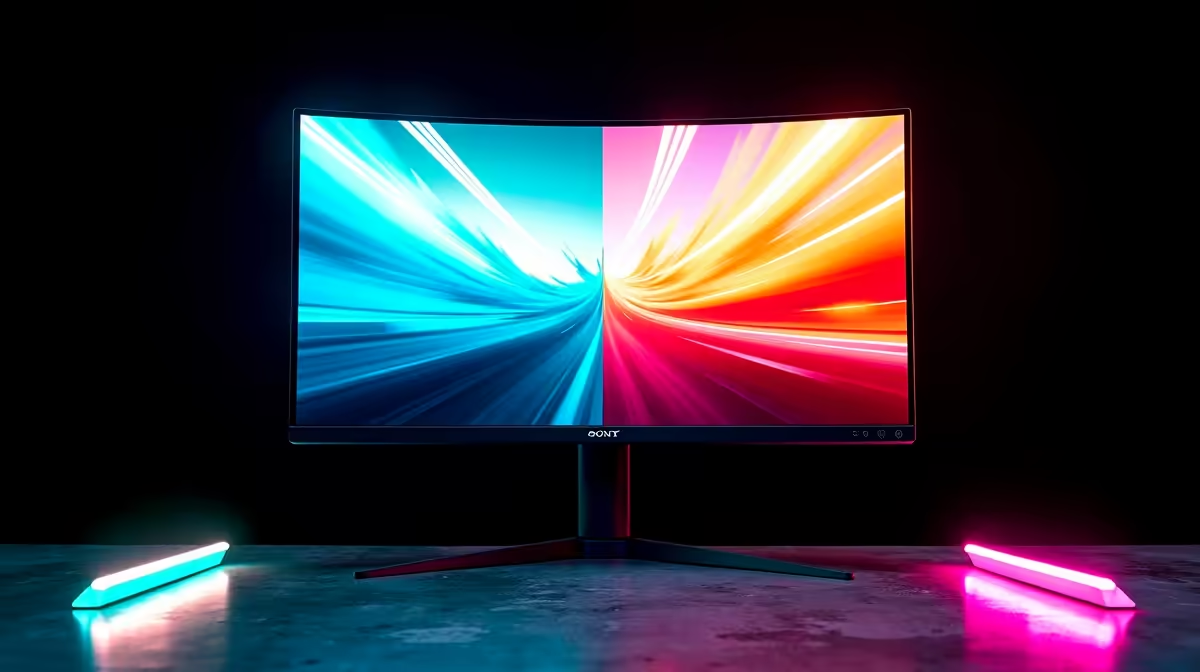
You’ve just unboxed your beastly new GPU, ready to crank everything to Ultra. You boot up your favourite game… and there it is. That ugly, horizontal line tearing across your screen, ruining the immersion. In South Africa, the battle against screen tear comes down to two champions: FreeSync and G-Sync. But with budgets being tight, the big question is which adaptive sync technology is cheaper? Let's settle the FreeSync vs G-Sync price South Africa debate.
What's the Deal with Adaptive Sync Anyway?
Before we talk rands and cents, let's quickly get on the same page. Screen tearing happens when your graphics card (GPU) sends out frames faster or slower than your monitor can display them. It's a mismatch, a visual glitch that pulls you right out of the action.
Adaptive sync technology forces your monitor to match its refresh rate to your GPU's frame rate in real-time. The result? Buttery-smooth gameplay with no tearing or stuttering. ✨
- NVIDIA G-Sync: This is NVIDIA's proprietary solution. It requires a special hardware module built directly into the monitor to manage the sync.
- AMD FreeSync: This is AMD's answer. It’s an open standard built on top of the DisplayPort Adaptive-Sync protocol, meaning monitor manufacturers can implement it without paying licensing fees to AMD.
This core difference in approach is the key to understanding the price gap between them.
The Big Question: FreeSync vs G-Sync Price in South Africa
So, which one will be friendlier to your wallet? In almost every case, FreeSync monitors are cheaper than their G-Sync counterparts.
The reason is simple economics. Because G-Sync requires a physical NVIDIA scaler module inside the monitor and a strict certification process, the manufacturing cost is higher. That cost gets passed on to you, the gamer. This often results in a "G-Sync tax," where a monitor with G-Sync can cost a few thousand rand more than a comparable FreeSync model.
On the other hand, FreeSync is royalty-free. This allows manufacturers to produce a huge variety of affordable gaming monitors at very competitive prices.
The Middle Ground: G-Sync Compatible
Thankfully, NVIDIA realised they needed to offer a more budget-friendly option. Enter "G-Sync Compatible." These are essentially top-tier FreeSync monitors that NVIDIA has tested and certified to deliver a solid, tear-free experience with GeForce GPUs.
While they don't have the dedicated hardware of a true G-Sync display, they offer a fantastic, smooth experience without the premium price tag. For most NVIDIA users in South Africa, a G-Sync Compatible monitor represents the absolute sweet spot for performance and value. It's always worth checking the best PC monitor deals to see what's on special.
Cable Check! 🔧
sync technologies like FreeSync and G-Sync require a DisplayPort cable (or HDMI 2.1 in some cases) to function correctly. Using an old DVI or standard HDMI cable won't work! Make sure you have the right connection to unlock that smooth gameplay. You can find all the necessary [monitor accessories](https: www.evetech.co.za PC-Components buy-monitor-accessories-368.aspx) to get you connected.
So, Which One Should You Buy?
Deciding on the right monitor depends entirely on your GPU and your budget. The G-Sync vs FreeSync cost difference is significant, so here’s a simple breakdown.
If you have an AMD Radeon GPU...
The choice is a no-brainer. Get a FreeSync monitor. It’s designed for your card, it's cost-effective, and the performance is excellent. There's no reason to spend more. You can find them in all shapes and sizes, from ultra-fast esports panels to gorgeous, immersive curved monitors.
If you have an NVIDIA GeForce GPU...
You have a few paths:
- Best Value: A "G-Sync Compatible" monitor is your best bet. You get a fantastic, validated adaptive sync experience that works perfectly with your card, saving you a significant amount of cash.
- Premium Experience: If you have the budget and want the absolute gold standard, a true G-Sync or G-Sync Ultimate monitor is the way to go. These often come with superior HDR performance and variable overdrive, ensuring the crispest visuals across a wide range of frame rates, making them perfect for stunning premium 4K monitors.
- On The Go: For those with gaming laptops or a need for a second screen while travelling, there are even handy portable monitors that support adaptive sync. 🚀
Ultimately, the FreeSync vs G-Sync price South Africa discussion has a clear winner on the budget front: FreeSync. However, thanks to the G-Sync Compatible program, NVIDIA users no longer have to pay a massive premium for smooth, tear-free gaming. By checking the specs and knowing what to look for, you can find the perfect screen in our entire collection of PC monitors without breaking the bank.
Ready for Tear-Free Gaming? The FreeSync vs G-Sync price debate in South Africa is clear: you have amazing options for any budget. Whether you're Team Red or Team Green, the perfect smooth-as-silk display is waiting. Explore our massive range of PC monitors and find the screen that will conquer your world.











