

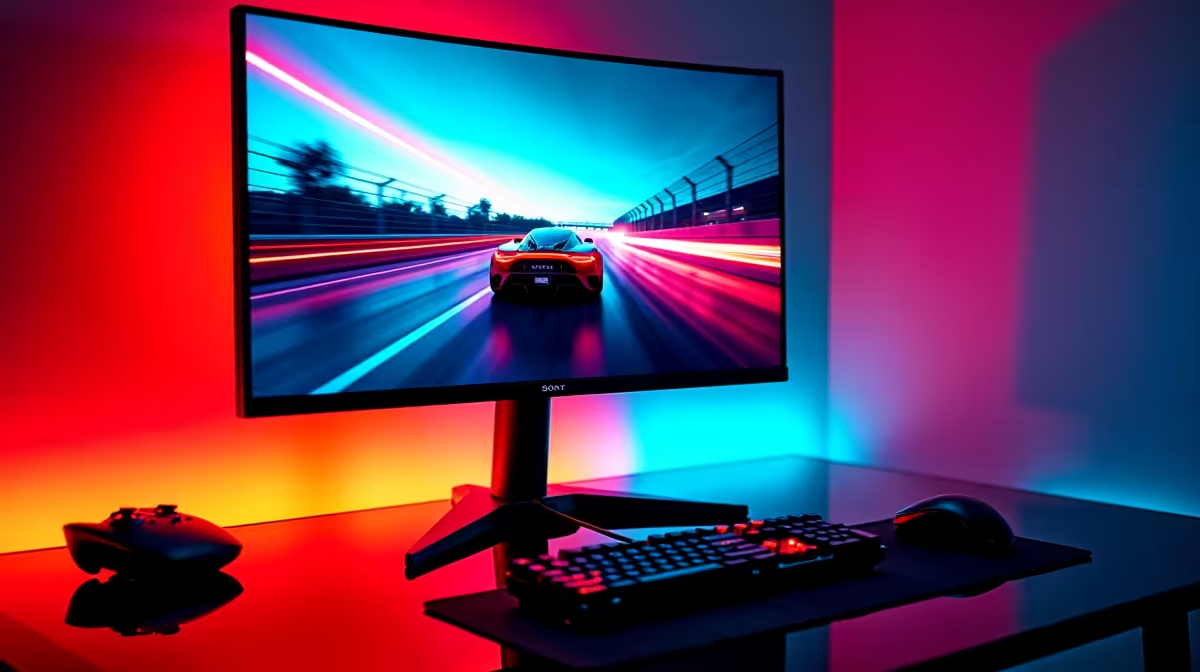
Stuttering gameplay? Screen tearing ruining your perfect headshot? You're not alone. In South Africa, the battle for smooth, tear-free gaming comes down to two titans: FreeSync and G-Sync. Choosing the right one for your rig is one of the biggest decisions you'll make for your visual experience. So, what’s the real story behind these technologies, and which one truly deserves your hard-earned Rands? Let's dive in and find out. 🇿🇦
First, What is Adaptive Sync, Anyway?
Before we pit the red team against the green team, let's get the basics straight. The problem is screen tearing. This ugly visual glitch happens when your graphics card (GPU) sends out new frames at a different rate than your monitor can display them. The result? You see parts of two different frames at once, creating a "torn" line across your screen.
Adaptive Sync technology, also known as Variable Refresh Rate (VRR), solves this. It allows your monitor to dynamically adjust its refresh rate to match the frame rate of your GPU in real-time. The result is buttery-smooth motion, no tearing, and reduced input lag. Both FreeSync and G-Sync are just different flavours of this amazing tech.
AMD FreeSync Explained: The People's Champion?
AMD FreeSync is an open standard, which means any monitor manufacturer can implement it without paying licensing fees to AMD. This is fantastic news for gamers on a budget.
The biggest advantage of FreeSync is its widespread availability and affordability. You can find it on a massive selection of PC monitors, from entry-level 1080p screens to high-end 1440p beasts.
It comes in three main tiers:
- FreeSync: The basic level, which prevents tearing.
- FreeSync Premium: Adds a requirement for at least a 120Hz refresh rate at FHD resolution and Low Framerate Compensation (LFC). LFC prevents stutter when your frame rate drops low.
- FreeSync Premium Pro: Includes everything from Premium plus HDR (High Dynamic Range) support for incredible colour and contrast.
The main takeaway? FreeSync offers incredible value, but performance can vary slightly between displays.
NVIDIA G-Sync Unpacked: The Premium Powerhouse 🏆
NVIDIA G-Sync is a proprietary technology that requires a special hardware module to be built directly into the monitor. This module handles the communication between the GPU and the display, and every G-Sync monitor goes through a rigorous certification process by NVIDIA.
This strict quality control is G-Sync's greatest strength. When you buy a G-Sync monitor, you're guaranteed a premium, consistent, tear-free experience across the entire refresh rate range. It's the gold standard for many competitive gamers.
Like FreeSync, G-Sync has tiers:
- G-Sync Compatible: These are essentially top-tier FreeSync monitors that NVIDIA has tested and certified to provide a solid baseline G-Sync experience.
- G-Sync: Features the dedicated NVIDIA hardware module for superior performance and motion clarity.
- G-Sync Ultimate: The best of the best, with the hardware module plus advanced HDR support for breathtaking visuals.
This quality comes at a price, making G-Sync monitors generally more expensive. You'll typically find them among the best gaming monitors on the market.
Don't Forget to Flip the Switch! ⚡
Owning a FreeSync or G-Sync monitor is only half the battle. You need to enable it in your graphics card's software! For NVIDIA, open the NVIDIA Control Panel and go to "Set up G-SYNC". For AMD, open the Radeon Software and find the "AMD FreeSync" toggle under the Display settings. It's a simple step many gamers forget.
FreeSync vs G-Sync in South Africa: The Head-to-Head
So, when the dust settles, which technology wins the FreeSync vs G-Sync South Africa debate? It really depends on your priorities: your budget, your GPU, and your gaming style.
Performance & Quality
For absolute, guaranteed top-tier performance with no exceptions, G-Sync (especially with the dedicated module) has a slight edge due to NVIDIA's strict control. However, a high-quality FreeSync Premium Pro monitor can deliver an experience that's virtually indistinguishable for most gamers, especially when gaming on immersive curved monitors or crisp 5K and 4K monitors.
Cost & Availability in SA
This is a clear win for FreeSync. The open standard means more choice and lower prices. It's much easier to find amazing PC monitor deals on a FreeSync display in South Africa than a G-Sync one. If you're building a rig on a tight budget, FreeSync is your best friend.
GPU Compatibility
Originally, FreeSync was for AMD cards and G-Sync for NVIDIA. That's changed. Most FreeSync monitors now work with modern NVIDIA cards (as "G-Sync Compatible"), giving you more flexibility. True G-Sync, however, still requires an NVIDIA GeForce GPU.
So, Which One Should You Choose?
Let's break it down simply:
- You're on a budget or have an AMD GPU: Go for a FreeSync Premium monitor. It's the best value-for-money choice for South African gamers, delivering smooth gameplay without breaking the bank.
- You have an NVIDIA card and want the best-of-the-best: If money is no object, a G-Sync or G-Sync Ultimate monitor offers a guaranteed flawless experience.
- You have an NVIDIA card but are budget-conscious: Look for a G-Sync Compatible monitor. You get the benefit of NVIDIA's certification on a more affordable FreeSync panel.
Whether you're building a LAN party setup with compact portable monitors or a full-on battlestation, the choice makes a difference.
Don't Forget the Finishing Touches 🔧
Choosing between FreeSync and G-Sync is the main event, but the right setup completes the picture. A good monitor arm for perfect ergonomics or a calibration tool for perfect colours can elevate your experience even further. Investing in quality monitor accessories ensures you get the most out of your new screen.
Ready to Banish Screen Tearing for Good? The FreeSync vs G-Sync debate in South Africa depends on your budget and your GPU. But one thing is certain: a smooth gaming experience is non-negotiable. Explore our massive range of gaming monitors and find the perfect screen to conquer your world.











