

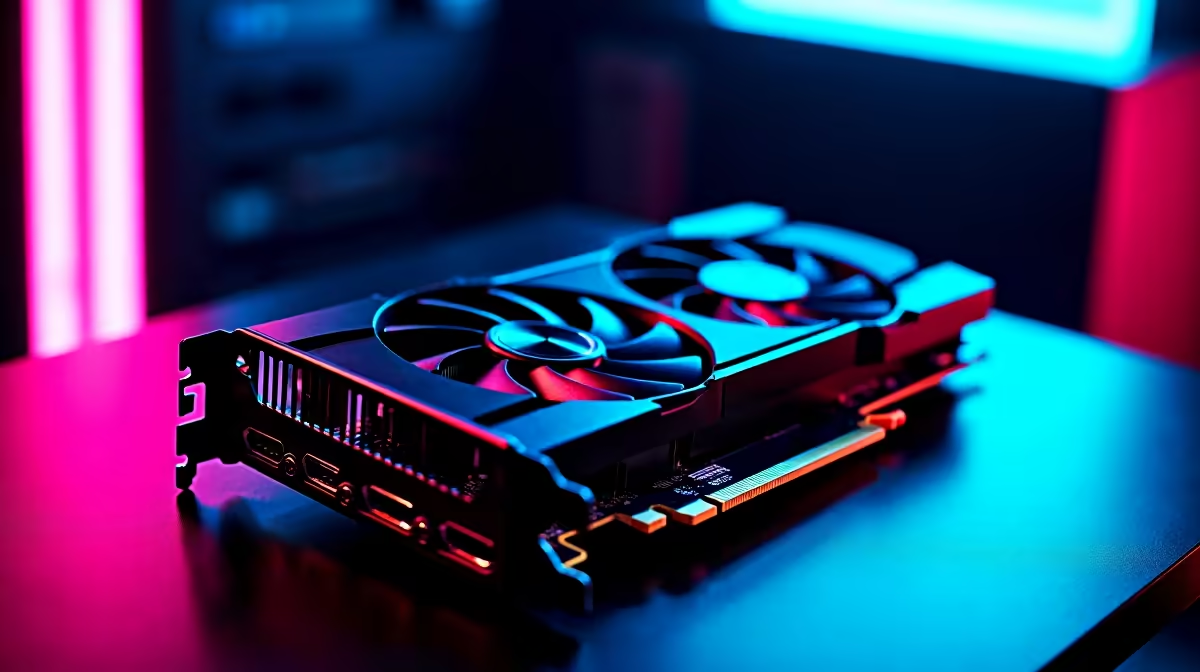
Load shedding is bad enough... you do not need Windows causing frame drops too. South African gamers know the daily struggle of trying to squeeze every last drop of FPS out of their rigs. You have probably heard that Windows Game Mode is a must-have for smooth gameplay. But what happens when you flip the switch? Let us explore the surprising reality of Game Mode Disabled: Gaming Performance.
The Windows Game Mode Promise... and Reality
Microsoft designed Game Mode to prioritise your current game by suspending background tasks. In theory, this means better frame rates and less stuttering while you play. In reality? It can sometimes cause the exact opposite effect. High-end systems with loads of cores often do not need this software intervention to run smoothly.
If you have recently managed to buy graphics cards that pack serious VRAM and processing power, your hardware is already doing the heavy lifting without breaking a sweat. Disabling Game Mode might actually stabilise your frame times in heavy CPU-intensive titles. Windows can sometimes misallocate system resources, leading to annoying micro-stutters right when you are about to clutch a crucial round in CS2 or Valorant.
When to Keep Game Mode Disabled for Gaming Performance 🔧
If you are streaming or recording your gameplay, Game Mode can sometimes fight with OBS Studio for vital system resources. Windows tries to throttle background apps... which unfortunately includes your streaming software. Turning it off can stop those annoying encoding lags and dropped frames.
This is especially true if you are hunting for high-performance notebooks for sale in South Africa to use as a dedicated, portable streaming setup. Many local content creators swear by keeping this feature firmly switched off to ensure their streams remain buttery smooth for their viewers. When your software is not fighting for CPU priority, your entire system just runs better.
Performance Pro Tip ⚡
Press the Windows Key, type 'Game Mode Settings', and toggle it off. Test your favourite competitive game for 15 minutes. If your 1% low frame rates improve and stuttering stops, keep it disabled permanently!
Hardware Matters More Than Software Tweaks 🚀
Software toggles can only do so much to boost your frames. If your older rig is struggling to hit 60 FPS at 1080p, flipping a single Windows switch will not magically fix your problems. You need raw hardware power to push those pixels and maintain a competitive edge. Thankfully, upgrading your setup does not have to drain your bank account completely. Browsing through our latest specials can save you thousands of Rands on top-tier components, allowing you to stretch your budget further.
Sometimes, starting fresh is the most cost-effective route for long-term reliability. Whether you are looking at pre-built PC deals for instant plug-and-play action, or you want to browse the best gaming PC deals to find a custom-built beast, solid hardware always beats software band-aids. A robust CPU and GPU combo will brute-force its way through background tasks... whether Game Mode is turned on or off.
The Final Verdict on Background Optimisation ✨
Every PC configuration is entirely unique. What causes stuttering on one machine might run perfectly fine on another setup. The best approach to Game Mode Disabled: Gaming Performance is simple trial and error. Test your system on local servers to see how it handles the change. Trust your own FPS counters rather than internet rumours or outdated forum posts. If your games feel smoother, leave it off. And always remember that true, reliable performance comes from quality hardware built specifically for the task.
Ready to Find Your Perfect Match? Software tweaks can only take you so far. For maximum power, choice, and value in South Africa, upgrading your hardware is hard to beat. Explore our massive range of gaming PC specials and find the perfect machine to conquer your world.











