

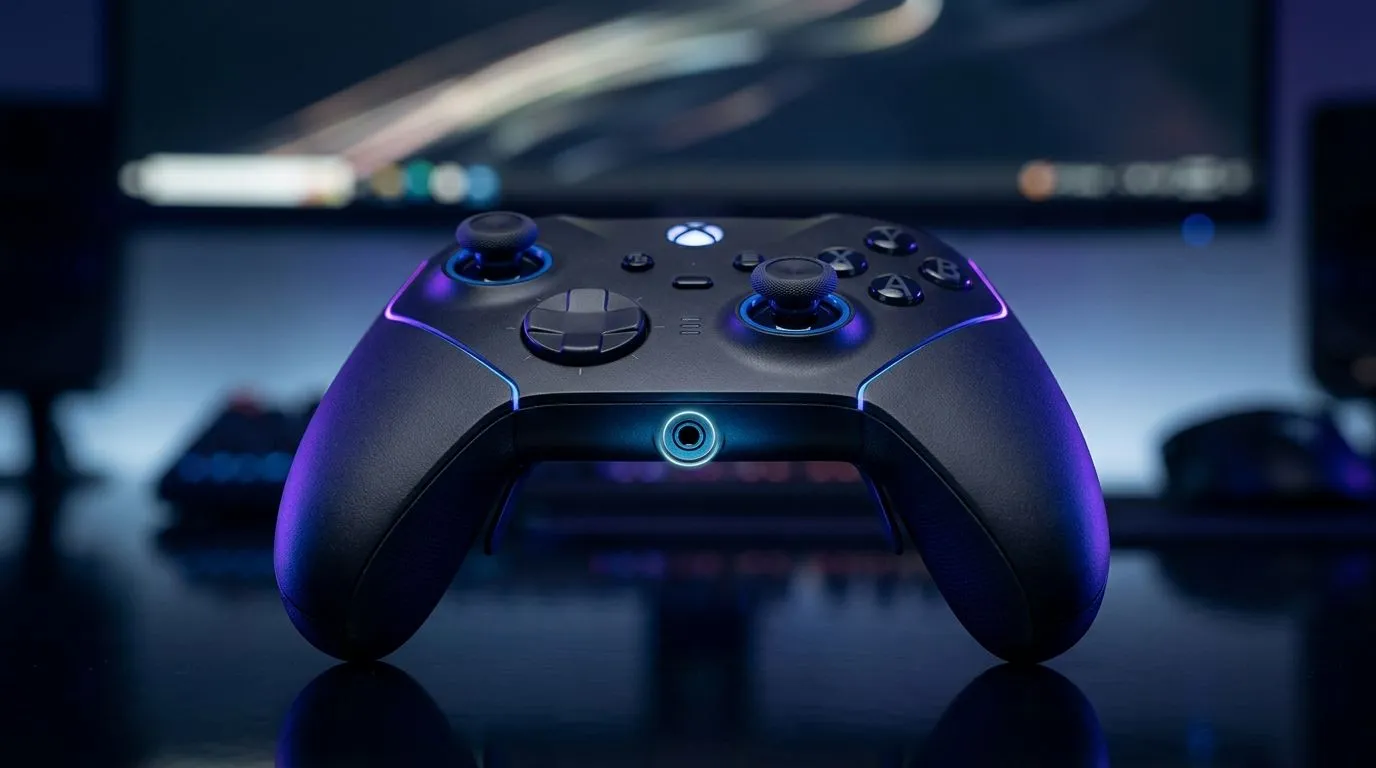
Do Gamepads With 3.5mm Mic Ports Cause Audio Latency? The quick answer (Performance Pulse)
So you’ve got a 3.5mm headset, a gamepad with a mic port, and you’re wondering if your voice will arrive late… or if teammates will hear you “after” you speak. Happens a lot in South African Discord raids and ranked comms. ⚡
Here’s the practical truth: do gamepads with 3.5mm mic ports cause audio latency? Sometimes they can, but usually the delay is small and depends more on the device path (PC audio settings, USB headset mode, and whether you’re using the gamepad as the audio hub) than on the 3.5mm connector itself.
How latency actually happens with gamepad mic ports 🔧
When you plug a headset into a gamepad’s 3.5mm mic/headphone combo, your audio often routes like this:
- Headset analog signal goes into the gamepad’s internal audio hardware.
- The gamepad sends audio back to your PC over USB (usually as digital audio).
- Your PC mixes it with the system audio and sends it to Discord/party chat.
If any stage uses buffering (small “wait” buffers to keep audio smooth), you can notice latency. In many setups, it’s not “true delay”, it’s more like a slight mismatch between what you hear and what you say. That becomes obvious in fast shooters and melee duels.
What to watch for in your setup 🚀
- PC audio mode: Windows sometimes prioritises certain endpoints and buffers them differently.
- Discord input/output device: If Discord uses one device and your game uses another, you’ll hear echo or delay.
- Mic monitoring / sidetone: Some controllers offer monitoring, but it can conflict with software monitoring.
TipBox
Productivity Pro Tip ✨
On Windows, go into Settings → System → Sound and confirm both your Output device and Input device match the gamepad (or your headset). Then in Discord, set the same Input Output pair. This avoids the classic “Discord hears it late” problem caused by mixing different audio endpoints.
What the Evetech crowd should consider before buying 🎮
Not all gamepads are built the same. If you care about comms timing, start by choosing a controller that’s designed for consistent audio and tournament-ready connections.
For example, the Razer Wolverine V3 Tournament Edition (8K) is aimed at competitive play and sits in the “serious latency-aware” category for many buyers. If you’re deciding between controller styles, it’s worth checking the product page specs and guidance on Evetech. See the Razer Wolverine V3 Tournament Edition (8K) deal on Evetech
If you’re still shopping broadly, Evetech’s controller listings can help you compare features across the board. Browse gaming controllers on Evetech
And if you’re specifically leaning Razer, you can filter brands to narrow down options quickly. View Razer gaming controllers on Evetech
Quick tests to confirm if your rig has latency (no guessing) ⚡
Try this in 5 minutes:
- Test in Windows Sound settings: Speak, watch the level meters, and confirm the mic input is active on the same endpoint you hear from.
- Record a voice note: Speak “now”, then clap loudly. Compare the waveform timing.
- Check Discord settings: Disable any extra processing temporarily (like noise suppression) for the test. Processing can add delay.
If the clap and your recorded voice align closely, your setup is fine. If not, the issue is likely endpoint mismatch or app buffering, not the 3.5mm port magic.
Ready to Find Your Perfect Match?
Ready to Find Your Perfect Match? The Mac vs Windows debate is complex, but for maximum power, choice, and value in South Africa, Windows is hard to beat. Explore our massive range of laptop specials and find the perfect machine to conquer your world.











