

Why Your Gaming Headset Mic Picks Up Background Noise — And How to Fix It ⚡
Frustrated that your gaming headset mic picks up background noise during key moments? You’re not alone. Many South African gamers face the same challenge when squad communication turns into a fuzz of static, fan noise, or distant chatter. Understanding why your microphone catches unwanted sounds is the first step to clear, crisp voice chat that won’t distract your team.
Common Causes for Headset Mic Noise and Simple Solutions
Mic Sensitivity Too High? Tune It Down 🔧
One of the biggest culprits is mic sensitivity set too high. When your headset mic is overly sensitive, it picks up everything, from your keyboard clicks to your fan’s hum. Lower your mic sensitivity in Windows sound settings or through your headset’s software. This adjustment instantly reduces background noise while keeping your voice audible.
Position Your Mic Like a Pro 🎯
Placement matters. Make sure your microphone arm is close to your mouth but not directly in front of your lips to prevent breath sounds and popping noises. Position the mic slightly off to the side and below your mouth—this subtle shift can have a big impact, clearing up muffled or noisy transmissions.
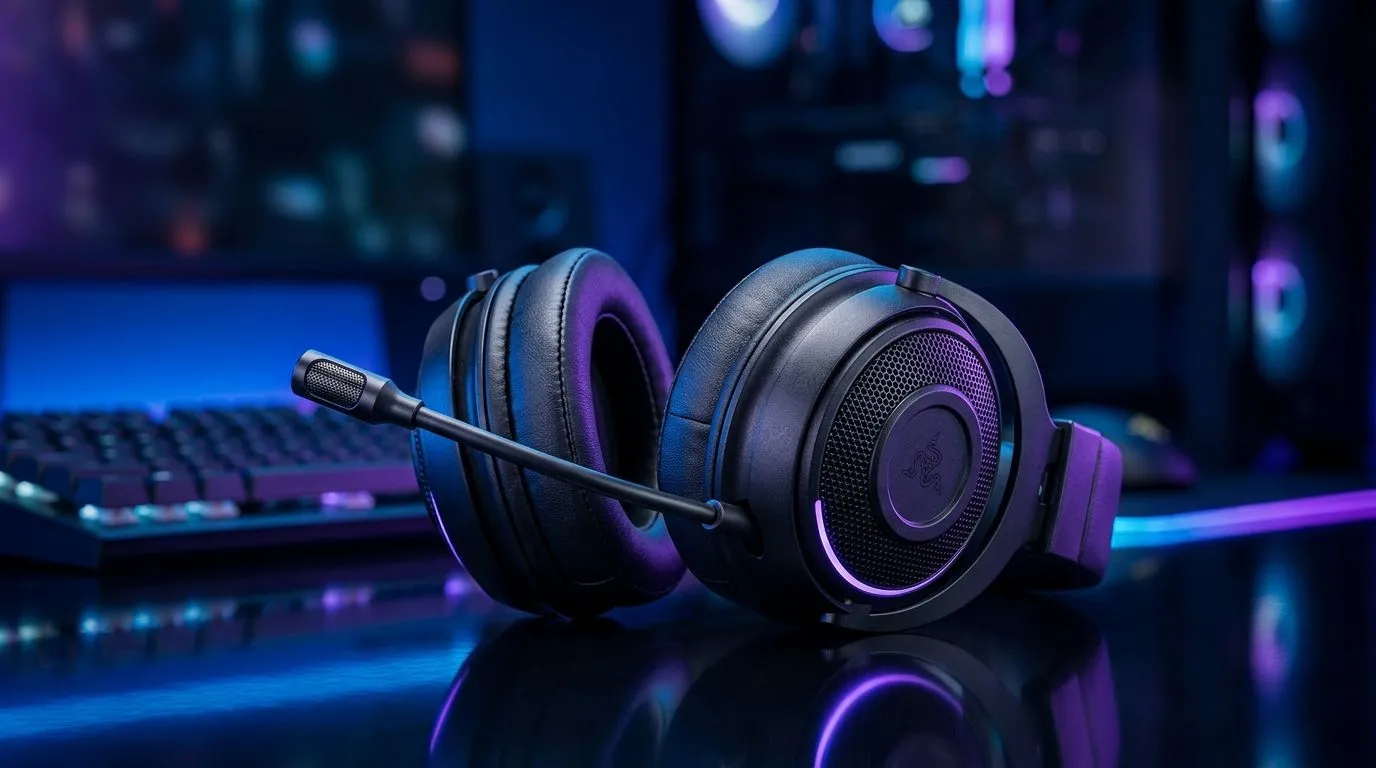
If you’re ready to upgrade gear, browsing options like the Razer Barracuda X Chroma Wireless Headset ensures quality mics with built-in noise suppression. This model suits local gamers hunting for a wireless solution that balances crisp audio and mic clarity.
Boost Clarity With Software and Hardware Tweaks ⚡
Use Noise Suppression Tools
Many streaming apps and chat platforms now include built-in noise suppression. Enabling features like Discord’s Noise Suppression or Nvidia RTX Voice can filter out keyboard clatter and ambient sounds. Pair these with hardware fixes for best results.
Pick Your Headset Wisely
Some headsets are designed with noise-cancelling microphones that stand out in South Africa’s gaming community. Browse through a wide range of Razer headphones and headsets on Evetech to find models optimised for voice quality. They help mitigate common mic issues with clearer pick-up and less background fuzz.
Quick Mic Fix Hint
Adjust your headset’s mic sensitivity and reposition it slightly lower and offset from your mouth. This simple combined step cuts a surprising amount of noise.
Clear Surroundings Matter
A noisy room, ceiling fan, or open window can pump sound into your mic even if it’s adjusted well. Gamers in South Africa often find closing windows or moving away from noisy devices helps improve mic clarity instantly. Combine this with the right headset and software tweaks — and you’re set.
For another look at headsets tailored to crystal-clear voice communication, explore this curated selection under headphone and headset components. These options fit different budgets but share a focus on clean audio input.
Get Gaming Audio That Cuts Through Noise Don’t settle for a headset mic that blurs your voice with background chaos. Shop now at Evetech and enjoy clear team chats every session.











