

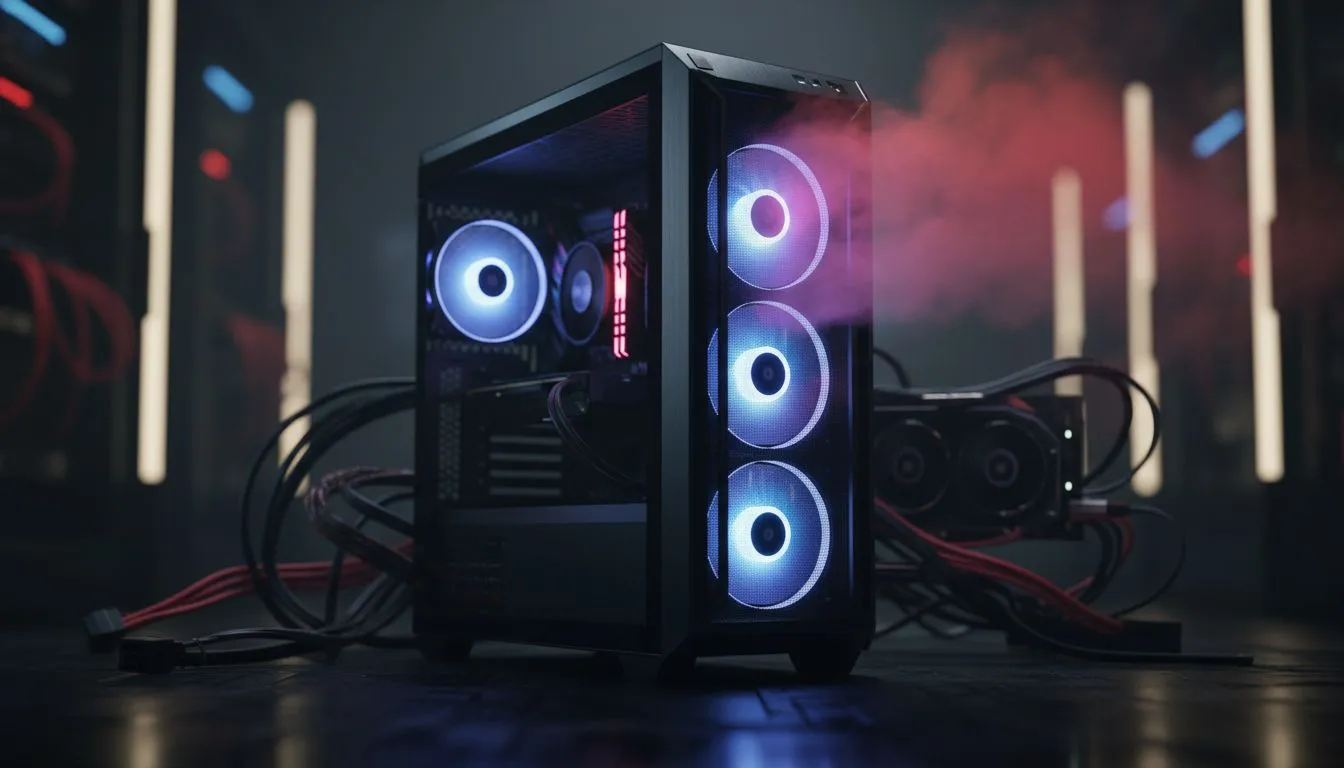
Common Gaming PC airflow mistakes every South African should dodge 🔧
Your GPU spikes to 85°C mid-match and your fan curve screams for mercy. That heat cutbacks frame‑rates and shortens component life. Many learners and seasoned builders still make the same errors. Here’s a local, practical guide to gaming PC airflow mistakes and how to stop your system from overheating fast.
Why the classic mistakes overheat your rig
Blocking intake, wrong fan orientation, and crammed cabling are top offenders. Poor intake reduces cool air volume. Exhausts that fight intakes create turbulence, not flow. Even a single reversed fan can ruin your cooling balance and push temps up by 5–10°C. For chassis choices that simplify airflow, browse Evetech’s PC cases collection to compare front-panel intake designs and fan support. https://www.evetech.co.za/components/computer-cases-70
How to fix Gaming PC airflow mistakes that overheat your system
Start simple: create a front-to-back and bottom-to-top flow. Position fans as intakes at the front and bottom. Put exhaust fans at the rear and top. Keep cable runs tidy to avoid disrupting laminar flow. If your current case limits fan placement, consider cases known for airflow-first designs like the Fractal design cases available at Evetech. https://www.evetech.co.za/PC-Components/fractal-design-pc-cases-346
Cooling Tip ⚡
quick check: power on the PC with the side-panel removed. Use a sheet of paper near fan inlets. If paper is pulled in, intake works. If it flutters outward, airflow may be reversed. This trick helps diagnose fan orientation without tools.
Parts, placement and small changes that make big differences
Thermal paste and proper cooler mounting matter. A well-seated cooler can shave degrees off the CPU under load. But case choice still sets the ceiling for cooling performance. If you want stylish and affordable airflow cases, Evetech lists several Gamdias options to suit compact builds or aggressive layouts. https://www.evetech.co.za/PC-Components/gamdias-gaming-cases-293
Budget builds need airflow too. There are solid Gamdias cases under R1,500 that balance fans, mesh panels and cable routing for better temperatures without breaking the bank. Check the under‑R1,500 filter to find options that fit local budgets. https://www.evetech.co.za/PC-Components/gamdias-gaming-cases-293?max-price=1500
Quick checklist before you game again 🚀
- Confirm front intake fans are unobstructed.
- Exhaust at rear/top is doing work.
- PSU shroud and cable management keep air channels clear.
- Swap a restrictive front panel for a mesh panel if your case allows.
- Reapply thermal paste if temps remain high after airflow fixes.
Follow these steps and you’ll stop common gaming PC airflow mistakes before they overheat your system. Small changes often yield bigger temperature drops than expensive upgrades.
Ready to Find Your Perfect Match? The Mac vs Windows debate is complex, but for maximum power, choice, and value in South Africa, Windows is hard to beat. Explore our massive range of laptop specials and find the perfect machine to conquer your world.











