

You're one kill away from victory, the tension is thick... and then it happens. Your screen stutters. Your frames drop. The enemy gets the shot. It’s not your internet, it’s your CPU gasping for air. This is where our Gaming PC Cooler Guide for ZA comes in. A powerful processor is useless if it’s constantly overheating. Let’s dive into how the right cooling solution can boost your PC's performance and keep you in the game. 🚀
Why Your Gaming PC Cooler is Mission-Critical
Think of your CPU as the engine of your gaming rig. When you're pushing it hard in demanding titles, it generates a serious amount of heat. If that heat isn't efficiently removed, your CPU protects itself by slowing down—a process called "thermal throttling." This is the performance killer responsible for those sudden frame drops and stutters, especially in graphically intense worlds like those found in custom Cyberpunk 2077 gaming PCs.
A proper gaming PC cooler ensures your CPU stays at an optimal temperature, allowing it to run at its maximum speed consistently. This means smoother gameplay, higher frame rates, and a more responsive experience.
The Big Debate: Air Cooling vs. Liquid Cooling (AIO)
Choosing a CPU cooling solution boils down to two main options: traditional air coolers or All-in-One (AIO) liquid coolers. This part of our PC cooler guide will break down the pros and cons for South African gamers.
Air Coolers: The Reliable Workhorse
An air cooler uses a combination of a heatsink (a block of metal fins) and fans to draw heat away from the CPU and expel it from your case.
- Pros: Generally more affordable, highly reliable with fewer points of failure (no pumps or liquid), and often surprisingly quiet. They are a fantastic, no-fuss choice for a wide range of builds, from budget-friendly rigs to powerful machines perfect for running Fortnite on a gaming PC.
- Cons: Can be very bulky, potentially interfering with tall RAM modules or small cases. Their cooling potential has a lower ceiling compared to high-end AIOs.
Liquid AIO Coolers: The High-Performance Option ✨
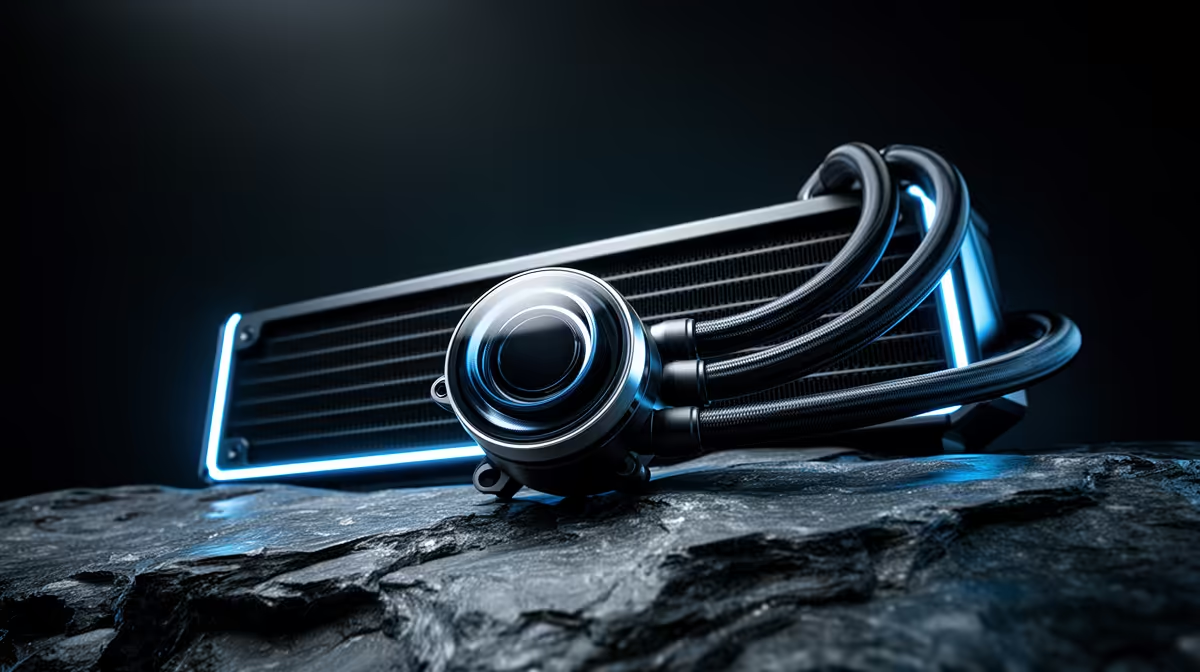
An AIO is a sealed, pre-filled liquid cooling loop. It uses a pump to circulate a coolant from a block on your CPU to a radiator, where fans cool the liquid down.
- Pros: Superior cooling performance, ideal for overclocking and high-end CPUs that run hot. They also offer a cleaner, more modern aesthetic inside your case. For CPU-intensive simulations, a powerful AIO is a must-have for any top-tier Microsoft Flight Simulator gaming PC.
- Cons: More expensive, and while very reliable, they have more potential points of failure (the pump) than a simple air cooler.
Check Your Temps! 🌡️
Not sure if your PC is running hot? Download a free tool like HWMonitor or MSI Afterburner. During a gaming session, check your 'CPU Package' temperature. If it's consistently sitting above 85-90°C, you are likely thermal throttling and could benefit from a better cooler.
Choosing the Right Cooler for Your Rig
This isn't just about air versus liquid. Here are a few key factors every gamer should consider when following a gaming PC cooler guide:
- TDP (Thermal Design Power): Make sure the cooler's TDP rating meets or exceeds your CPU's TDP. This ensures it can handle the heat your specific processor generates.
- Case Compatibility: Check the cooler's dimensions. For air coolers, check the height clearance in your PC case. For AIOs, ensure your case has mounting points for the radiator size (e.g., 240mm or 360mm).
- Socket Compatibility: Confirm the cooler supports your motherboard's CPU socket (e.g., AM5 for modern AMD, LGA 1700 for modern Intel).
- Your Gaming Habits: Do you play for hours on end in sprawling open worlds? A robust cooler is essential for maintaining performance on a GTA V gaming PC. For fast-paced shooters, consistent frames are non-negotiable, making a good cooler vital for any Call of Duty: Warzone 2.0 gaming PC.
Signs It's Time for an Upgrade
Is your stock cooler not cutting it anymore? Here are a few signs you need a better CPU cooling solution:
- Loud Fan Noise: If your PC sounds like a jet engine during gameplay, your current cooler is struggling to keep up.
- Performance Drops: You notice stuttering after playing for 20-30 minutes, even in games that used to run smoothly. This is a classic sign of heat build-up.
- Recent CPU Upgrade: If you've upgraded your processor but kept the old cooler, it might not be sufficient for the new chip's heat output.
- Competitive Edge: In esports titles, every frame counts. A stable system, like one found in our Overwatch 2 gaming PCs, relies on excellent cooling to prevent performance dips during crucial moments.
Even seemingly less demanding titles like a heavily modded Minecraft gaming PC or a tense final circle on a dedicated PUBG gaming PC can push a CPU to its limits, making a great cooler a smart investment for any serious gamer.
Ready to Beat the Heat? A hot CPU is a slow CPU. Don't let thermal throttling ruin your next match. From whisper-quiet air coolers to high-performance liquid AIOs, we have the perfect cooling solution to unlock your PC's true potential. Explore our wide range of CPU coolers now and find the perfect upgrade for your rig.











