

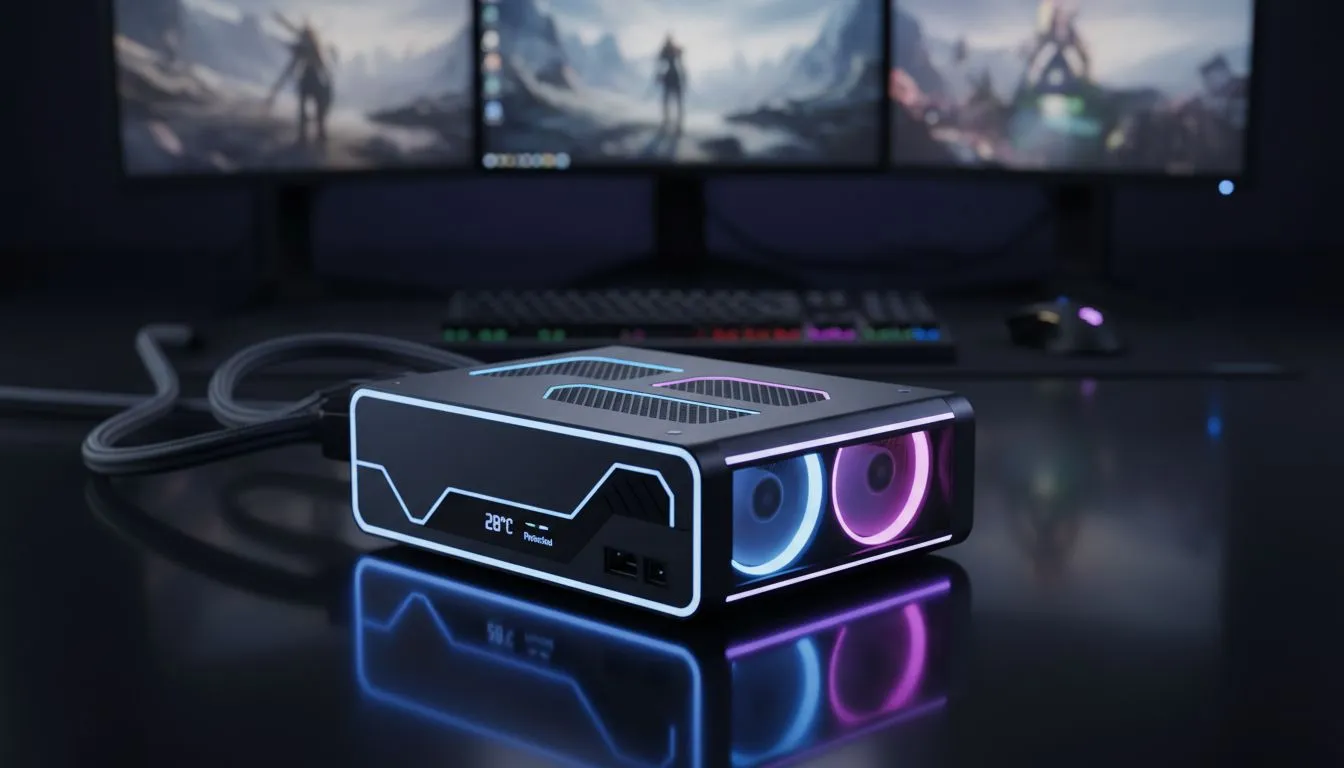
You're deep in a ranked match, the final circle is closing, and then... silence. The screen goes black. Eskom strikes again. ⚡ We all know the frustration of loadshedding mid-game, but the real danger isn't just the shutdown. The sudden power surge when the grid comes back online can be brutal on your components. Proper gaming PC power outage protection isn't just about a UPS; it's about managing the thermal shock that follows.
Why the 'Power On' Moment Demands Your Attention
When power is restored after an outage, it doesn't always come back as a clean, stable flow. This initial jolt, or power surge, can send a damaging voltage spike through your system. But there's a second, sneakier threat: thermal shock.
Your high-performance CPU and GPU, which were rapidly cooling down during the outage, are suddenly hit with power. They go from idle to active in an instant, causing a rapid temperature increase that can stress the delicate silicon and solder joints over time. This is where your first line of defence against heat—a good chassis—truly matters. An effective case is a core part of any loadshedding PC protection strategy, ensuring that heat is evacuated efficiently from the moment you boot up.
Your Post-Loadshedding PC Health Checklist
While a quality Uninterruptible Power Supply (UPS) is the ultimate defence, you can still take steps to minimise harm if you don't have one. Effective gaming PC power outage protection is also about smart habits.
Here’s a simple checklist to run through when the lights come back on:
- Wait a Few Minutes: Don't be tempted to boot up immediately. Give the electrical grid a moment to stabilise. This simple pause can help you avoid the worst of the initial surge.
- Listen to Your Fans: Once you power on, do a quick audio check. Are all your fans spinning up? A fan that fails to start after a power cycle can lead to rapid overheating.
- Monitor Your Temps: Launch a monitoring tool like HWMonitor or MSI Afterburner. Your idle CPU and GPU temperatures should settle between 30-45°C. If they're creeping higher, it could be a sign of poor airflow or a fan issue.
- Audit Your Airflow: Great airflow isn't just for heavy gaming sessions; it's crucial for quickly stabilising temperatures after a sudden start. A well-designed case from our wide variety of computer cases ensures that the hot air generated on boot-up is immediately exhausted, not trapped inside.
BIOS Pro Tip 🔧
Most modern motherboards allow you to set custom fan curves in the BIOS UEFI. Consider creating a slightly more aggressive curve that spins fans up faster at lower temperatures. This can help expel heat more quickly after a post-loadshedding boot, giving your components extra protection when they're most vulnerable.
The Unsung Hero: A High-Airflow PC Case
We often choose a PC case for its looks, but its primary job is thermal management. After a power outage, this role is more critical than ever. A chassis with a mesh front panel will always outperform a solid-front case in cooling potential, allowing your fans to draw in cool, fresh air without restriction.
This makes a huge difference in how your rig handles thermal stress. Premium cases from brands like Fractal Design are engineered for maximum airflow, helping your components return to a safe idle temperature in seconds. ✨ But you don't need to spend a fortune to get great results. Many modern options from Gamdias prioritise airflow and come with pre-installed fans, offering fantastic value.
In fact, you can find excellent budget-friendly Gamdias cases under R1500 that will dramatically improve your PC's ability to breathe. Think of it as a small investment in the long-term health and stability of your entire gaming setup. 🚀
Ready to Fortify Your Rig? Loadshedding isn't going away, but you can control how your PC handles it. A high-airflow case is one of the smartest investments for long-term performance and protection in South Africa. Explore our massive range of PC cases and find the perfect chassis to keep your components cool and safe.











