

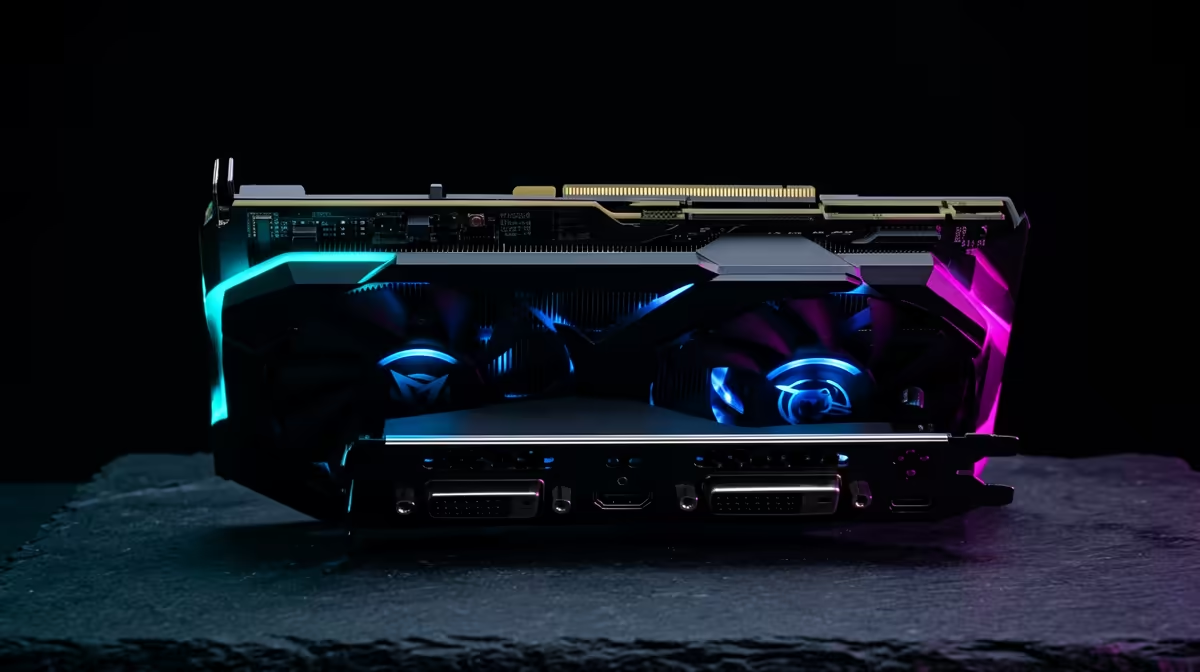
Stuttering frames in the middle of a tense firefight in Cape Town? We’ve all been there. Before you start pricing new hardware, what if you could unlock free performance from the graphics card you already own? GPU overclocking in South Africa is the enthusiast's secret weapon for higher FPS. It’s a powerful tool, but with our unique climate, you need to do it right. Let's dive in. 🚀
Understanding GPU Overclocking: More Power, No Extra Cost
So, what is GPU overclocking? Think of it like tuning a car's engine. Your graphics card leaves the factory with a set "clock speed"—how fast its processor runs. Overclocking is the process of carefully increasing this speed, along with its memory speed, to process graphics faster. The result? More frames per second (FPS) and smoother gameplay in titles like Apex Legends or Cyberpunk 2077.
This performance boost is especially valuable for squeezing extra life out of a system. Many excellent budget gaming PCs have GPUs with untapped potential just waiting to be unleashed, giving you more bang for your buck without spending another Rand.
Before You Start: The South African Overclocking Checklist 🔧
Pushing your hardware means generating more heat, a key consideration in our warmer climate. Before you begin, ask yourself these questions to see if GPU overclocking is right for your setup:
- Is my PC's cooling sufficient? Good case airflow is non-negotiable. If your PC case only has one or two fans, you might struggle to keep temperatures under control.
- Am I using the right software? You'll need tools like MSI Afterburner to adjust clock speeds and GPU-Z to monitor your card's stats. For stress testing, Unigine Heaven or 3DMark's Time Spy are industry standards.
- Am I patient? Safe overclocking is a slow process of small, incremental changes and lots of testing. Rushing it can lead to system instability or crashes.
For many gamers with systems from our PCs under R20k range, a mild overclock can provide a noticeable and satisfying performance lift.
A Safe Guide to GPU Overclocking
Ready to get your hands dirty? Follow these steps for a safe and effective overclock. Remember, every silicon chip is different, so your results will vary.
Step 1: Establish a Baseline
Before you change a thing, run a benchmark like Unigine Heaven at your desired game resolution and settings. Note down your score and average FPS. This is your starting point.
Step 2: Increase the Core Clock
In MSI Afterburner, find the "Core Clock" slider. Increase it by a small amount, say +25 MHz. Apply the change and run your benchmark again. If it completes without crashing or showing visual glitches (called artifacts), repeat the process. Continue until you experience instability, then dial it back to the last stable setting.
Step 3: Increase the Memory Clock
Once your Core Clock is stable, do the same for the "Memory Clock." Increase it in small steps (+50 MHz is a good start), benchmarking after each adjustment to ensure stability. High-performance systems, like those found in our PCs above R20k selection, often have high-quality memory with significant overclocking headroom.
Cooling is King ❄️
Use MSI Afterburner to set a custom fan curve. A more aggressive curve makes your fans spin up faster as temperatures rise. It might be a bit louder, but it's crucial for keeping your GPU cool during intense gaming sessions in the South African heat, preventing thermal throttling from stealing your hard-earned frames.
Step 4: Final Stress Test
With your new clocks set, it's time for the final test. Run your benchmark for at least 30 minutes or play a graphically demanding game. If it’s stable, save the settings as a profile in Afterburner. Congratulations, you've successfully overclocked your GPU! While our pre-built PC deals are built for out-of-the-box stability, this process lets you customise the performance to your exact needs.
When a Hardware Upgrade is the Smarter Play ✨
GPU overclocking is a fantastic free upgrade, but it has its limits. If you're trying to run the latest AAA titles on a five-year-old graphics card, an overclock might only give you a handful of extra frames. It can't magically add new features like Ray Tracing or DLSS support.
Sometimes, the simplest and most effective solution is a hardware upgrade. If you've hit a wall and overclocking isn't delivering the performance you crave, it might be time to look at the best gaming PC deals available. A new GPU or a complete system will provide a far greater leap in performance and features than any software tweak ever could.
Ready for a Guaranteed Performance Boost? GPU overclocking is a fantastic way to maximise your hardware. But when you're ready for the next level of power without the guesswork, a new rig is the ultimate answer. Build your dream machine with our custom PC builder and find a system perfectly tailored to your needs.











