

Nothing kills the vibe of a late-night gaming session in Jozi like watching a loading circle spin for ten minutes. If you are staring at your screen wondering why you have a hard drive slow boot, you are likely hitting a hardware bottleneck. It is time to stop the frustration and get your PC back up to speed before the next load shedding block hits. ⚡
Identifying the Hard Drive Slow Boot Bottleneck
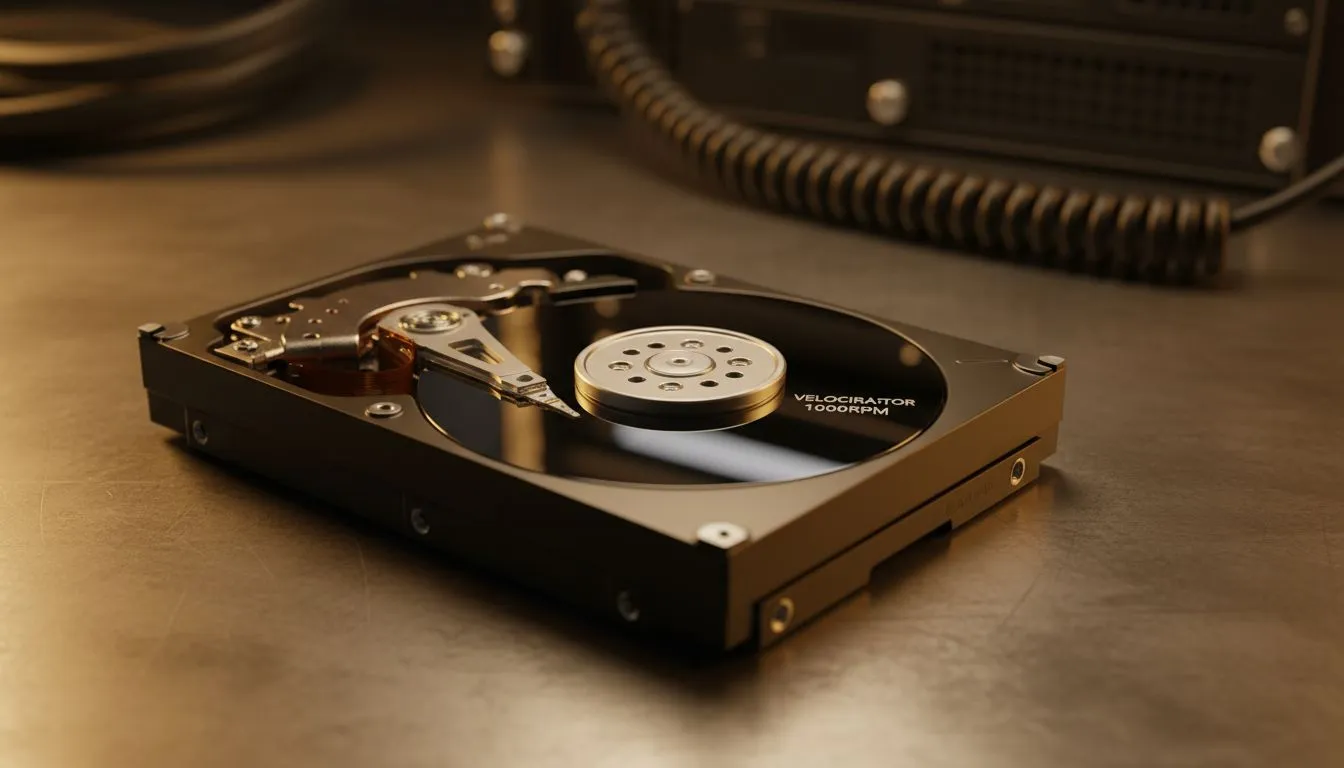
When your PC takes ages to reach the desktop, the culprit is often the storage drive. Mechanical hard drives (HDDs) rely on spinning platters... and those platters have a physical speed limit. Over time, these drives fragment and slow down significantly. If you are still running your operating system on an old HDD, the best move is to buy solid state drives to eliminate that physical delay.
Fast Boot Tip ⚡
Avoid filling your SSD beyond 80% capacity. Solid state drives need "breathing room" to move data around for wear levelling. If your drive is nearly full, you will notice a significant drop in write speeds and overall system responsiveness.
Software vs Hardware Troubles
Sometimes the bottleneck is not just the hardware. Too many startup applications can choke your CPU and RAM during the boot process. However, even with a clean Windows install, an ageing mechanical drive will struggle with modern file sizes and background updates. Reliable options from Western Digital offer the endurance needed for heavy daily use... making them a staple for South African professionals who cannot afford downtime.
External and Portable Speed Solutions
Not everyone wants to open their PC case or void a warranty. If you need speed for your game library or video projects, an external SSD is a fantastic alternative. These devices connect via high-speed USB ports and offer speeds that dwarf traditional internal HDDs. When browsing, make sure to check the External form factor section to find a rugged, portable drive that fits your lifestyle.
Future-Proofing with Next-Gen NVMe
For the ultimate performance, we have to look at the latest interface standards. If your motherboard supports it, moving to Gen 5 (NVME) will make your boot times almost instantaneous. We are talking about loading into Windows in mere seconds. For budget-conscious builders who still want a massive upgrade, ADATA provides incredible performance per Rand, ensuring your system feels snappy and responsive without breaking the bank. 🚀
Ready to Find Your Perfect Match? A slow boot is a choice, not a permanent condition. For maximum power, choice, and value in South Africa, upgrading your storage is the smartest move you can make. Explore our massive range of SSD specials and find the perfect drive to conquer your loading screens.











