

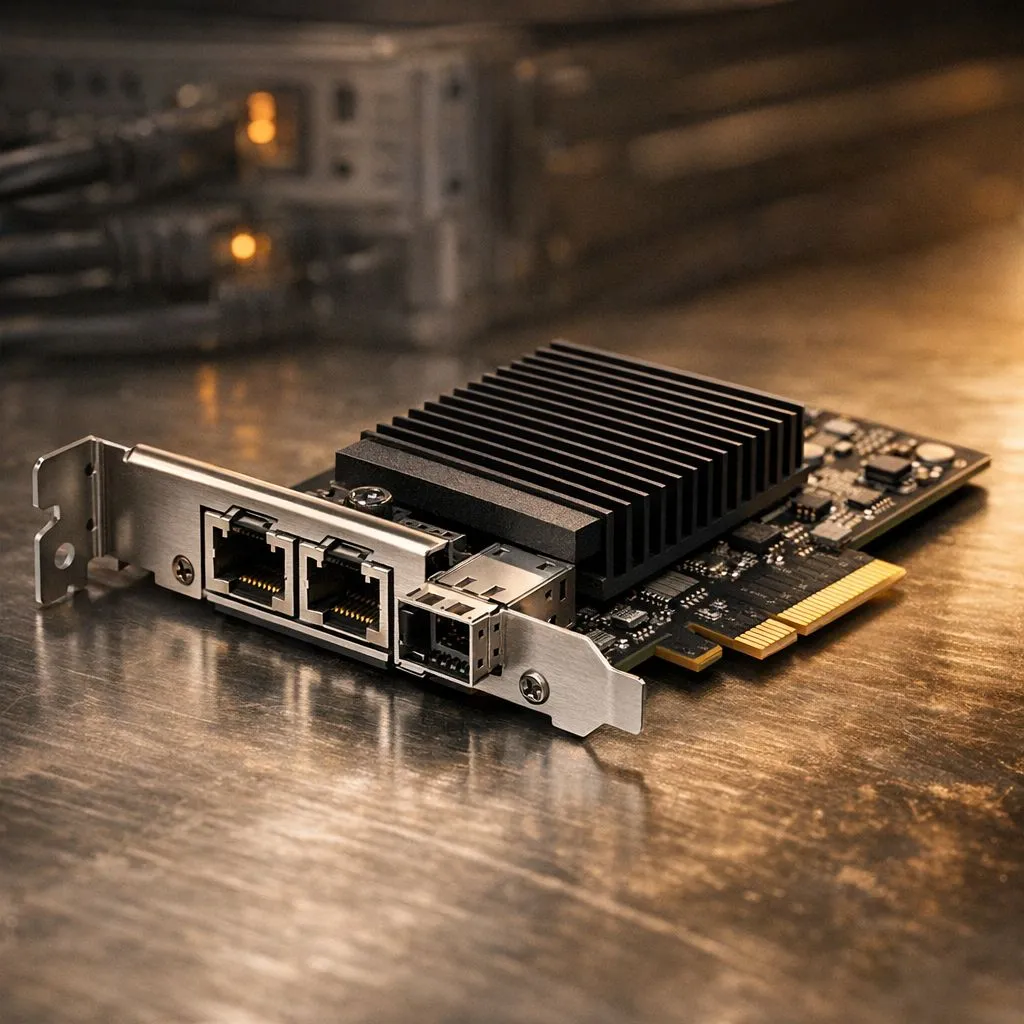
The Power of a High-bandwidth PCIe Network Adapter
Ever tried moving a 100GB game library to your home server only to see a "2 hours remaining" timer? In South Africa... where we value every second of our gaming time... that is simply not acceptable. While Wi-Fi 6 is impressive... nothing beats the raw stability of a dedicated high-bandwidth PCIe network adapter for serious local traffic management. 🚀
Most standard motherboards come with decent onboard LAN. However... these often share resources with other components. If you want to truly optimise your setup... investing in high-quality network adapters is the most cost-effective upgrade you can make. A dedicated card ensures your CPU doesn't break a sweat handling packet processing. This leads to lower latency and much smoother file transfers across your home network.
How to Optimize Local Network Traffic Today
To get the most out of your hardware... you need to look at the whole picture. A high-bandwidth PCIe network adapter: optimise local network traffic by removing the bottleneck at your PC. But don't forget your cables. Using a Cat6 or Cat6a cable is essential if you are pushing for 2.5Gbps or 10Gbps speeds. ⚡
Many local gamers are now moving towards 10Gbe setups for their Media Servers or NAS units. When you are streaming 4K content or backing up massive video projects... every megabit counts. The reliability of TP-Link network cards has made them a staple in the South African tech community. They offer plug-and-play simplicity that just works.
Networking Pro Tip ⚡
Always disable 'Interrupt Moderation' in your network adapter settings if you are chasing the lowest possible latency for competitive gaming. While it slightly increases CPU usage, it ensures that data packets are processed immediately rather than waiting for a batch, giving you that split-second advantage in titles like Counter-Strike or Valorant.
Finding the Right Fit for Your Setup
Not everyone needs a 10-gigabit monster. For most home users... a solid 2.5Gbps card is the "sweet spot" for value and performance. If you are on a budget but still want to escape the limitations of basic onboard ethernet... affordable options like Cudy adapters provide excellent throughput without the premium price tag. ✨
Remember to check your PCIe slot availability before buying. Most of these cards use a PCIe x1 or x4 slot. If you have a massive GPU... make sure the network card won't choke your graphics card's airflow. Once installed... simply update your drivers to the latest version to ensure maximum compatibility with Windows 11. 🔧
Ready to Supercharge Your Connection? Slow transfers and laggy local streams should be a thing of the past. For maximum speed, stability, and the best tech value in South Africa, a dedicated network card is the way to go. Explore our massive range of network adapters and find the perfect hardware to dominate your local network.











