

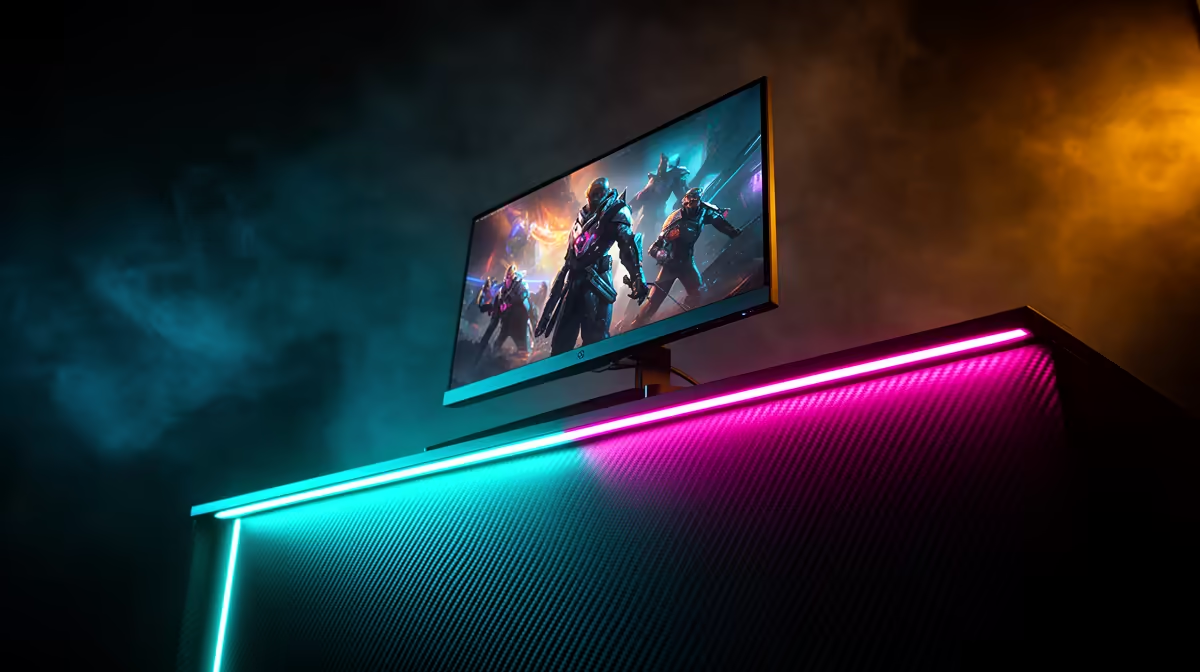
Ever felt like you shot first in Apex Legends or Valorant but still ended up spectating? It’s a common frustration, and your old 60Hz screen might be the sneaky culprit. For serious gamers, getting a high refresh rate monitor in South Africa isn't just an upgrade; it's a fundamental shift in how you experience and compete in your favourite titles. It’s about seeing the game world as it’s meant to be seen… buttery smooth. ✨
Why a High Refresh Rate Monitor is Your Secret Weapon
So, what’s all the fuss about Hertz (Hz)? Think of refresh rate as the number of times your monitor updates the image on screen every second. A standard 60Hz monitor shows 60 frames per second (FPS). A 144Hz monitor shows 144. This massive leap means you get a smoother, more fluid picture with far less motion blur.
For competitive gaming, this translates to a real advantage:
- Faster Reactions: You see enemies fractions of a second sooner.
- Clearer Tracking: Following fast-moving targets becomes easier as they don't blur into a pixelated mess.
- Smoother Aim: Your crosshair movement feels more responsive and connected to your mouse.
It’s the difference between seeing a fluid animation and a choppy slideshow, a critical factor when every millisecond counts. The technology behind modern PC monitors has evolved specifically to give gamers this edge.
Finding the Right Refresh Rate for Your Rig
Choosing the right high refresh rate monitor in South Africa depends on your goals and your graphics card. You need a PC that can actually push enough frames to take advantage of the screen's speed.
The Sweet Spot: 144Hz to 170Hz
This is the new standard for serious gaming. It offers a massive improvement over 60Hz without requiring a top-of-the-line GPU to run most esports titles. For most local gamers, a 144Hz or 165Hz monitor provides the best performance for the price. You can often find incredible value by checking out the best PC monitor deals available.
The Pro Tier: 240Hz and Beyond
Are you climbing the leaderboards and competing in local tournaments? A 240Hz or even 360Hz monitor offers the absolute pinnacle of smoothness. The gains are smaller than the jump from 60Hz to 144Hz, but for elite players, this is where matches are won and lost. Just be sure your rig can consistently deliver 240+ FPS. 🚀
Pro Tip: Activate Your Speed! ⚡
Just plugging in your new high refresh rate monitor isn't enough. Windows often defaults to 60Hz. Right-click your desktop, go to 'Display settings' > 'Advanced display settings', and select the highest available refresh rate from the dropdown menu. For NVIDIA users, you can also do this in the NVIDIA Control Panel under 'Change resolution'.
Beyond Hertz: Other Specs That Matter
While refresh rate is key, it's not the only thing to look for. A truly great gaming monitor balances several important features.
First, consider resolution. While 1080p is perfect for maximising frame rates in competitive games, moving up to 1440p offers a sharper, more detailed image. If your GPU can handle it, 1440p at 144Hz+ is a phenomenal experience for both gaming and general use. For cinematic single-player games, some of the stunning 4K monitors now also come with high refresh rates.
Next, think about immersion. Many gamers swear by the viewing experience of immersive curved monitors, which can make the game feel like it's wrapping around you. And for those who attend LANs or need a second screen for their laptop, there are even versatile portable monitors that pack a high refresh rate punch. Getting the right combination of features is what turns a good setup into a great one.
Ready to See the Difference? Upgrading your screen is one of the most impactful changes you can make to your setup. For the best high refresh rate monitor selection in South Africa, we've got you covered. Explore our massive range of gaming monitors and claim your competitive edge today.











