

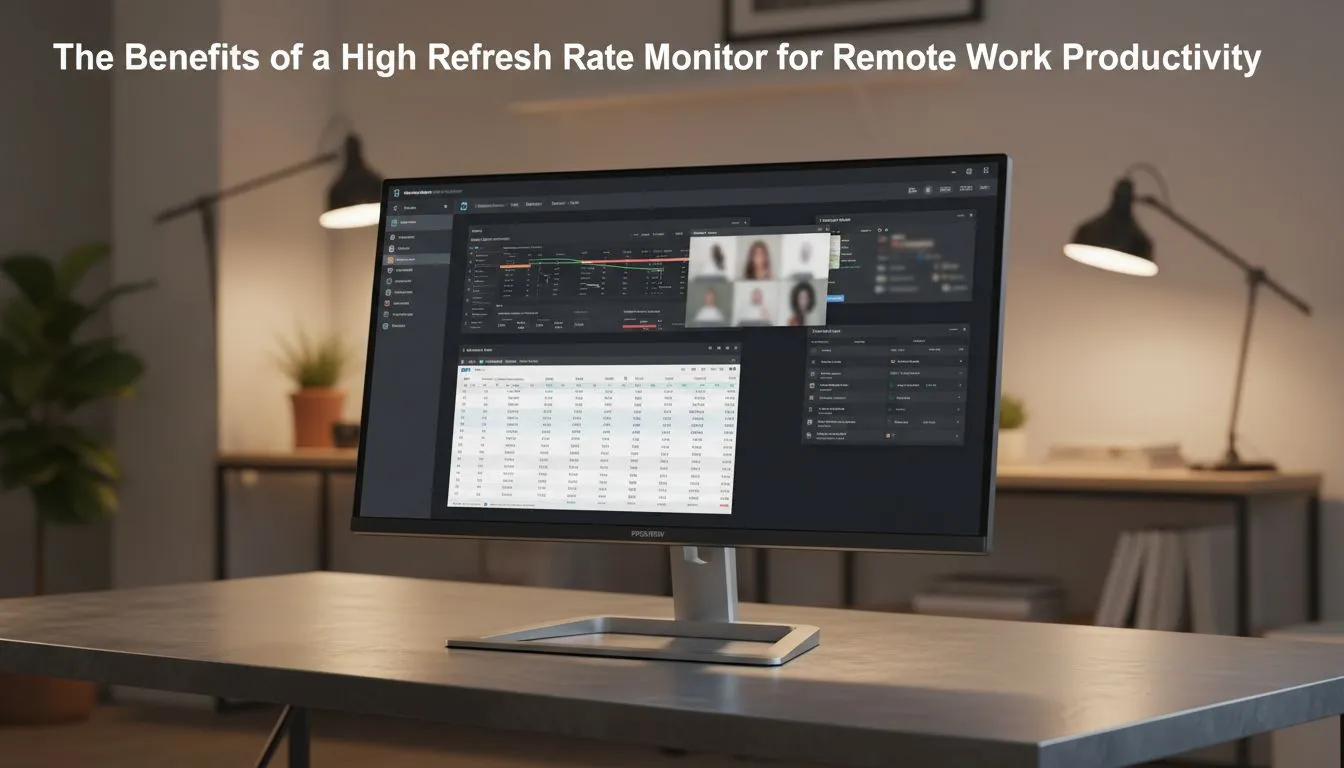
Why Your Office Setup Needs a High Refresh Rate Boost
Ever felt that "heavy eye" sensation after a long day of Excel? It isn't just the coffee wearing off. Most office screens run at 60Hz... updating 60 times a second. Switching to a high refresh rate monitor for work changes everything. It makes every mouse movement fluid and reduces the ghosting that causes headaches during long South African workdays. Your productivity deserves a serious upgrade. ⚡
Finding the right balance between professional specs and smooth performance is easier than ever. You can browse the best PC monitor deals to find high-speed panels that do not break the bank. While these screens are often marketed to players, the benefits for remote workers are undeniable.
The Secret Link Between Refresh Rates and Eye Comfort
When you use a standard screen, fast scrolling through PDFs or long emails can look blurry. This "motion blur" forces your brain to work harder to track text. A high refresh rate monitor for work, typically 144Hz or higher, eliminates this stutter. The result is a crisp experience that feels more natural to the human eye.
Many professionals are now looking at all gaming monitors because they offer superior motion handling. If you spend eight hours a day staring at code or data, that extra smoothness is a massive relief. It is about working smarter... and keeping your eyes fresh until the weekend.
Productivity Pro Tip ⚡
On Windows, ensure you actually enable your high refresh rate in the Display Settings. Many users buy a 144Hz screen but leave it running at 60Hz by default. Right-click your desktop, go to Display Settings, then Advanced Display, and set the refresh rate to its maximum value to get your money's worth!
Choosing the Right Panel for Your Remote Workflow
Not all screens are created equal. If you handle creative tasks like photo editing or video production, you might prefer 5K and 4K monitors for their incredible pixel density. However, ensure the model you choose supports at least 75Hz or 100Hz to keep the interface feeling snappy. 🚀
For those who need to manage multiple windows at once, curved monitors offer a more immersive field of view. The curve keeps the edges of the screen at a consistent distance from your eyes... reducing the need for constant refocusing.
Versatility for the Modern South African Professional
If your "office" changes daily... perhaps moving between a home desk and a coffee shop... you should consider portable monitors. These allow you to maintain a dual-screen setup anywhere in South Africa.
For a permanent desk setup, checking out the general range of PC monitors is a great starting point. Don't forget to look at monitor accessories like gas-spring arms. These help you position your high refresh rate monitor for work at the perfect ergonomic height. 🔧
Final Thoughts on Smooth Productivity
Investing in your visual comfort is an investment in your career. Whether you are crunching numbers in ZAR or designing the next big app... a smoother screen makes the grind feel effortless. Say goodbye to flicker and hello to a more responsive workday.
Ready to Find Your Perfect Match? The debate between speed and resolution is over... you can have both. For maximum performance, choice, and value in South Africa, our curated selection is hard to beat. Explore our massive range of monitor specials and find the perfect screen to conquer your workday.











