

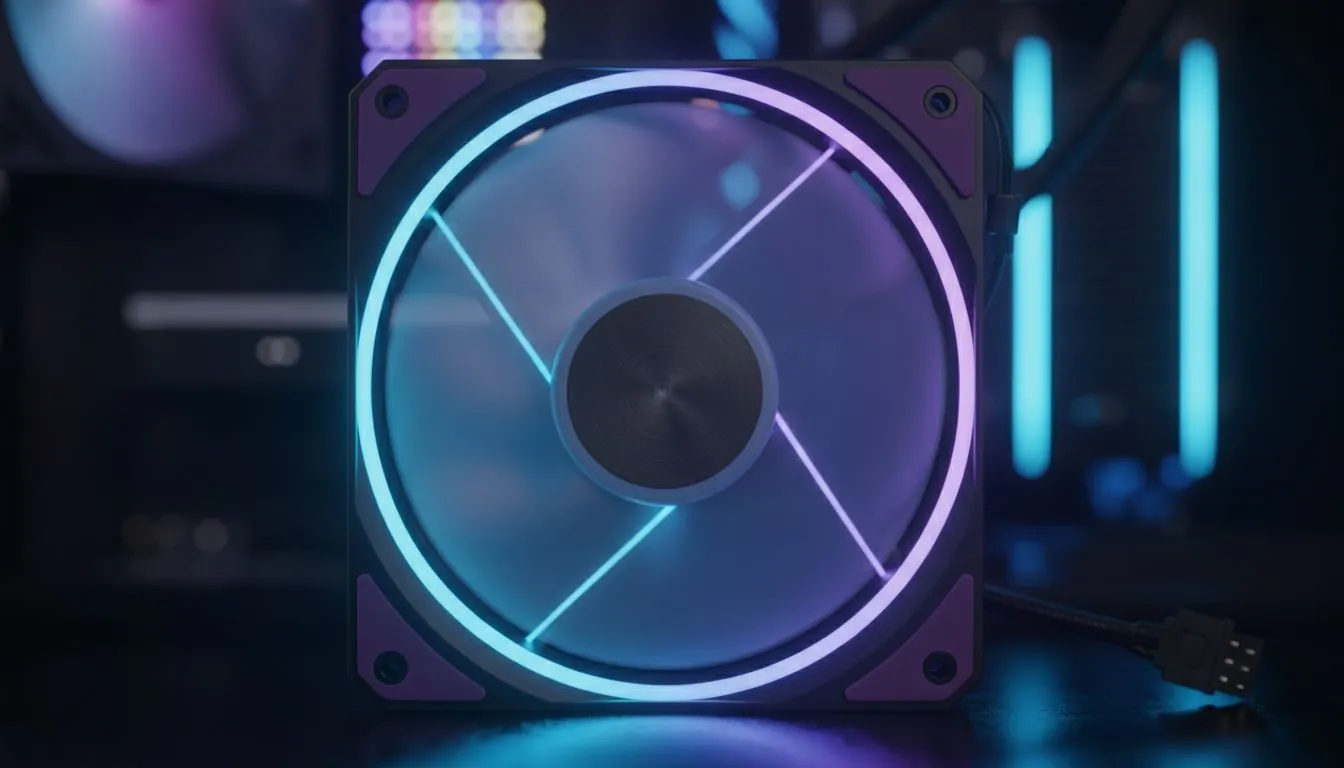
Is your gaming PC starting to sound like a jet engine during a tense squad fight in Warzone? We’ve all been there. You’re trying to hear enemy footsteps, but your rig’s fans are screaming louder than your teammates. The good news is you don’t have to choose between a cool PC and a quiet one. Upgrading to high-speed PWM fans is a brilliant way to improve gaming performance, cut noise, and keep your components frosty. ❄️
Understanding PWM: More Than Just Spinning Blades
So, what’s the big deal with PWM? Unlike older 3-pin DC fans that often run at a constant speed, a 4-pin PWM (Pulse Width Modulation) fan is much smarter. It allows your motherboard to precisely control the fan���s speed based on your component temperatures.
Think of it as a smart thermostat for your PC. When you're just browsing, the fans spin slowly and quietly. The moment you jump into a demanding game like Cyberpunk 2077, they automatically ramp up to provide maximum cooling, keeping your performance stable and preventing thermal throttling. This intelligent control is the core benefit of modern high-speed PWM fans.
How High-Speed PWM Fans Boost Your Gaming Performance
Let’s talk frames. The biggest enemy of consistent gaming performance is heat. When your CPU or GPU gets too hot, it "throttles"—deliberately slowing itself down to prevent damage. This is what causes those frustrating frame drops and stutters right in the middle of a crucial battle.
High-speed PWM fans directly combat this by ensuring a powerful, consistent flow of cool air through a well-ventilated computer case. Better cooling means less throttling, which translates directly to smoother, more reliable FPS when it matters most. 🚀
Taming the Roar: The Quiet Advantage of PWM Fans
Okay, "high-speed" and "quiet" might sound like they don't belong in the same sentence, but that’s the magic of PWM control. Because the fans only spin as fast as necessary, your PC can stay whisper-quiet during everyday tasks. The aggressive cooling from your performance fans only kicks in when you actually need it.
This intelligent speed management is key to building a powerful rig that doesn’t disrupt your focus or fill your mic with background noise. When paired with acoustically optimised chassis, like many of the premium cases from brands like Fractal Design, the effect of quiet PWM fans becomes even more noticeable.
Pro Cooling Tip 🔧
Most modern motherboards let you create a custom fan curve in the BIOS UEFI. This allows you to define exactly how fast your fans should spin at specific temperatures. Spend 10 minutes setting this up for a perfect balance between cooling performance and noise levels that suits your specific rig and environment.
Choosing the Right Fans & Case for Your Rig
When you're ready to upgrade, the right case and fan combination is crucial. You'll want to match your fan choice to your case's capabilities. Look at fan sizes (120mm and 140mm are most common), airflow (measured in CFM), and static pressure (important for pushing air through dense heatsinks and radiators).
Many modern chassis, like the popular Gamdias gaming cases, offer excellent airflow potential right out of the box. You don't have to break the bank either; there are plenty of great budget-friendly options under R1500 that provide a fantastic foundation for an effective cooling setup. An investment in high-speed PWM fans is one of the smartest, most affordable upgrades you can make. ✨
Ready to Chill Out Your Rig? Upgrading to high-speed PWM fans is one of the most cost-effective ways to boost performance and silence your PC. A cool rig is a fast rig. Explore our massive range of PC components and find the perfect cooling solution for your setup today.











