

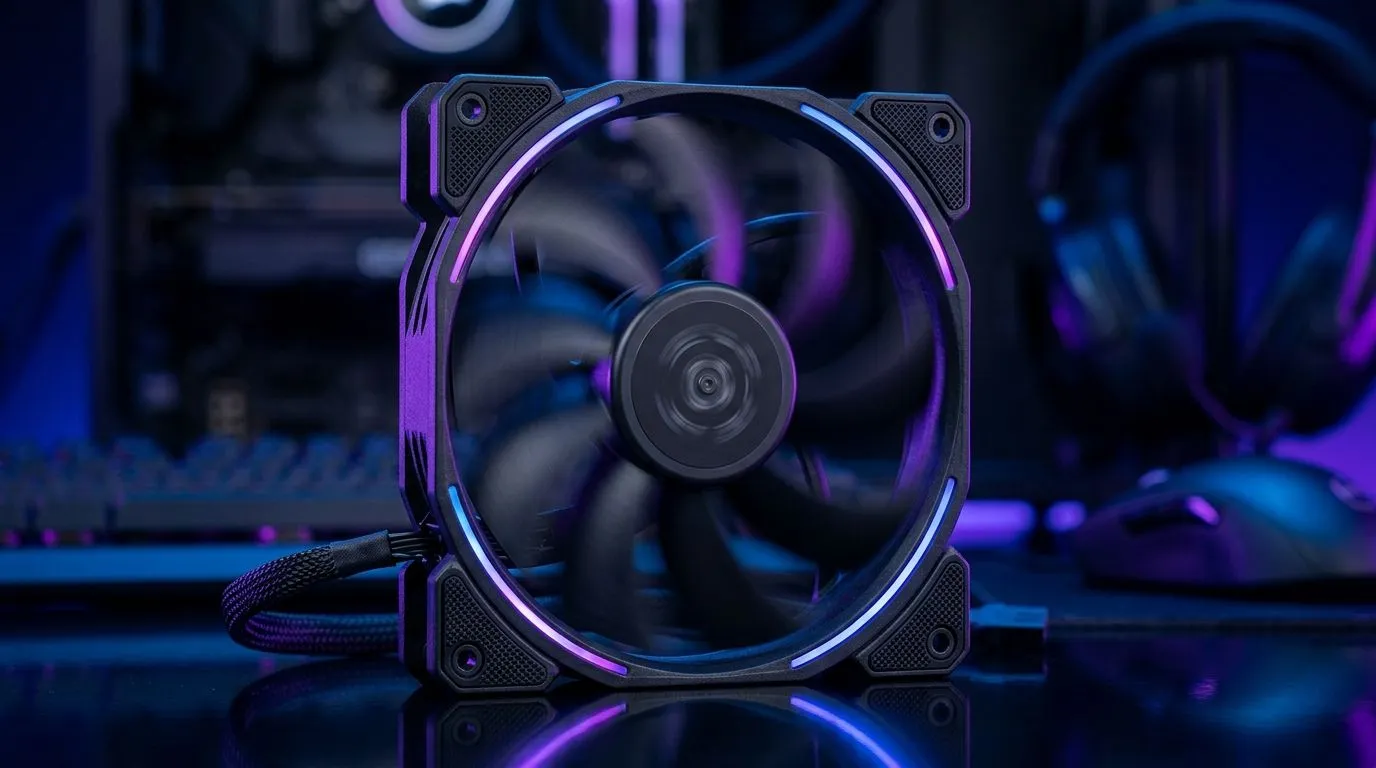
How Loud Is a 120mm PWM Fan at 2000 RPM?
If you’ve ever built a PC in a quiet room and then heard a fan spool up… you know the feeling. Will your 120mm PWM fan sound “gaming quiet”, or more like a desk fan on full blast? For South African gamers, the answer depends on airflow design, bearing type, and how hard the fan is actually working at 2000 RPM. Let’s break down what “How Loud Is a 120mm PWM Fan at 2000 RPM?” really means, and how to choose a fan that fits your setup… not your regret. 🔧
Productivity Pro Tip ⚡
On Windows, set your fan curves in BIOS or via your motherboard software so the PC ramps fans gradually under load. A smooth curve reduces sudden noise spikes during gaming sessions and downloads, so your fans sound more “steady” than “start-stop”. This is especially helpful if you run Discord, streaming, or you game with headphones off.
What you hear at 2000 RPM: PWM control vs real-world noise
PWM fans don’t run at one fixed speed. Even if a fan can reach 2000 RPM, your motherboard decides when to hit that speed based on CPU/GPU temps and your fan curve. In practice, two PCs can both “peak at 2000 RPM” but sound very different because:
- one ramps there quickly, creating a noticeable noise jump
- the other reaches 2000 RPM gradually and stays there during heavy load
- airflow path (front-to-back case design) changes how hard the fan must work
Typical noise sources (and why 120mm isn’t automatically “quiet”)
Even without quoting exact dB numbers (because models vary), noise often comes from:
- blade design and turbulence
- resonance from mounting (fan screws too loose or too tight)
- dust build-up that changes airflow
- fan bearing quality over time
Also, 120mm fans are compact. They can be excellent at cooling, but many will get louder sooner than larger fans when you push them to higher RPM.
Using Evetech’s fan lineup to build a quieter rig (without guessing)
The easiest way to reduce noise is to buy fans that are meant for your case and your target setup. Evetech stocks multiple case-fan options by size and features. Start here:
- If your case supports 120mm mounting, filter by 120mm and focus on models built for smoother operation: Shop 120mm case fans on Evetech
- If you can fit 140mm mounts, consider stepping up. Larger fans often move more air at lower RPM: Browse 140mm case fans
Want a specific brand vibe? Plenty of builds go for consistency:
- Explore CORSAIR case fans
- Check out Deepcool case fans And if you want to compare multiple options quickly, the full category is useful when you’re spec-checking:
- View all case fans
RGB vs “stealth mode” (yes, it affects your choice)
RGB isn’t inherently louder, but it can affect how you plan your setup and what controllers you’ll use. If you’re noise-sensitive and prefer a clean build:
Quick buying checklist: will a 120mm hit 2000 RPM often?
Before you assume “2000 RPM = loud”, ask these questions:
- Does my case allow good airflow? If your front intake is blocked, fans must work harder.
- What’s my thermal target? Lower CPU boost behaviour can reduce fan ramping.
- Are my fan mounts secure? Mounting issues can create annoying vibration.
- Do I have a sensible fan curve? Sudden curves are what you notice, not just RPM.
A simple approach: aim for fans that reach your “comfort RPM” without constant spikes. If your gaming sessions are long and you hate sudden sound jumps, a calmer curve beats a high-RPM ceiling every time. ✨
Ready to stop the “is it too loud?” guessing and buy with confidence
If you want to answer “How Loud Is a 120mm PWM Fan at 2000 RPM?” for your exact system, you need the right models for your case and your noise tolerance. Evetech makes it easy to filter by size, brand, and lighting so you can build a quieter airflow layout without overspending. 🚀
Ready to Find Your Perfect Match? The Mac vs Windows debate is complex, but for maximum power, choice, and value in South Africa, Windows is hard to beat. Explore our massive range of laptop specials and find the perfect machine to conquer your world.











