

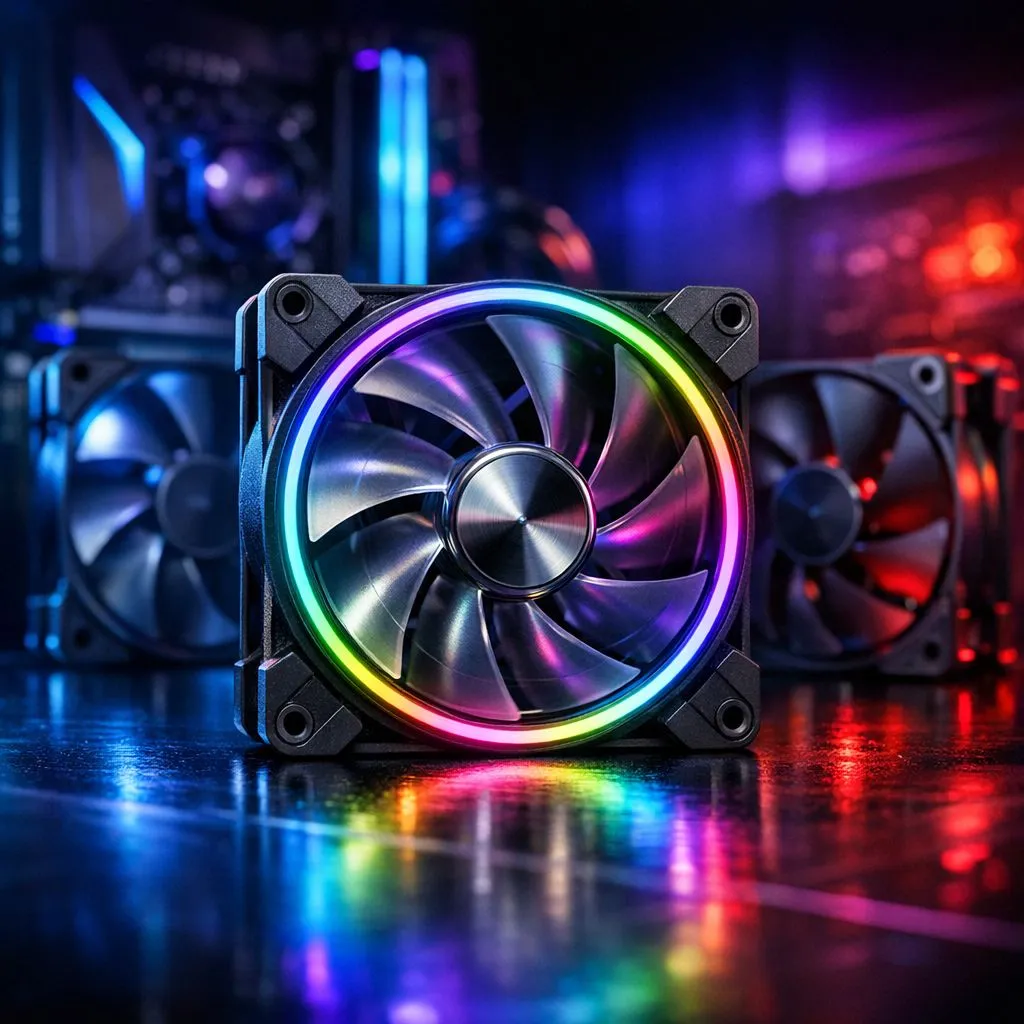
The Balancing Act of Airflow
Is your rig sounding like a jet engine taking off from OR Tambo? You aren’t alone. Many South African gamers struggle with the age-old question: how many case fans do I actually need to keep my components from throttling during a marathon session of Starfield or Cyberpunk 2077? The short answer is that more fans don't always equal better temperatures. It is about creating a deliberate, unobstructed path for air to travel through your chassis.
Understanding Intake vs. Exhaust
To achieve optimal thermals, you need to balance your intake and exhaust. A common mistake is cramming in as many fans as possible without considering positive air pressure. If you are shopping for computer cases, look for designs that prioritise mesh front panels. These allow for superior airflow compared to solid glass fronts.
For most mid-tower builds, a simple three-fan configuration is the "sweet spot." Two fans pulling cool air in at the front and one pushing hot air out at the back is usually enough to maintain stability. If you are looking for premium aesthetics and airflow, the Fractal Design PC cases range offers some of the best engineering in the industry for managing internal heat cycles. 🔧
Strategic Fan Placement
Don't just plug fans in randomly. Heat rises, so exhaust fans should always be positioned at the top or rear of your case. If you have a budget-conscious build, you can still achieve great results with Gamdias gaming cases. These cases often come with pre-installed fans, saving you the hassle of buying extra units separately.
Airflow Pro Tip ⚡
Always ensure your intake fans have dust filters. In the dusty South African climate, cleaning your filters once a month is more effective for cooling than adding a fourth or fifth fan to your system.
If you are just starting your build journey and need to keep costs under R1500, check out these Gamdias gaming cases which prove that you don't need to break the bank to get excellent airflow performance. 🚀
Why Balance Matters
Too many exhaust fans can create negative pressure, which sucks dust into every tiny crack in your case. Aim for slightly positive pressure—more intake than exhaust—to keep dust accumulation to a minimum. It keeps your components cleaner and your cooling system running efficiently for years to come. ✨
Ready to Find Your Perfect Match? Building the ultimate gaming rig requires the right foundation. From high-airflow chassis to the latest cooling solutions, we have everything you need to keep your system frosty. Explore our massive range of PC components and build your dream machine today.











