

How to Think About PC Airflow Before You Buy More Fans 🔧
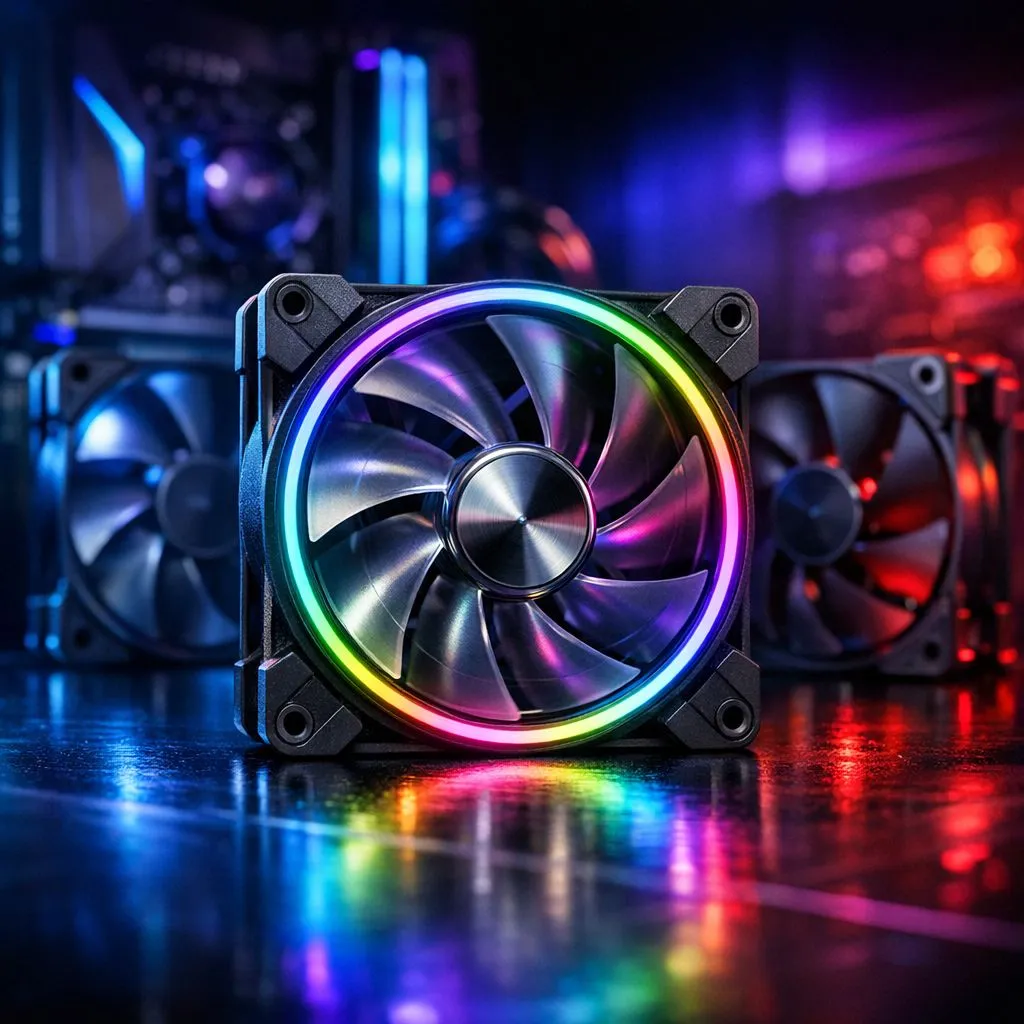
If your rig feels hot after a long Valorant session, you’re not alone. Many South African gamers add fans first, then wonder why temps barely move. The truth is simple: airflow is about balance, not just quantity. Before you spend more rand, it helps to know how many fans your case actually needs, where they should go, and whether your current setup already has a bottleneck.
How Many Case Fans Do You Need for Best PC Airflow?
For most gaming PCs, three to four well-placed fans is the sweet spot. That usually means two intake fans at the front and one exhaust at the rear, or a 3-fan setup with an extra top exhaust if your case supports it. The goal is clean front-to-back airflow, with cool air entering low and warm air leaving high.
A smaller mid-tower with decent ventilation often performs better with three quality fans than six cheap ones. Why? Because fan placement, case mesh, and cable management affect airflow just as much as raw fan count. A closed-off front panel can trap heat, even if the case looks premium.
Best PC Airflow Starts With the Right Case Design
Before you chase more fans, check the case itself. Mesh fronts usually breathe better than solid panels with tiny side vents. If you want to browse airflow-friendly enclosures, Evetech’s range of computer cases is a smart place to start.
If you prefer cleaner styling with strong thermal focus, look at Fractal Design PC cases. They’re often chosen by builders who want restrained looks and practical cooling layouts. For budget-conscious gamers, Gamdias gaming cases can offer RGB flair and sensible airflow features. If you’re shopping under pressure, the Gamdias cases under R1500 page is worth a look too.
Best PC Airflow Tips for South African Builds
South African homes can get warm, especially in summer. That makes airflow more important than many buyers realise. A GPU that runs fine in winter may start boosting less aggressively when case temperatures rise.
Here’s the practical rule:
Start with intake
Two front intake fans give your CPU cooler and GPU fresh air.
Add exhaust only if needed
One rear exhaust is usually enough to remove warm air. Add a top fan if heat builds near the upper chamber.
Keep dust in check
Dust filters help, but they also need cleaning. A dusty front panel can choke airflow fast.
Airflow Pro Tip ⚡
Before buying extra fans, open your case and check the cable layout. A tidy interior can improve airflow more than another fan. Route cables behind the motherboard tray and keep the front intake path clear.
When More Fans Actually Help
More fans make sense when you have a high-wattage GPU, a hot CPU, or a case with limited natural airflow. They also help if you stream, render, or play for long stretches. Still, there’s a ceiling. After a point, extra fans can add noise without meaningful cooling gains.
If your temperatures are already under control, money may be better spent on a stronger case, a better CPU cooler, or a quality fan curve setup in BIOS.
Best PC Airflow Comes From Smart Buying, Not Guessing
The right number of fans depends on your case, your components, and how hot your room gets. That’s why the best build is rarely the loudest one. It’s the one that moves air efficiently and stays easy to live with.
If you’re building a new rig, choose the case first, then plan the fans around it. That approach saves money, reduces frustration, and usually gives you quieter gaming too 🚀
Ready to Find Your Perfect Match? The Mac vs Windows debate is complex, but for maximum power, choice, and value in South Africa, Windows is hard to beat. Explore our massive range of laptop specials and find the perfect machine to conquer your world.











