

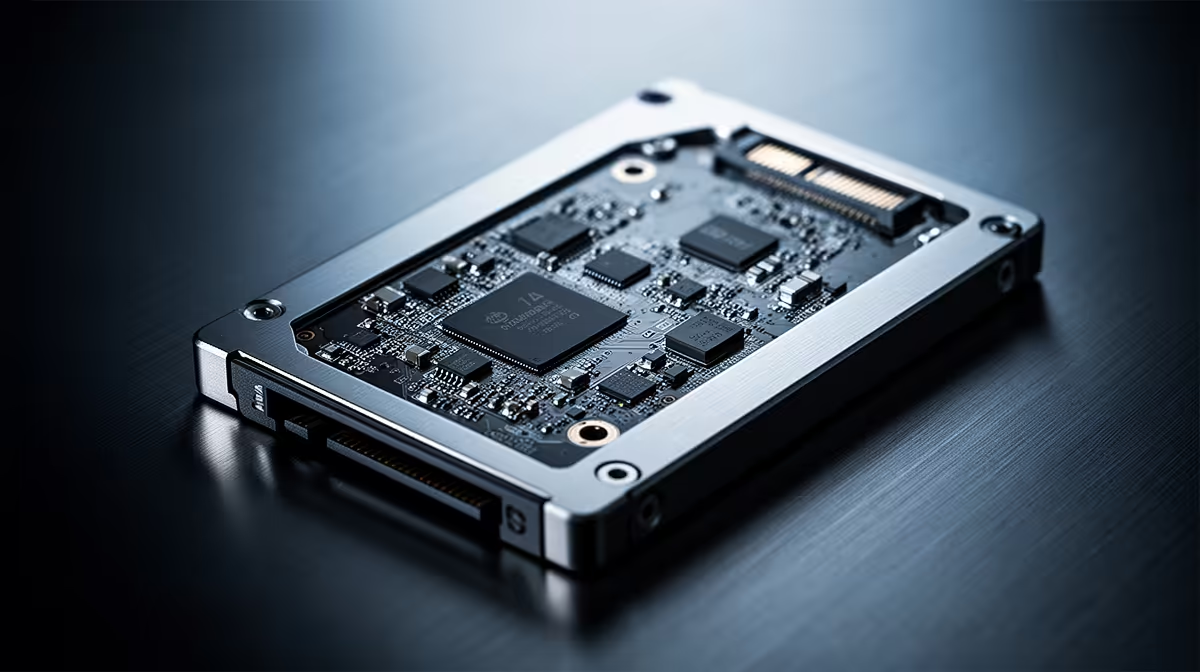
How Much Faster Will My PC Boot With a 3D NAND SATA SSD? (Real-world gains for SA PCs)
If your PC feels sluggish before the login screen… you’re not alone. In South Africa, plenty of gamers still run older HDDs in budget towers. The result? Long waits, “clicking… waiting…” moments, and that sinking feeling right before you want to game. ⚡
So, how much faster will my PC boot with a 3D NAND SATA SSD? Usually, it’s a noticeable jump in everyday speed, even if your PC isn’t brand new.
This guide breaks down what you can expect from a 3D NAND SATA SSD, why it varies, and how to get the most out of the upgrade.
What “3D NAND SATA SSD” means for boot speed
A 3D NAND SSD stores data using flash cells stacked vertically. Compared to older 2D planar NAND, this often helps with density and efficiency. But boot performance isn’t just about “3D” versus “not 3D”… it’s also about the interface (SATA) and your system’s current drive.
For SATA SSDs, you’re working within SATA’s limits. That’s still enough to crush HDD boot times in most real-world setups. If your current drive is an HDD, expect faster OS load, faster app launches, and quicker game patching once the system is up. 🔧
Evetech lists solid-state drives in its SSD category, where you can compare options that fit your build. Start your search here: Shop solid-state drives at Evetech
If you’d like to narrow by a brand many South Africans trust, check these: Shop ADATA SSDs
Or if Kingston is your pick: Shop Kingston SSDs
How much faster should you expect?
Here’s the honest answer: your “boot time” depends on more than the SSD. Windows can spend time checking hardware, starting services, and loading startup apps. So the SSD makes it faster… but it doesn’t control everything.
That said, upgrading from a hard drive to a SATA SSD commonly changes the experience dramatically. You’ll often see:
- Faster BIOS-to-Windows handoff
- Quicker Windows login and desktop readiness
- Snappier “double-click to launch” behaviour right away
Why the variation? If your PC already has decent RAM and a clean startup, the SSD impact feels huge. If you have tons of startup apps, you may still reach “desktop” sooner, but the system will still busy itself afterwards. ⚡
SATA vs M.2: are you leaving speed on the table?
If you’re installing a SATA SSD, you’re likely using the 2.5-inch slot. That’s great value. But if your motherboard supports M.2, you may get even faster transfers. Here’s where to shop for form factors: Shop SSDs in the right M.2 2280 form factor
And if you’re specifically planning around newer controller support, compare interface generations too: Explore SSDs by Gen 5 (NVM…)
Get more boot speed than you think (without spending more)
A new SSD helps most. But you can make it feel even faster by tightening the software side.
Productivity Pro Tip ⚡
On Windows, open Task Manager → Startup Apps and disable anything you don’t need at boot. Then reboot and time it again. Less startup overhead means your SSD feels even snappier, especially on mid-range gamer PCs with lots of launchers."
Also consider:
- Keep your OS on the SSD (don’t mix everything across drives)
- Leave some free space on the SSD for maintenance and wear-leveling
- After cloning, verify the SSD boots correctly before deleting old partitions
A quick micro-story from the South African reality: a friend of mine installed a SATA SSD in a “works but feels slow” office tower. The first night he left it overnight… and in the morning the login screen was basically instant. He didn’t suddenly get a new PC… he just removed the bottleneck.
Ready to choose the right 3D NAND SSD for your build
The fastest upgrade is the one that matches your motherboard and budget. If you’re sticking with SATA, 3D NAND SSDs still deliver a big everyday improvement. If you have an M.2 slot, consider whether you want to spend for even faster performance.
For a clean selection and easy comparisons, use Evetech’s SSD range to find the best fit for your system.
Ready to Find Your Perfect Match? The Mac vs Windows debate is complex, but for maximum power, choice, and value in South Africa, Windows is hard to beat. Explore our massive range of laptop specials and find the perfect machine to conquer your world.











