

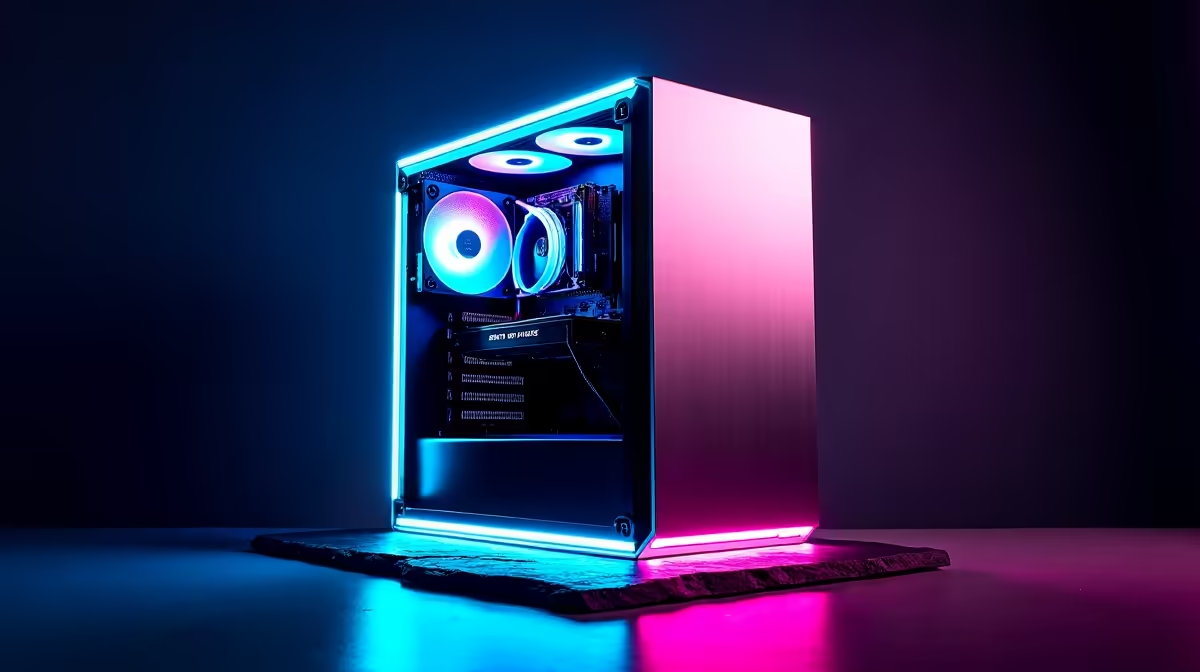
Is your new gaming rig really crushing frames in Helldivers 2, or is it just getting by? You've spent your hard-earned Rands on a powerful machine, but how do you know you're getting every drop of performance? The answer is simple: you need to benchmark your gaming PC. It sounds technical, but it’s a straightforward process that every South African gamer should know. This guide will show you exactly how. 🚀
Why You Should Benchmark Your Gaming PC
Think of a PC benchmark as a fitness test for your computer. It pushes your components—your graphics card (GPU), processor (CPU), and RAM—to their limits to see how they perform under pressure. This isn't just for bragging rights; a proper gaming PC benchmark gives you crucial data.
It helps you:
- Identify Bottlenecks: Is your old CPU holding back your brand-new GPU? A benchmark will reveal the weak link in your setup.
- Confirm Performance: Make sure your hardware is performing as expected right out of the box.
- Track Stability: Essential after overclocking to ensure your system is stable and not overheating.
- Justify Upgrades: It provides concrete proof that it might be time for an upgrade, helping you get the most performance for your money, even when exploring budget gaming PCs.
Getting Started: The Best Free Benchmarking Tools
You don't need to spend a cent to get started with PC benchmarking. There are several excellent free tools that provide reliable results. Whether you're testing one of our great options for PCs under R20k or a high-end beast, these are your go-to options.
- 3DMark: The industry standard for gaming. The free version on Steam, 3DMark Basic Edition, includes the "Time Spy" benchmark, which is perfect for modern DirectX 12 gaming PCs.
- Cinebench: This tool focuses entirely on your CPU's performance, making it ideal for gamers who also stream or create content. It renders a complex 3D scene and gives you a score based on how quickly your processor completes the task.
- In-Game Benchmarks: Many modern games like Cyberpunk 2077 or Shadow of the Tomb Raider have built-in benchmark tools. These are fantastic because they test performance using the actual game engine you'll be playing on. ✨
Pro Tip for Accurate Results 🔧
Before you run any benchmark, give your PC a clean slate. Close all background applications—web browsers, Discord, Spotify—and make sure your graphics drivers are updated to the latest version. This ensures the score you get reflects your PC's maximum potential, not its ability to multitask.
A Simple Step-by-Step Guide to Benchmarking
Ready to run your first test? Following this simple process will help you get a reliable score.
- Prepare Your PC: As mentioned in our tip, close everything and update your drivers. A quick restart doesn't hurt either.
- Choose and Install Your Tool: Download one of the tools listed above. For a comprehensive gaming test, 3DMark Time Spy is a great starting point.
- Run the Benchmark: Start the test and... don't touch anything! Let it run from start to finish without moving the mouse or typing. Any user input can skew the results.
- Record Your Score: Once it's done, you'll get a final score. Jot it down. This number is your performance baseline.
If this sounds like a lot of work, remember that our well-balanced pre-built PC deals come optimised and tested right out of the box, saving you the hassle.
Your Score is In... Now What?
So, you have a number. What does it actually mean? The power of a benchmark score comes from comparison. Search online for "3DMark Time Spy score [Your GPU Name]" to see how your result stacks up against others with similar hardware.
- If your score is low: Don't panic! This is valuable information. The first things to check are your system's temperatures—overheating is a common cause of poor performance. Ensure all your drivers are up to date and that no unnecessary software is running in the background.
- If your score is on par: Fantastic! Your PC is running as it should. You can use this score as a baseline to measure future upgrades or detect if performance degrades over time.
- If it's time for an upgrade: If your benchmark results confirm that your rig is struggling with the latest titles, it might be time for an upgrade. For those wanting to push into 4K gaming or high-refresh-rate esports, investing in one of the many available high-performance gaming PCs over R20k could be your next logical step.
Ultimately, a good benchmark gives you the data to make a smart decision. If you decide an upgrade is on the cards, the best place to start is to check out the best gaming PC deals in South Africa.
Ready to Stop Guessing and Start Gaming? A benchmark gives you the hard data you need to make smart decisions. Whether you're fine-tuning your current rig or building a new beast, knowledge is power. Explore our massive range of Gaming PCs and find a machine that's tested, optimised, and ready to dominate.











