

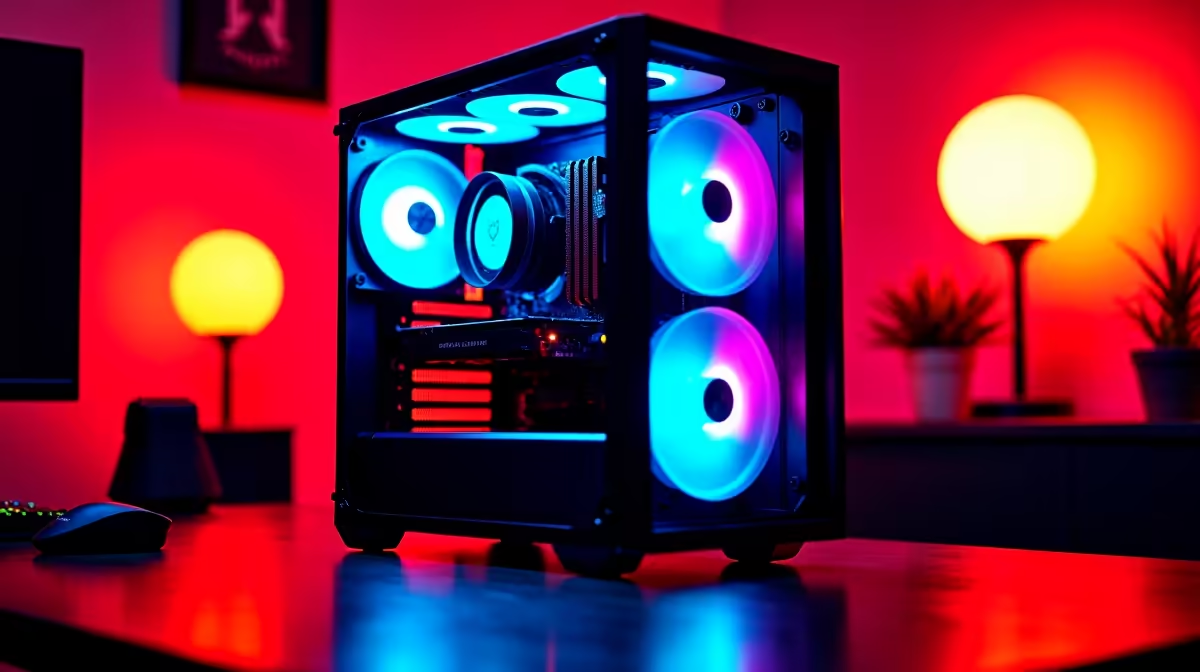
You just dropped your hard-earned ZAR on a new rig... but is it actually giving you the frames you paid for? Whether you want to squeeze out extra performance or ensure your system runs smoothly before the next power cut hits... knowing how to benchmark your PC is a vital skill. Welcome to your complete performance testing guide. 🚀
Why You Need a Performance Testing Guide
Benchmarking pushes your hardware to its absolute limits. It assigns a numerical score to your processor, memory, and graphics. This lets you compare your system against global averages. If you just upgraded to one of the latest graphics cards, a quick benchmark will confirm you are getting the true value out of your investment.
It also highlights thermal throttling... meaning you can identify and fix cooling issues before they permanently damage your expensive parts.
Essential Tools for the Job 🔧
You do not need to be a tech wizard to test your system. Start with 3DMark for gaming performance... it remains the industry standard for pushing pixels. For processor testing, Cinebench is your absolute best friend.
These software tools work brilliantly whether you are testing high-end rigs from our pre-built PC deals or checking the thermals on one of the top laptops for sale in South Africa. MSI Afterburner is another fantastic utility... letting you monitor your hardware via an on-screen display while you actually play.
Testing Pro Tip ⚡
Always close background applications like Discord, Steam, and Chrome before running a benchmark. Even a single browser tab can eat up RAM and CPU cycles... skewing your final score and hiding your system's true potential.
Step-by-Step PC Benchmarking
First... always update your drivers. Outdated software will ruin your scores and cause unnecessary stuttering. Next, monitor your temperatures using a free tool like HWMonitor.
Run your chosen benchmark three times and take the average score. This ensures a random background process did not artificially lower your results. If your scores are consistently lower than expected, your hardware might be showing its age. Sometimes older components just cannot keep up with modern demanding titles.
You can easily find massive hardware upgrades by browsing the best gaming PC deals available right now. Alternatively... keeping a close eye on daily tech specials is a brilliant way to boost your frame rates without breaking the bank.
Making Sense of Your Scores ✨
Once the test finishes... you get a final number. A high synthetic score is great for bragging rights, but real-world gaming tests matter more. Use the built-in benchmark tools in games like Cyberpunk 2077 to see exactly how many frames per second you can expect. If your average frame rate dips below 60fps at 1080p, you are likely experiencing a hardware bottleneck.
Ready to Push Your Frames Higher? If your benchmark scores are looking a bit sad, it might be time for a serious hardware refresh. Explore our massive range of gaming PC specials and find the perfect machine to conquer your favourite titles in glorious high definition.











