

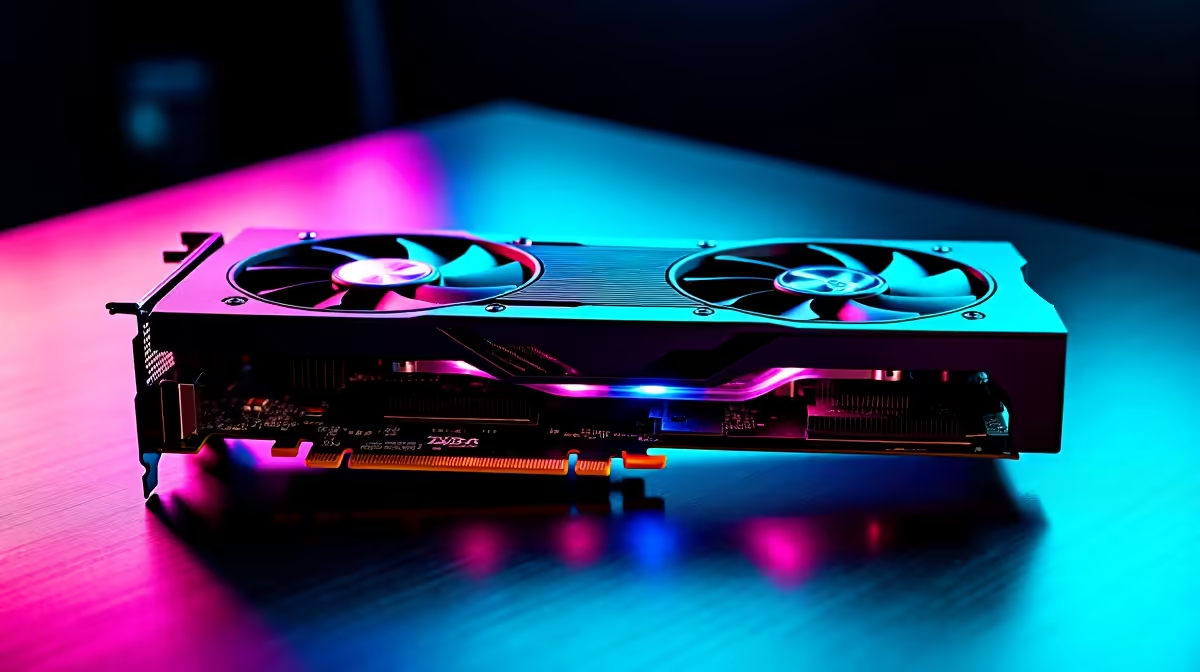
Why Benchmark Your RTX 4090? ⚡
South African gamers and tech enthusiasts, own the beast that is the RTX 4090? You’ve got one of the most powerful GPUs on the planet—so why settle for guessing its true performance? Benchmarking your RTX 4090 unlocks insights about real-world speeds, stability, and thermal efficiency. Whether you’re overclocking or tweaking game settings, knowing what your card can handle amps up your gaming and streaming experience without surprises.
For anyone building or upgrading their rig, start your journey at Evetech’s PC graphics cards selection to discover the latest RTX 4090 models.
How to Benchmark Your RTX 4090: Step-by-Step 🛠️
1. Choose the Right Benchmarking Software
Start with reliable benchmarking tools like 3DMark, Unigine Heaven, or MSI Kombustor. These give you standardised scores to compare your RTX 4090 performance against published results. South African gamers often turn to 3DMark for its versatility and compatibility with many rigs.
2. Prepare Your System for Testing
Close background apps to avoid hidden CPU or RAM use. Make sure your GPU drivers are updated—Evetech offers premium pre-built PC deals featuring optimally configured RTX 4090 rigs ideal for benchmarking and gaming.
3. Run Synthetic Benchmarks
Launch your chosen software and run through the test suites. Pay attention to fps (frames per second), temperature thresholds, and power draw. The RTX 4090’s performance should ideally stay stable without thermal throttling.
4. Real-World Game Benchmarks
Next, test demanding titles like Cyberpunk 2077 or Warzone at max settings in 4K. Monitor fps using tools like MSI Afterburner, focusing on minimum, average, and peak frame rates. This reveals how your RTX 4090 handles actual gameplay loads.
Optimising RTX 4090 Performance in South African Setups 🇿🇦
Tweak Game and Driver Settings
Sometimes factory settings aren’t perfect for South Africa’s power and cooling conditions. Adjust fan curves and undervolt your GPU slightly to fight heat spikes without sacrificing speed.
Use Local Deals to Upgrade Supporting Hardware
Your RTX 4090’s performance gains won't max out without complementary gear. Explore the best gaming PC deals in SA to ensure your CPU and RAM support your GPU’s full potential.
Keep Your GPU Cool
Lower your fan curve by 5% to shave off 2 °C… quieter rig, same FPS. Good cooling sustains peak RTX 4090 performance under South African summer heat.
Maintaining Benchmark Health Over Time
Benchmark your GPU every 3–6 months or after driver updates. Monitoring maintains your RTX 4090’s long-term health. Also, browse specials on cooling accessories or SSD upgrades helpful for system balance.
If you game on the go, consider notebooks with RTX GPUs that also benefit from benchmark checks to ensure mobility doesn't trade off performance.
Level Up Your Gaming Now Don’t wait to unlock every drop of power your RTX 4090 offers. Shop now at Evetech for rigs and upgrades that deliver peak performance every game session.











