

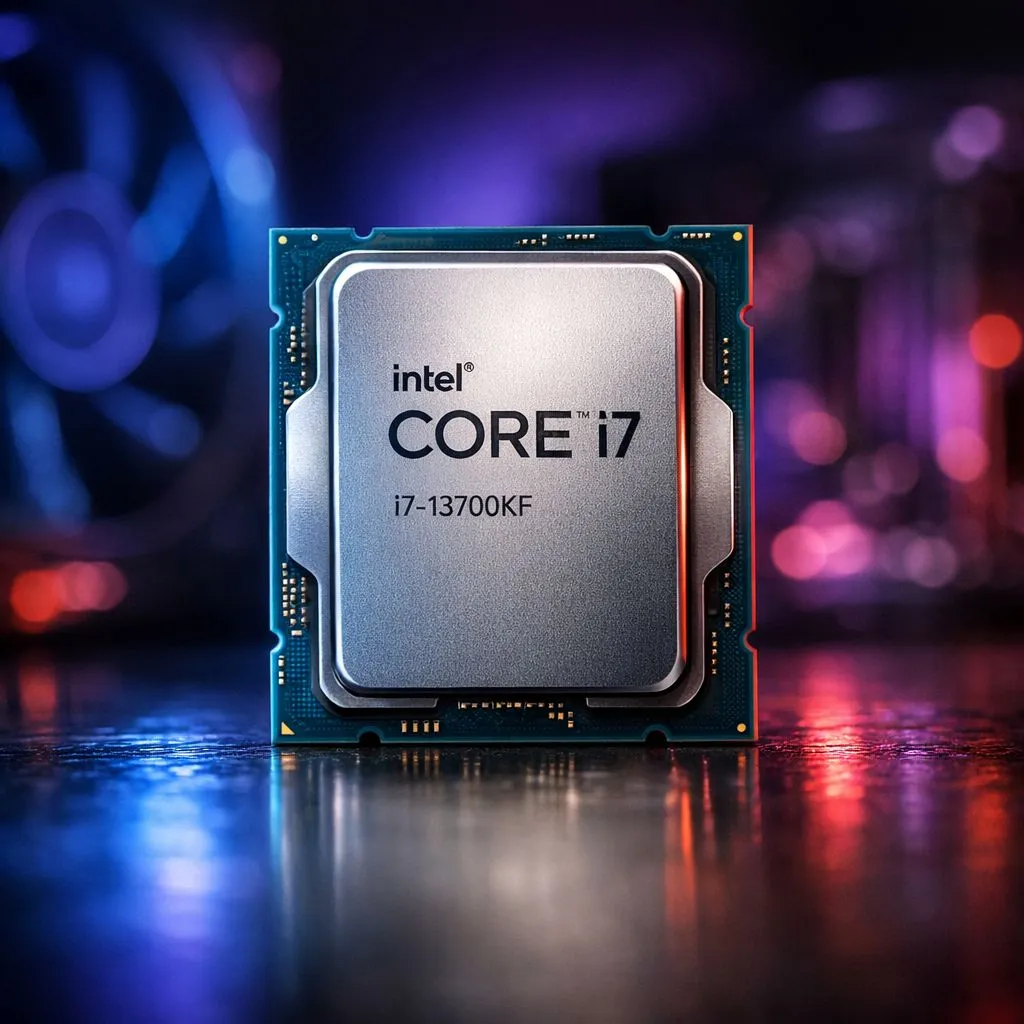
Unlocking the i7 13700KF Overclock: Safe Steps for Maximum Power ⚡
If you’re a South African gamer or PC enthusiast, squeezing every ounce of power from your Intel CPU is a must. The i7 13700KF overclock offers insane performance boosts without breaking your system—when done right. But how do you ramp up clock speeds safely and avoid costly mistakes? Let’s dive into the safest, smartest steps to push your rig past stock limits, keeping temps cool and stability tight.
Why Overclock the i7 13700KF?
The Intel Core i7 13700KF packs 14 cores and blazing speeds by default. Overclocking lets you lift those speeds even higher for smoother gameplay and faster processing. With solid cooling and the right tweaks, you could gain extra frames and quicker renders—perfect for South African gamers seeking winning edge without splashing on pricier CPUs.
If you want a baseline comparison or considering a Ryzen alternative, check out Evetech’s full range of AMD CPUs designed for raw power and competitive pricing in ZAR.
Getting Started: Hardware and BIOS Prep
Before you begin, ensure your motherboard and cooling setup can handle overclocking pressures. Use motherboards supporting Intel’s 13th gen chipsets with robust VRM phases, ideally paired with a high-quality cooler. Air or AIO liquid coolers work best at keeping temperatures below 80 °C under load.
Head into your BIOS and locate the CPU multiplier settings. The i7 13700KF does not have integrated graphics, so focus fully on CPU frequencies and voltages.
Don’t forget—make incremental adjustments, usually 100 MHz at a time, then test stability.
For those browsing CPUs to upgrade or build a system, see the best options in Intel’s lineup on Evetech’s Intel CPU selection. Focus on models with 14 cores or more for balanced power.
Step-by-Step: The Overclocking Workflow
1. Increase Multiplier and Voltage Safely
Start by raising the CPU core multiplier in small steps. Raise the core voltage (Vcore) only enough to keep the system stable. For the i7 13700KF, stay below 1.35 V under load to avoid degrading your chip.
2. Test Stability with Stress Tools
Load testing your overclock is crucial. Use programs like Prime95 or Cinebench R23 to check for errors and temperature spikes. If your system crashes or temps exceed 85 °C, dial back the frequency or improve cooling.
3. Tune Power Limits and CPU Load Line Calibration
Adjusting power limits in BIOS allows the CPU to maintain higher clocks under load longer. This helps prevent throttling during intense gaming or benchmarks.
Cooling Tips for Sustained Performance 🔧
Effective cooling extends CPU lifespan during overclocking. Increase your chassis airflow and consider undervolting your CPU cache for less heat production. Remember, South Africa’s warmer climate means extra attention on fan curves and thermal solutions.
Keep Your CPU Cool Under Load
Balancing cooling is key—lower your fan speeds by 5% and monitor temperatures closely. Using high-quality thermal paste can drop temps by several degrees.
Knowing When to Switch: Intel vs AMD Overclock Options 🚀
Some users wonder if AMD provides better overclocking value. While the i7 13700KF excels in single-threaded tasks, AMD Ryzen 7 chips offer competitive multi-thread performance. Compare your options at Evetech’s detailed AMD Ryzen 7 page and consider your gaming and content needs.
If you’re looking specifically at high-core count Intel processors, Evetech has curated a 14-core CPU range that may fit your budget and overclocking ambitions.
Final Thoughts on i7 13700KF Overclocking
Overclocking your i7 13700KF can unlock impressive performance gains—when you take the safe, methodical route. Prioritise cooling, monitor voltages, and test stability step-by-step. With patience, you’ll extract smooth, lag-free power perfect for esports or creative workloads. Ready to build or upgrade your rig with the best Intel or AMD CPUs available?
Get the Most from Your CPU Take control of your system’s power with high-quality processors. Shop now at Evetech for performance that leaves lag in the dust.











