

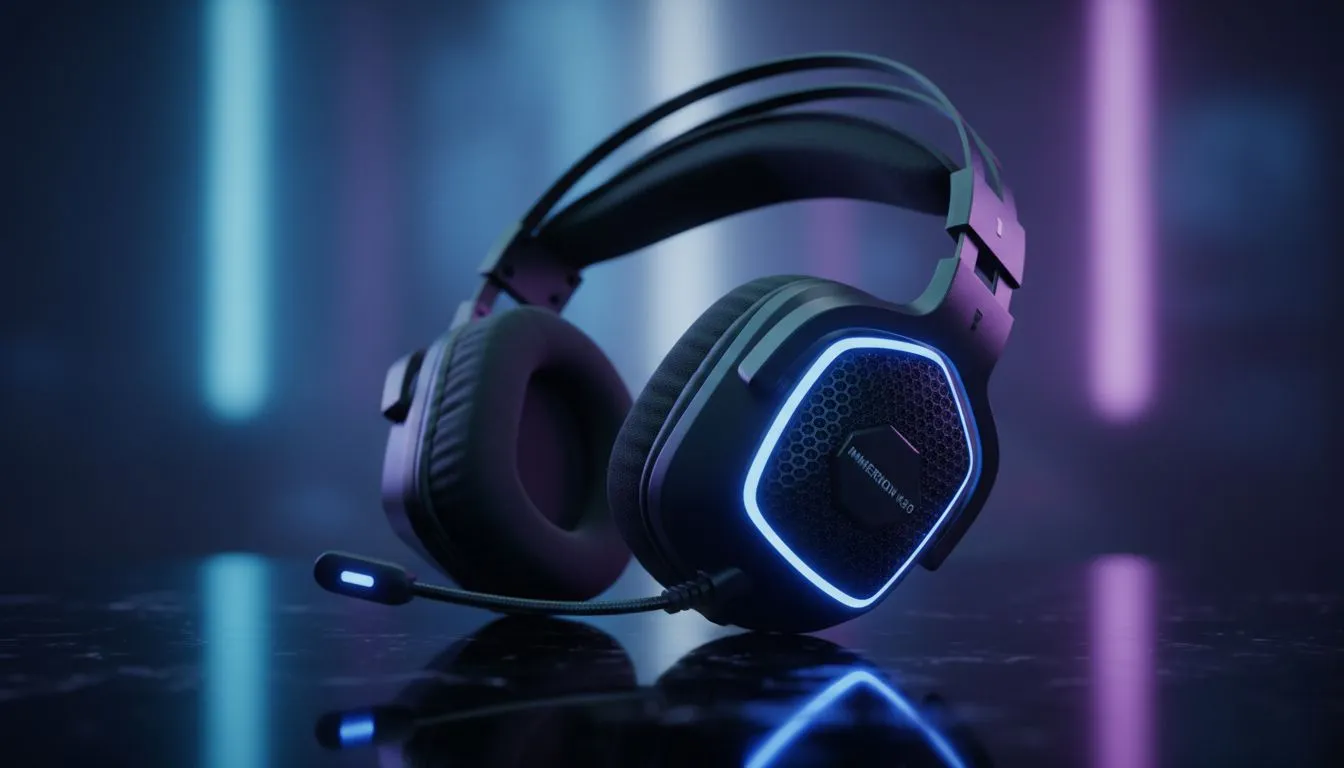
Tweak Your EQ to Improve Footstep Audio Without Increasing Volume
Tired of your ears ringing after a long session of Warzone or Counter-Strike 2? Most South African gamers think they need to crank the volume to hear enemies. But maxing out the decibels just leads to hearing fatigue and long-term damage. You can actually improve footstep audio without increasing volume by focusing on frequency and clarity. Let’s look at how to gain a competitive edge. 🎧
Master the Equaliser Settings for Better Clarity
Footsteps usually sit in the mid to high frequency range. To hear them better, you should boost the 2kHz to 8kHz bands in your audio software. Simultaneously, lower the bass frequencies below 200Hz. This prevents heavy explosions or engine noises from drowning out subtle movement. If you want to improve footstep audio without increasing volume, adjusting your EQ is the most effective first step.
Audio Precision Pro Tip ⚡
Turn off "Loudness Equalisation" in Windows if you want to preserve the distance cues of footsteps. While it makes quiet sounds louder, it often makes it harder to tell how far away an enemy actually is. Use dedicated software like Razer Synapse for better results.
Choosing Specialised Hardware for Spatial Awareness
Not all drivers are created equal. High-quality headsets provide a wider soundstage... which makes it easier to pinpoint exactly where a flanker is coming from. For those looking for a premium experience, the Razer Barracuda X Chroma Wireless Headset in Phantom White offers incredible clarity. It uses TriForce 50mm drivers to separate high, mid, and low tones. This hardware separation ensures that footsteps remain crisp even when the action gets intense. 🎯
Optimise Software and Spatial Sound Profiles
Windows Sonic and Dolby Atmos can help... but they sometimes add too much reverb for competitive play. Many local pros prefer high-quality stereo for better directional accuracy. If you are browsing the latest Razer headphones and headsets, check for THX Spatial Audio support. This software provides a more precise 360-degree soundscape than standard virtual surround sound. It allows you to hear the height and depth of an enemy's movement without needing to touch your volume rocker. 🚀
Focus on Dynamic Range and Compression
In-game settings often include an "Audio Mix" option. Avoid "Home Cinema" profiles as they have a high dynamic range... meaning loud sounds are very loud and quiet sounds are very quiet. Instead, choose "Midnight Mode" or "Boost Highs". These profiles compress the audio range. This brings the volume of footsteps closer to the volume of gunfire. It is the safest way to protect your hearing while maintaining a high kill-to-death ratio in your favourite shooters. ⚡
Ready to Enhance Your Gaming Audio? Don't let poor audio quality hold back your competitive potential. For the best deals on high-performance gear in South Africa, we have you covered. Explore our massive range of headset specials and find the perfect pair to dominate the lobby.











