

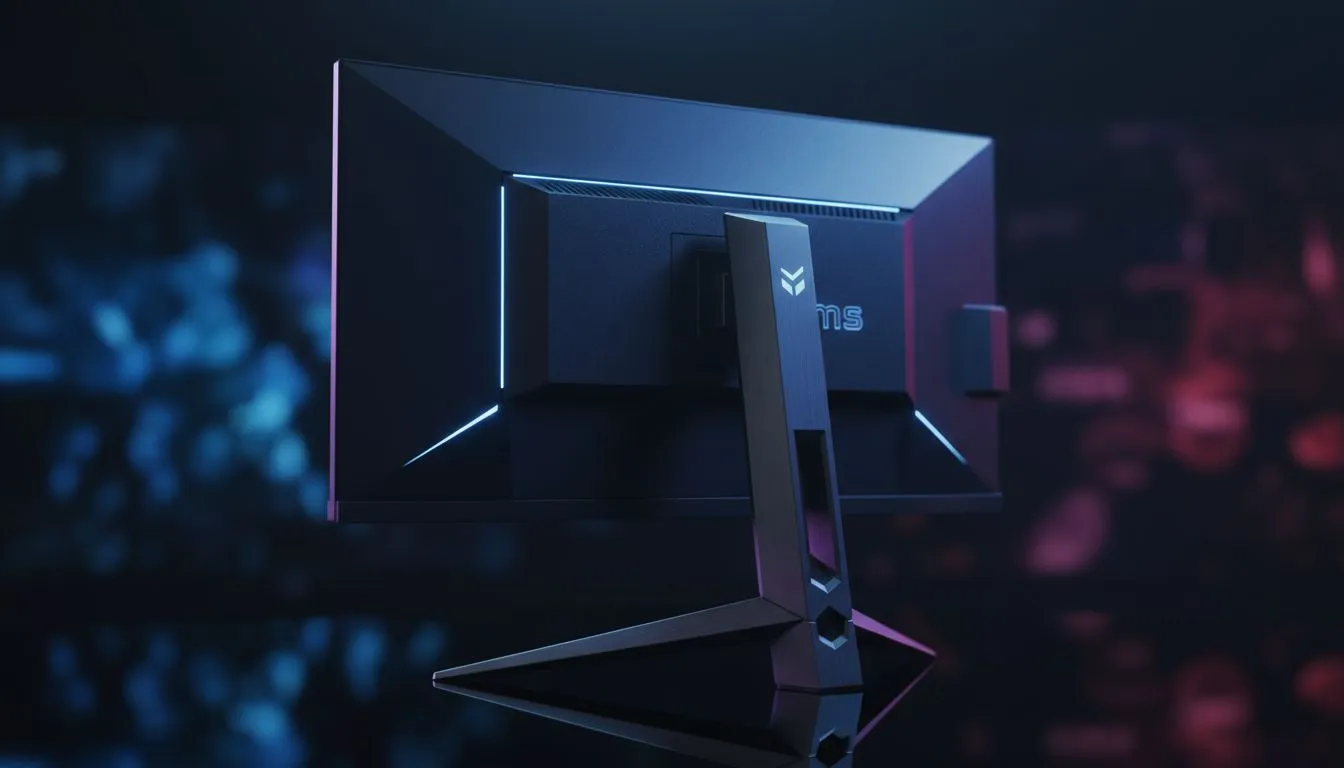
You’ve timed it perfectly. The boss swings, you hit the button, but the animation lags just enough to cost you the run. In high-stakes gaming, every millisecond counts. But does a 1ms response time actually change the outcome of a parry? For South African gamers fighting through latency, understanding the Input Lag Test: Does 1ms Matter for Parrying? is the difference between victory and a 'You Died' screen.
The Science Behind the Input Lag Test: Does 1ms Matter for Parrying?
When we talk about speed, we often confuse response time with input lag. Response time... usually measured in GtG (Grey to Grey)... is how fast a pixel changes colour. Input lag is the total time it takes for your button press to appear on screen. If you are hunting for the best PC monitor deals in ZAR, you need to know that a 1ms sticker doesn't always mean zero delay.
In a tight parry window, usually around 100ms to 200ms, a high total system latency can eat up your reaction time. If your display adds 30ms of lag, your window to react shrinks significantly. This is why professional players obsess over these numbers. Finding high-quality PC monitors with low internal processing is vital for competitive consistency. ⚡
How Refresh Rates Influence Your Parry Timing
A higher refresh rate reduces the delay between the GPU sending a frame and the monitor displaying it. On a 60Hz screen, a new image appears every 16.7ms. On a 144Hz or 240Hz screen, that gap drops to 7ms or 4ms. When you browse all gaming monitors, you'll notice that higher Hz ratings often correlate with better "feel" in combat.
For many players, the immersion of curved monitors helps with focus, but the underlying panel tech remains the priority. An IPS panel with a 1ms response time today offers the same speed as older TN panels but with far better colours. This means you can see the subtle tell of an enemy’s shoulder twitching before they strike.
Parry Pro Tip ⚡
Always disable V-Sync in your game settings if you want the lowest possible input lag. V-Sync forces the GPU to wait for the monitor, which can add up to 50ms of delay. Use G-Sync or FreeSync instead to keep things smooth without the heavy lag penalty.
Testing Your Own Setup for Latency
You don't need expensive gear to see if your gear is holding you back. A simple way to conduct an informal Input Lag Test: Does 1ms Matter for Parrying? is to use a high-speed camera... even your smartphone’s slow-mo mode... to record your mouse click and the screen action simultaneously. Count the frames between the physical click and the on-screen animation.
If you find your current setup is sluggish, even portable monitors designed for gaming now feature low-latency modes that rival desktop displays. For those who want the best of both worlds, 5K and 4K monitors provide incredible detail, though they require a beefy GPU to keep the frame times low. 🔧
Small Adjustments for Faster Reactions
Sometimes the lag isn't the monitor's fault alone. Using the right monitor accessories, such as high-bandwidth DisplayPort cables, ensures your signal isn't bottlenecked. Ensure your monitor is set to "Game Mode" to bypass heavy image processing. This simple toggle can often shave off 10ms to 20ms of hidden lag. 🚀
Ultimately, 1ms is a piece of the puzzle, but total system latency is the real king. If you can reduce your lag, your parries will feel more "magnetic" and responsive. You stop fighting your hardware and start fighting the boss.
Ready to Find Your Perfect Match? The difference between a win and a loss is often measured in milliseconds. For the best response times and competitive prices in South Africa, upgrade your setup today. Explore our massive range of gaming monitors and find the perfect machine to conquer your world.











