

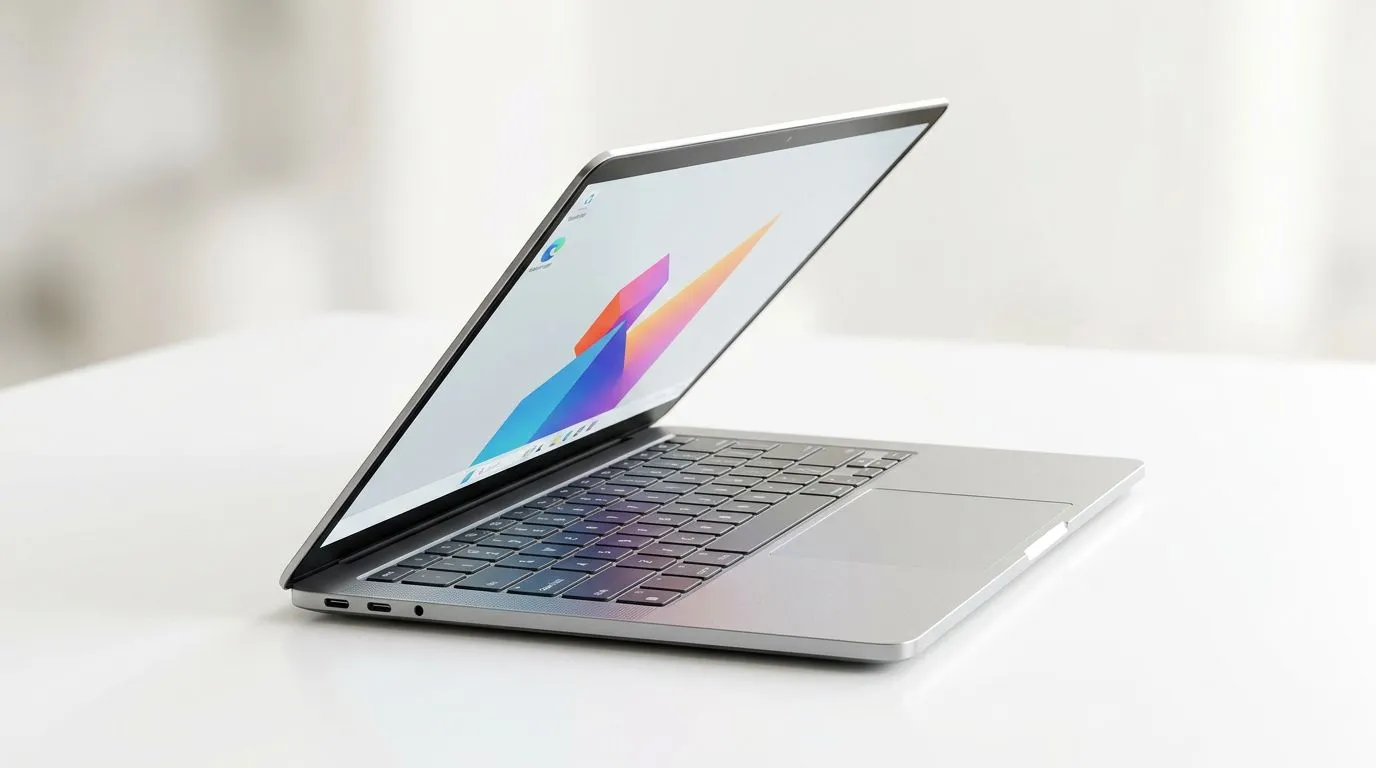
Integrated Radeon Graphics vs Dedicated GPUs for Thin-and-Light Laptops: The Real-World Difference
If your laptop is meant to travel with you, thin-and-light sounds perfect… until you check the specs and see “Radeon iGPU” or “integrated graphics” vs a proper dedicated GPU. South African gamers, creators, and students often start with the same question: will integrated Radeon graphics keep up, or do you actually need a dedicated GPU for smooth games and faster workflows? 🎮
Let’s break it down in plain terms, so you can choose with confidence (and not waste money).
Integrated Radeon Graphics vs Dedicated GPUs for Thin-and-Light Laptops: What Each One Actually Does
Integrated Radeon graphics (iGPU) live on the same chip as the CPU, sharing system RAM. Dedicated GPUs (like NVIDIA GeForce or AMD Radeon dGPUs) have their own VRAM and are built for heavier rendering. ⚡
Here’s the practical impact:
- Integrated Radeon Graphics: Great for everyday tasks, esports at lower settings, and older titles. Better when power and heat limits matter.
- Dedicated GPUs: Better for gaming at higher settings, newer games, AI-assisted workflows, video editing with effects, and stable performance.
But there’s a catch. Thin-and-light laptops usually have tighter cooling. So even with a dedicated GPU, you may see performance vary based on thermals and laptop power settings. In other words… the “GPU name” alone is not the whole story.
Integrated Radeon Graphics vs Dedicated GPUs for Thin-and-Light Laptops: Performance You’ll Notice
Most people don’t just game. They multitask: Discord, browser tabs, downloads, maybe even streaming… and then the game stutters.
Typical patterns:
- With integrated Radeon graphics, you’ll feel it in frame rate drops when scenes get busy, especially at higher resolutions.
- With dedicated GPUs, you’ll usually get more consistent FPS, higher settings options, and better support for modern rendering features.
If your goal is esports (Valorant, Rocket League, CS2), integrated graphics can sometimes cover you, depending on the laptop’s exact configuration and RAM. If your goal is AAA titles, you’ll want to budget for a dedicated GPU.
Productivity Pro Tip 🚀
On Windows laptops, enable Battery Saver only for basic tasks, but switch to a Performance or Balanced power mode when gaming or editing. That simple setting often changes how aggressively the CPU and GPU boost, improving stability on thin-and-light models without needing extra tinkering.
A quick checklist before you buy
Before choosing integrated Radeon vs dedicated, ask:
- Is the laptop single-channel or dual-channel RAM? (Dual-channel can meaningfully affect iGPU performance.)
- Does it support enough RAM headroom? (Upgrading later is often the difference between “fine” and “great”.)
- What’s your target game and settings? Be honest with yourself.
Integrated Radeon Graphics vs Dedicated GPUs for Thin-and-Light Laptops: How to Shop Smart in South Africa
Deals can tempt you into an underpowered choice, especially in a market where budgeting is real. Instead, shop with the use-case in mind.
If you’re leaning toward a lighter, portable setup and you’re mostly doing school work, light gaming, and media:
- Consider thin-and-light options from our Intel laptop specials and compare configurations carefully: https://www.evetech.co.za/intel-laptops-on-special/l/866
If you want stronger general performance for multitasking and typical creator workloads:
- Browse Ryzen laptop deals and look specifically for models with better cooling and upgradeable RAM: https://www.evetech.co.za/ryzen-laptop-deals/l/682
If your priority is gaming first, portability second:
- Check our best gaming laptop deals and focus on laptops that clearly list a dedicated GPU: https://www.evetech.co.za/best-gaming-laptop-deals/l/1468
If your budget is tight but you still want playable gaming:
- Start with options designed for lower budgets, and verify whether there’s a dedicated GPU: https://www.evetech.co.za/buy-gaming-laptops-under-r20k/l/1559
And if you’re targeting smoother gaming with NVIDIA-powered laptops:
- Use these GeForce RTX gaming laptop specials as a strong shortlist for dedicated-GPU performance: https://www.evetech.co.za/geforce-rtx-gaming-laptops-on-special/l/1633
Integrated Radeon Graphics vs Dedicated GPUs for Thin-and-Light Laptops: My Recommendation by Buyer Type
If you’re…
- A student, office user, and occasional gamer: Integrated Radeon graphics can work, but aim for dual-channel RAM and a screen resolution that won’t crush performance.
- A consistent gamer: Go dedicated GPU. Thin-and-light can still be great, but choose a model that’s built to sustain its boost under load.
- A creator editing video or doing heavy workloads: Dedicated GPU is the safer bet for faster rendering and smoother timelines.
The best choice is the one that matches your actual usage. Not the one that looks impressive on a spec sheet.
Integrated Radeon Graphics vs Dedicated GPUs for Thin-and-Light Laptops: What to Do Next
Once you’ve picked your direction, the easiest way to avoid regret is to compare a few laptops side-by-side and check:
- CPU generation
- GPU type (integrated Radeon vs dedicated)
- RAM capacity and upgrade options
- Cooling and power modes
Then buy based on performance needs, not just portability.
Ready to Find Your Perfect Match? The Mac vs Windows debate is complex, but for maximum power, choice, and value in South Africa, Windows is hard to beat. Explore our massive range of laptop specials and find the perfect machine to conquer your world.











