

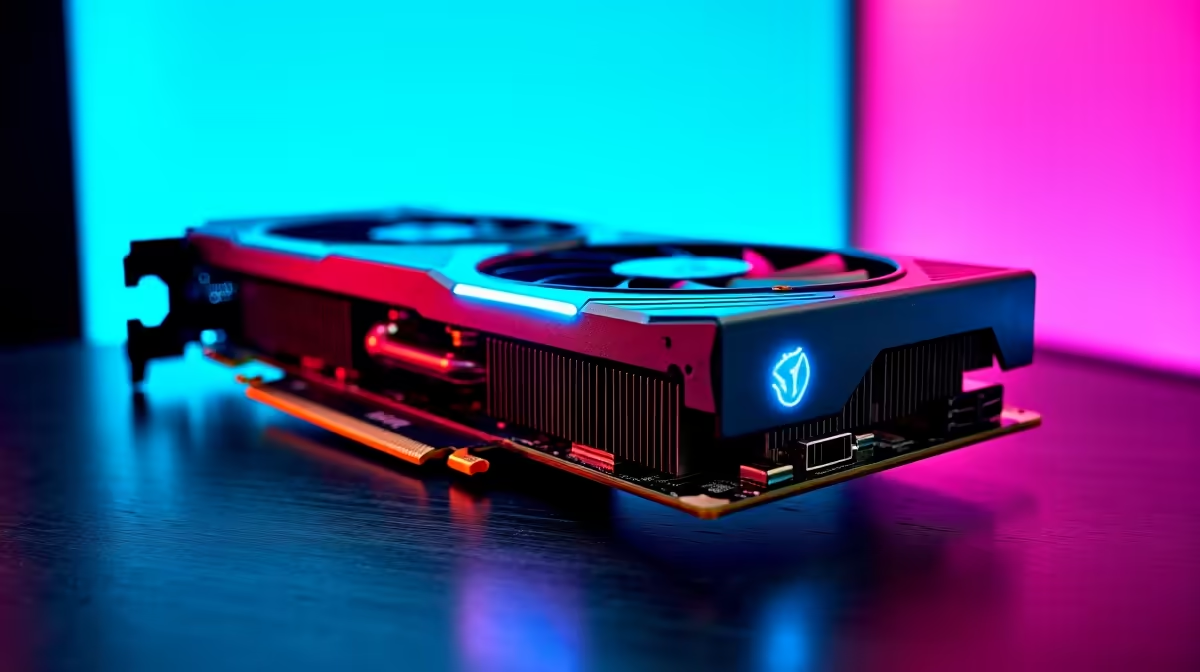
Quick Answer
The Intel Arc B580 delivers capable 1440p performance in Counter-Strike 2 (CS2), consistently achieving high frame rates at medium to high settings. At 1440p, optimal settings balance image quality and competitive frame rates: drop shadows to medium, set effects to low, and keep textures at high for the best CS2 experience on Arc B580 hardware.
Intel Arc B580 CS2 1440p Performance Overview
The Arc B580 is Intel's strongest mid-range GPU entry in 2026, built on the Xe2 architecture with 12GB of GDDR6 VRAM. Counter-Strike 2 is a well-optimised Source 2 engine title that rewards high frame rates over maximum visual fidelity, and the B580 handles 1440p in CS2 competently. At 1440p with a balanced settings profile, the B580 consistently delivers frame rates that keep competitive play fluid, with performance sitting comfortably above 100fps in most map scenarios and spiking higher in open areas with lower geometry complexity.
The B580's 12GB VRAM buffer is substantially more than competing cards in its price bracket, which means CS2's texture streaming at 1440p is handled with headroom to spare. Texture pop-in is minimal, and VRAM pressure does not cause the frame time spikes seen on 8GB cards in some late 2025 and 2026 game releases. For South African competitive players on a budget, the B580 represents strong value at its local price point.
Optimal CS2 Settings for 1440p on Arc B580
Counter-Strike 2's competitive meta favours enemy visibility and consistent frame rates over visual spectacle. At 1440p on the B580, the following settings profile maximises competitive performance without sacrificing visual clarity that helps you spot enemies: set textures to High (the 12GB VRAM handles this easily), global shadow quality to Medium, model/texture detail to High, effects detail to Low, and shader detail to Low. Disable multi-core rendering off is not recommended; ensure it is enabled for the B580 to use its shader cores efficiently.
AMD Radeon Super Resolution (RSR) is not applicable here since the B580 is an Intel card. Intel XeSS upscaling is available in CS2 and can be used at Quality or Balanced mode if you want to push average frame rates higher while maintaining 1440p output resolution. Arc Xe Super Sampling at Quality mode adds minimal visual compromise while extracting more headroom from the GPU.
South African Gaming Context for Arc B580 Buyers
South African gamers who play CS2 on South African servers hosted locally or on the nearest available regional servers face ping conditions that make high frame rates especially valuable since the server tick rate becomes the limiting factor rather than visual quality. The B580's performance at 1440p ensures that GPU frame time is not the bottleneck in your setup, shifting attention to network stability as the primary variable for competitive performance.
Loadshedding is a factor for South African competitive players. The B580's 150W TDP is lower than competing cards at higher performance tiers, making it more manageable on a mid-sized UPS during stage 3 or 4 cuts if you need to stay online for a match. A 1000VA UPS powering a B580 build and a 1440p monitor can typically sustain 45 to 60 minutes of gaming depending on overall system draw.
FAQ
What FPS does the Intel Arc B580 get in CS2 at 1440p?
At 1440p with a balanced competitive settings profile in CS2, the Arc B580 delivers average frame rates consistently above 100fps in most match scenarios, with peaks significantly higher in lower-complexity areas. Results vary based on CPU, RAM speed, and whether Intel's driver optimisations for CS2 are current.
Does Intel Arc B580 support XeSS in CS2?
Yes. CS2 supports Intel XeSS upscaling, and Arc B580 users can enable it at Quality or Balanced mode to extract additional frame rate headroom while maintaining 1440p output resolution with minimal perceptible quality loss.
Is the Arc B580 good for competitive CS2 in South Africa?
Yes. The B580's 1440p CS2 performance, 12GB VRAM headroom, and relatively low power draw make it a strong choice for South African competitive players who want capable 1440p gaming without the higher cost of premium GPU tiers, and whose total system power budget is constrained by UPS use during loadshedding.
Ready to Find Your Perfect Match? Find the right GPU for your 1440p gaming build. Browse Current Gaming PC Deals at Evetech











