

Quick Answer
The Intel Arc B580 can run Helldivers 2 at 4K, but expect frame rates that hover around or below 60fps at High settings without upscaling. Enabling XeSS upscaling in Quality mode significantly improves the experience, making 4K gaming feasible on this card for a title that does not demand ultra-high frame rates for enjoyment.
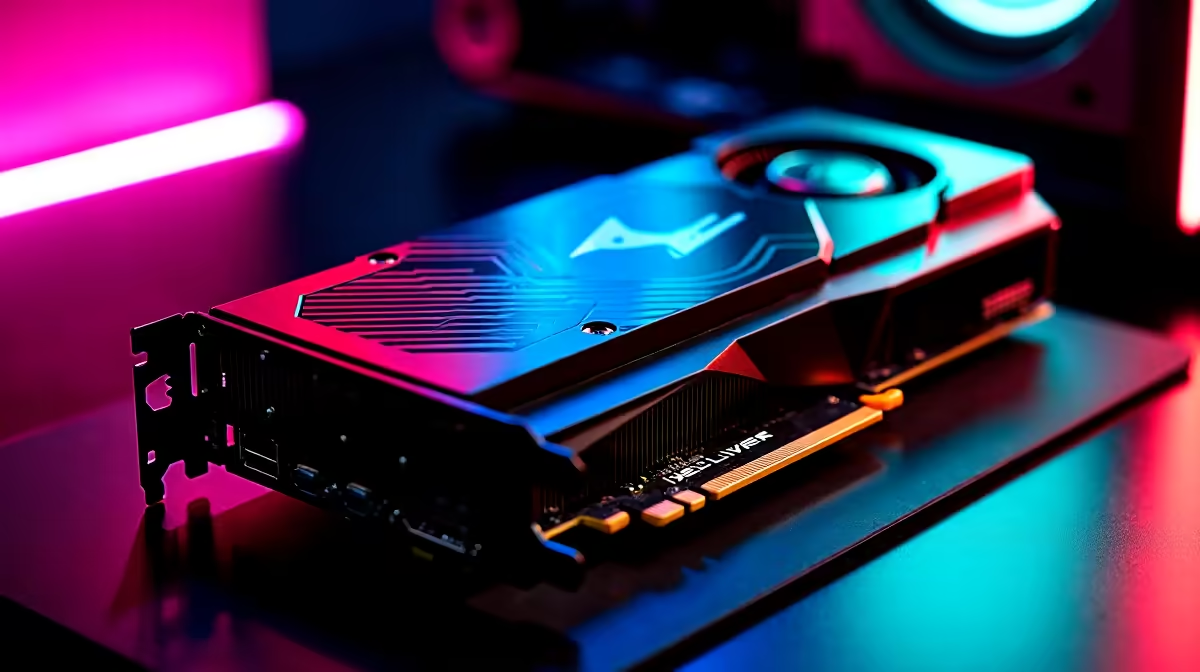
The Intel Arc B580 is one of the most interesting GPU releases in recent memory - a genuinely competitive mainstream graphics card from Intel''s second-generation Arc architecture. In Helldivers 2, a game with a mix of open terrain, dense particle effects from explosions, and demanding lighting systems, the B580 faces a legitimate 4K challenge. Here is how it performs and how to configure it for the best experience.
Native 4K Performance Analysis
At native 4K resolution without upscaling, the Arc B580 runs Helldivers 2 on High settings with frame rates typically in the 35 to 50fps range. Less populated planetary surfaces and indoor environments approach 50fps, while large engagements against the Terminid or Automaton factions with heavy particle effects and multiple explosion chains push the frame rate toward the lower end. Ultra settings at native 4K drop below 30fps in demanding scenarios and are not recommended. The B580 has 12GB of GDDR6 VRAM, which is an advantage at 4K for avoiding texture streaming issues, and it shows - the card maintains visual fidelity without the asset pop-in that can affect lower-VRAM competitors at this resolution.
XeSS Upscaling: The Key to Smooth 4K
Intel''s XeSS (Xe Super Sampling) upscaling technology is the B580''s primary tool for comfortable 4K gaming. With XeSS Quality mode enabled in Helldivers 2, the internal rendering resolution drops to approximately 2160p-equivalent, and the image is reconstructed to 4K with Intel''s AI-based upscaler. Frame rates climb to the 55 to 75fps range on High settings, making the experience much more consistent. XeSS Quality mode image quality is very good in Helldivers 2 - the game''s visual style with high contrast environments and dense action means upscaling artefacts are rarely noticeable during actual play. Dropping to XeSS Balanced mode pushes frame rates even higher while retaining acceptable image quality for a chaotic action game.
Recommended Settings for 4K on Arc B580
For the best balance of performance and visual quality at 4K on the B580 in Helldivers 2, use XeSS Quality mode, set Shadows to Medium, reduce Volumetric Fog to Medium, and keep Textures on High. Screen Space Reflections can be lowered to Medium with minimal visual impact. Anti-Aliasing should be left on TAA rather than MSAA at 4K, as the upscaling handles most aliasing anyway. These adjustments bring the B580 comfortably into the 60 to 80fps range at 4K in typical gameplay sessions, with only the most extreme multi-faction engagements dipping below 60fps briefly.
Frequently Asked Questions
Q: Is the Arc B580 a good choice for Helldivers 2 at 1080p or 1440p? A: At 1080p and 1440p, the B580 is excellent for Helldivers 2 - it runs the game with high frame rates at quality settings well above what 4K requires, making those resolutions its comfort zone.
Q: How does XeSS compare to FSR in Helldivers 2? A: On Intel Arc hardware, XeSS uses the GPU''s dedicated XMX AI acceleration, giving it an image quality advantage over FSR 2 at equivalent quality modes. FSR is also supported and performs well, but XeSS is the recommended option on B580.
Q: Does the B580 have driver maturity issues with Helldivers 2? A: Intel''s Arc drivers have improved substantially since the first-generation cards. The B580 has had good driver support from launch, and Helldivers 2 runs without significant stability issues on recent Intel driver releases.
Ready to Find Your Perfect Match? Shop Intel Arc GPUs and gaming PCs at Evetech.











