

Quick Answer
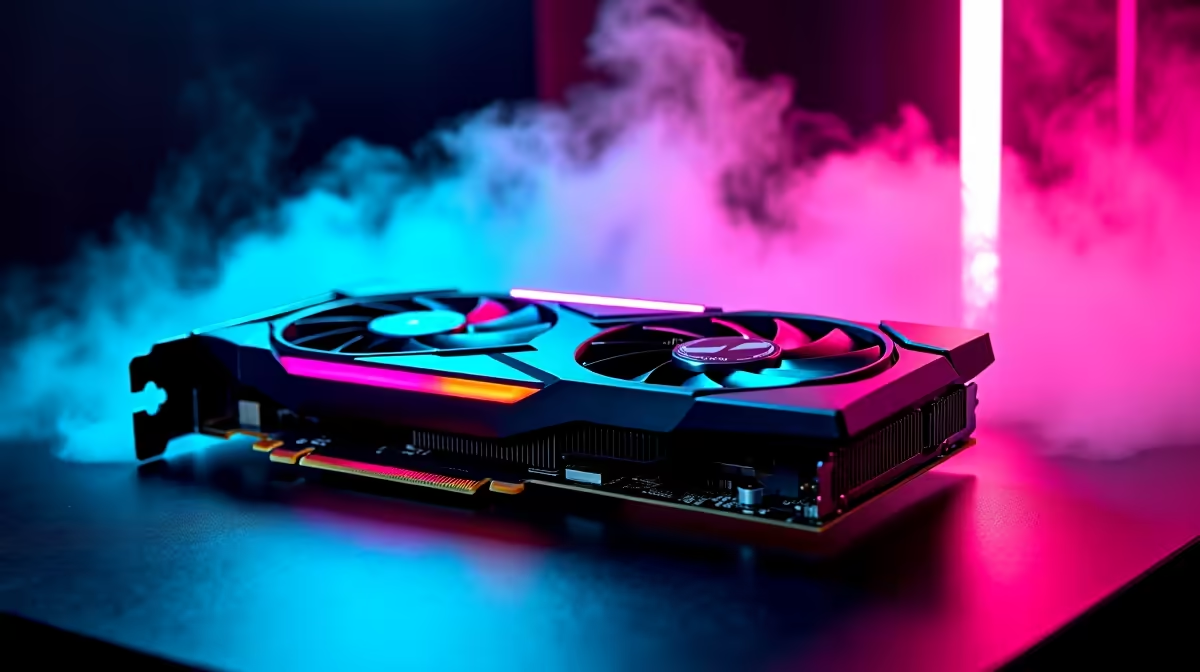
The Intel Arc B580 absolutely smashes Valorant at 1080p, holding well above 300fps on competitive settings with the right driver. It's one of the best value cards in SA right now for esports-first builds under R12,000, especially if you pair it with a 240Hz panel.
1080p Performance and Frame Rates
Valorant is a featherweight on modern hardware, and the B580 makes it look easy. With Material Quality, Detail Quality, and Texture Quality on Low, plus Anti-Aliasing off, you'll see frame rates pinned well above 300fps in standard agent select scenarios. Drop into a heated retake on Sunset or Lotus and you'll still hold north of 240fps, which means a 240Hz monitor never bottlenecks the experience. Make sure ReBAR (Resizable BAR) is enabled in BIOS because Arc cards lean heavily on it.
Optimal Settings for Competitive Play
Most SA Valorant players running esports settings go: Material Low, Texture Low, Detail Low, UI High, Vignette Off, VSync Off, Anti-Aliasing MSAA 2x or Off, Anisotropic Filtering 2x, Improve Clarity On, Bloom Off, Distortion Off, Cast Shadows Off. That setup keeps enemy silhouettes clean and removes visual noise that hides players behind smokes. Limit FPS to your monitor's refresh rate plus a small buffer to keep frame pacing smooth.
Why the Arc B580 Punches Above Its Price
The B580 brings 12GB of memory and a 192-bit bus at a price point that competing 8GB cards struggle to match. For SA buyers picking between an entry RTX card and the B580, the Arc wins on raw value if your main games are Valorant, CS2, Fortnite, and Apex. Driver maturity has improved massively, and the XeSS upscaler is genuinely useful in heavier titles when you want to push 1440p later.
Frequently Asked Questions
Does the B580 need a strong CPU to hit 300fps?
Valorant is CPU-bound at high frame rates, so pair the B580 with at least a Ryzen 5 7600 or Core i5 of the current gen. Older quad-cores will cap your fps long before the GPU does.
Will a 240Hz monitor be wasted on this card?
Not at all in Valorant. The B580 has the headroom to feed a 240Hz panel comfortably, which is why this combo is popular in SA varsity LAN setups.
Any settings I should keep on High?
Keep UI High and Anisotropic Filtering at 2x or 4x. Both barely cost frames and make the game noticeably easier to read.
Ready to Find Your Perfect Match? Build a Valorant-ready rig with the Arc B580 inside. See pre-built gaming PC deals











