

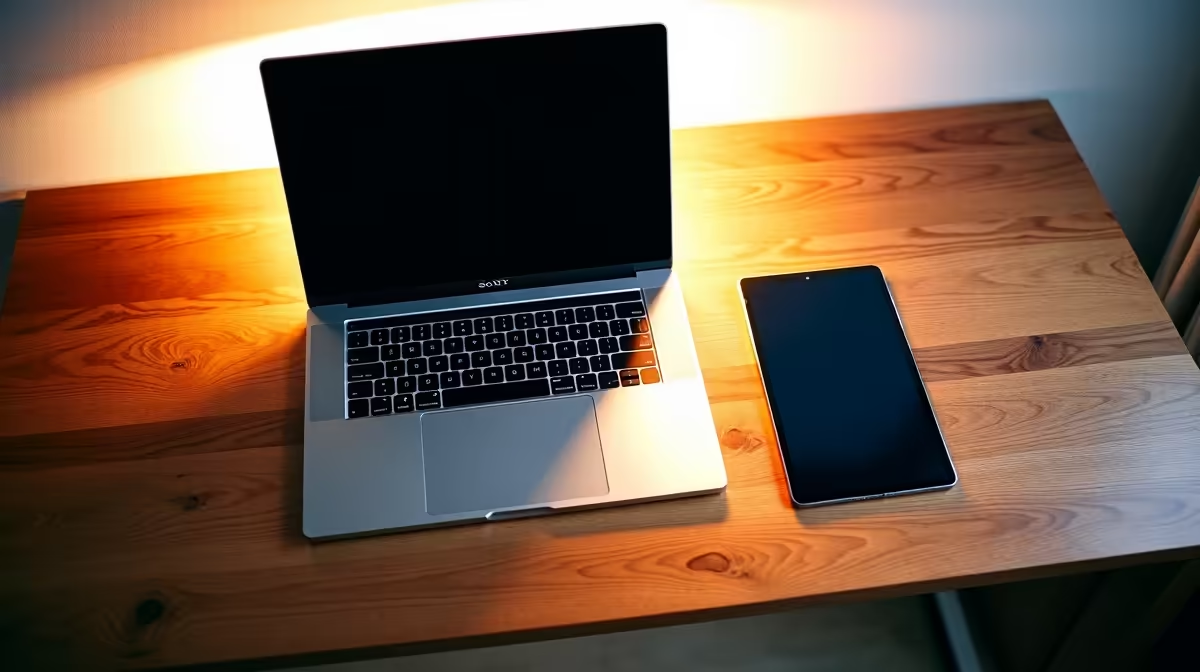
iPad vs Laptop for SA University Students: Which Should You Buy?
Both iPad and laptop serve university students, but which is right for you? An iPad excels for note-taking, reading, and creative work with minimal weight and exceptional battery life; a laptop dominates for programming, essay writing, and software-heavy coursework. For most SA university students—including Wits, UCT, Stellenbosch, and UP undergraduates—a laptop is the safer choice because it handles Microsoft Office, coding environments, and assignment submissions without compromise. However, if you pair an iPad with a keyboard and Apple Pencil, it becomes a legitimate laptop alternative for non-technical disciplines.
iPad Strengths for University
Note-Taking and Reading An iPad with an Apple Pencil Pro (approximately R3,299) or basic USB-C pencil transforms lecture attendance. Apps like GoodNotes and Notability let you handwrite notes, digitally annotate textbooks, and search handwritten content—invaluable for humanities and sciences. A paper notebook feels antiquated once you experience PDF annotation and note synchronisation across devices.
Portability An iPad Air M4 11-inch (approximately R14,999–R18,999) weighs 650 grams; a MacBook Air weighs 1.2kg. During res life—walking between lecture halls, libraries, and student unions—an iPad's lightness is genuinely appreciated. A vaalie commuting from home to campus daily benefits even more.
Battery Life All modern iPads deliver 10–12 hours unplugged, sufficient for a full university day. During loadshedding stages 2–4, an iPad survives 2–3 complete blackout windows before needing a charge.
Cost An entry iPad (approximately R6,999–R8,999) plus a keyboard case (R3,000–R5,000) totals R10,000–R14,000—substantially cheaper than a MacBook Air (R22,000+). For NSFAS-eligible students with a R5,200 laptop allowance, an iPad represents genuine savings.
Laptop Strengths for University
Programming and Engineering CS students, electrical engineers, and data science majors absolutely require a laptop. iPads lack proper development environments, GitHub integration, and the multitasking power needed for complex projects. A Windows laptop from Evetech with an i7 processor and 16GB RAM (approximately R12,000–R18,000) or a MacBook Pro handles this work effortlessly.
Essay Writing and Submissions While iPads run Microsoft Word and Google Docs, the trackpad-less experience frustrates long-form writing. Paragraph formatting, complex table layouts, and rapid citation management favour a keyboard-and-trackpad setup. Many university assignment submission systems assume you're using a traditional laptop, too.
Multitasking A laptop easily runs Zoom lectures, Google Docs, Spotify, and a web browser simultaneously without stuttering. An iPad handles multiple apps, but switching feels clunky compared to laptop window management. During exam preparation, juggling notes, textbooks, and example solutions is smoother on a laptop.
Software Compatibility Engineering simulations (ANSYS, MATLAB), statistical software (R, Python IDEs), and institutional learning management systems sometimes demand desktop software. MacBook and Windows laptops run these natively; iPads cannot.
The Hybrid Approach: iPad + Laptop
For students with flexible budgets, combining an iPad and a budget laptop maximizes utility. Use the iPad for lectures, note-taking, and reading (lighter to carry daily), and the laptop for programming, essays, and heavy software tasks (used primarily at your residence or library). This costs roughly R25,000–R30,000 total but eliminates compromise.
Discipline-Specific Recommendations
Humanities (Languages, Literature, History) Ipad + keyboard case suffices. GoodNotes for essay planning, Notion for research organization, and Word for submission. Budget approximately R12,000–R15,000. Compare iPad models at current pricing to find the right configuration.
Science and Medicine (BSc, MBChB, BDent) Laptop is essential for lab reports, research databases, and simulation software. An iPad augments as a secondary reading and note-taking device. Budget R18,000–R25,000 for a capable laptop.
Engineering (BSc Eng, BEng) Laptop is mandatory. CAD software (AutoCAD, Fusion 360), programming environments, and design tools require full OS support. An iPad is optional. Budget R20,000–R30,000 for a laptop with adequate processing power.
Commerce and Law (BCom, LLB) Laptop is necessary for spreadsheets, legal databases, and case law research. An iPad is beneficial for reading case summaries and organising notes but non-essential. Budget R15,000–R22,000 for a solid laptop.
Load Shedding Considerations
During stages 2–6 loadshedding, both iPad and laptop suffer if your residence loses power. However, an iPad's longer battery life (10–12 hours vs. 6–8 hours for Windows laptops) means you work through one full blackout window. If loadshedding is frequent where you live, an iPad becomes a more reliable option than a budget Windows laptop. Pair it with a portable power bank (R1,500–R2,500) for extended outages.
Student Study Setup Pro Tip ⚡
a loadshedding-resilient study kit: iPad with keyboard case for portable note-taking, a portable power bank for device backup, and USB-C charging cables (universal across modern devices). Evetech stocks USB-C hubs and cables to standardise your charging ecosystem, reducing the cables you carry through res. [Browse study accessories](https: www.evetech.co.za PC-Components buy-monitors-screens.aspx) to optimise your setup.
Final Recommendation
Choose a laptop if:
- You're majoring in engineering, programming, or science
- You write frequent essays and reports
- You need specialised software beyond Microsoft Office
- Your budget allows R15,000+ for a dedicated study device
Choose an iPad if:
- You're studying humanities, languages, or commerce
- Your primary needs are reading, note-taking, and document editing
- You value portability (class-to-class travel)
- Your budget is limited (NSFAS-eligible) and R10,000–R15,000 is your constraint
Choose both if:
- Your budget permits R25,000+
- You want maximum flexibility across all coursework types
- You plan to keep both devices beyond university for work and personal use
Ready to find your ideal study device? Explore budget-friendly Windows laptops, premium MacBook options, and matching accessories at Evetech. Whether you're choosing a single device or building a hybrid setup, we stock everything SA students need for successful university years. Browse All Laptops at Evetech.











