

Quick Answer
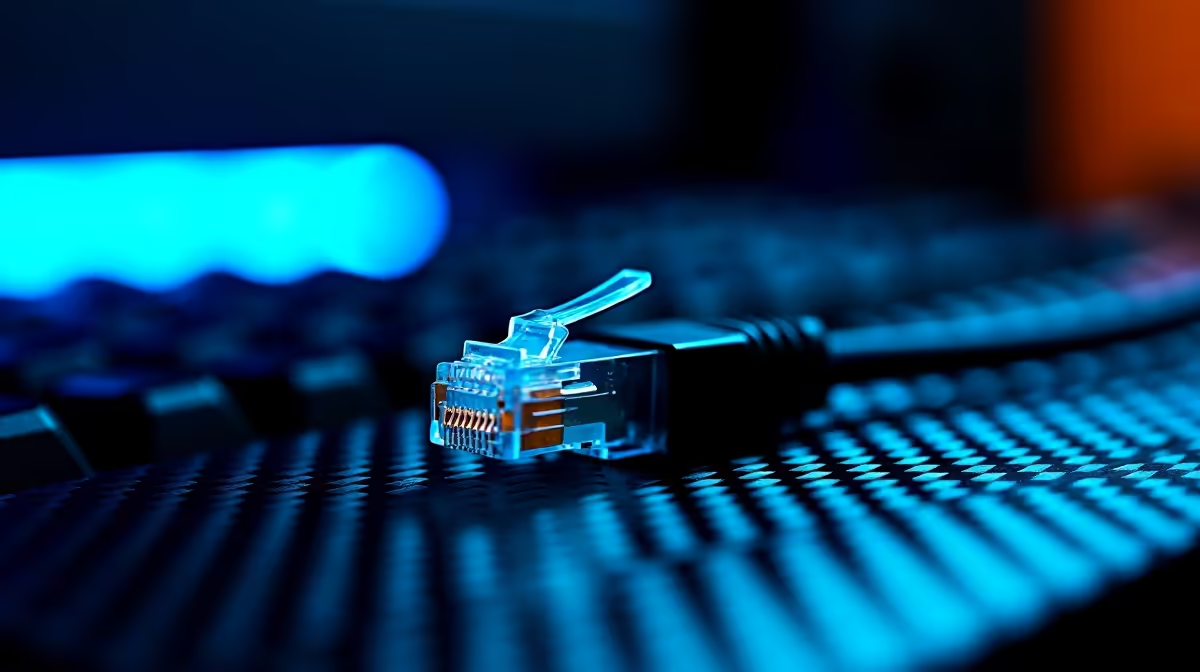
Ethernet cable is absolutely good enough for gaming in 2026 - in fact, it remains the superior connection method for online gaming compared to Wi-Fi. A wired Ethernet connection delivers lower ping, more stable latency, and no interference issues, making it the recommended setup for SA gamers on local and international servers.
Why Ethernet Still Beats Wi-Fi for Gaming in 2026
Wi-Fi technology has advanced significantly in recent years. Wi-Fi 6 and Wi-Fi 6E offer high throughput and lower latency than older Wi-Fi standards. Despite this, Ethernet maintains a fundamental advantage for gaming: physical connections do not suffer from radio frequency interference, signal degradation through walls, or congestion from neighbouring networks.
In South African residential environments, radio frequency congestion is a real issue. Dense apartment complexes and townhouse estates run dozens of overlapping Wi-Fi networks on the 2.4GHz and 5GHz bands. Even with Wi-Fi 6's improved multi-user handling, a physical Ethernet cable bypasses this congestion entirely.
The practical result is that a Cat5e or Cat6 Ethernet connection delivers consistently lower and more stable ping than Wi-Fi on the same router and ISP connection. In competitive gaming where 10ms to 20ms latency differences are perceptible in fast-paced titles, this consistency matters.
What Ethernet Cable Standard Should SA Gamers Use?
For gaming purposes, Cat5e or Cat6 cables are entirely sufficient and represent the most practical and cost-effective choice for SA gamers running home network setups:
Cat5e: Supports gigabit speeds (1Gbps) up to 100 metres. More than sufficient for any home gaming or streaming use case. SA fibre connections top out at 1Gbps for most residential plans, making Cat5e a perfect match.
Cat6: Also supports gigabit up to 100 metres, with better shielding against crosstalk than Cat5e. Marginally better for runs near electrical cables or in dense networking environments. Recommended if you are running cables through walls or under floors.
Cat6A and Cat8: These support 10Gbps and higher over longer runs. Useful for server infrastructure and commercial installations, but overkill for home gaming. The additional cost is not justified for a gaming setup.
For most SA gamers, Cat6 cables in 2 to 5 metre lengths connecting a gaming PC to the home router or a network switch is the practical recommendation. Longer runs through walls benefit from Cat6A's improved interference rejection.
Running Ethernet in a South African Home
Running Ethernet cable through a home is a project that varies in complexity. For gamers in a dedicated room near their router, a surface-run cable along skirting boards is quick and inexpensive. For multi-room setups or cable through walls, a powerline adapter or MoCA adapter can carry Ethernet signal over existing electrical or coaxial wiring - avoiding the need for drilling.
Alternatively, a Wi-Fi 6 or Wi-Fi 6E router with a dedicated 5GHz band for gaming can deliver very good results in modern SA home setups. The decision between running Ethernet or using high-quality Wi-Fi depends on the physical layout of your home and how much variance in connection quality you are willing to accept during gaming sessions.
For SA gamers who rely on a UPS during load shedding, an Ethernet-connected router and gaming PC combination is more reliably UPS-compatible than Wi-Fi mesh systems that draw higher power across multiple nodes.
Frequently Asked Questions
Does Ethernet cable make a difference for gaming on South African servers? Yes. South African game servers on titles like Warzone, Apex Legends, and CS2 are sensitive to latency spikes. A wired Ethernet connection eliminates the latency variability that Wi-Fi introduces, particularly during peak evening usage hours when wireless network congestion is highest in SA neighbourhoods.
Is Cat5e or Cat6 better for gaming? Both support the same gigabit speeds required for gaming. Cat6 offers better shielding and is worth choosing for long runs or cables near electrical interference. For a 2-3 metre desktop-to-router cable, Cat5e and Cat6 perform identically in practice.
Can I use Ethernet with a laptop for gaming in SA? Yes. Most gaming laptops include a built-in Ethernet port. Slim ultrabooks and some thin-and-light designs omit the port, requiring a USB-C to Ethernet adapter. These adapters are affordable and deliver the same latency benefits as a direct port connection.
Does load shedding affect Ethernet connections differently to Wi-Fi? The cable itself is not affected by power outages - it simply carries signal. However, the router and ONT (fibre box) still require power. A small UPS on your router and ONT keeps your wired connection live during load shedding, maintaining your gaming session throughout the outage.
Ready to Find Your Perfect Match? Shop networking gear and gaming PC components at Evetech











