

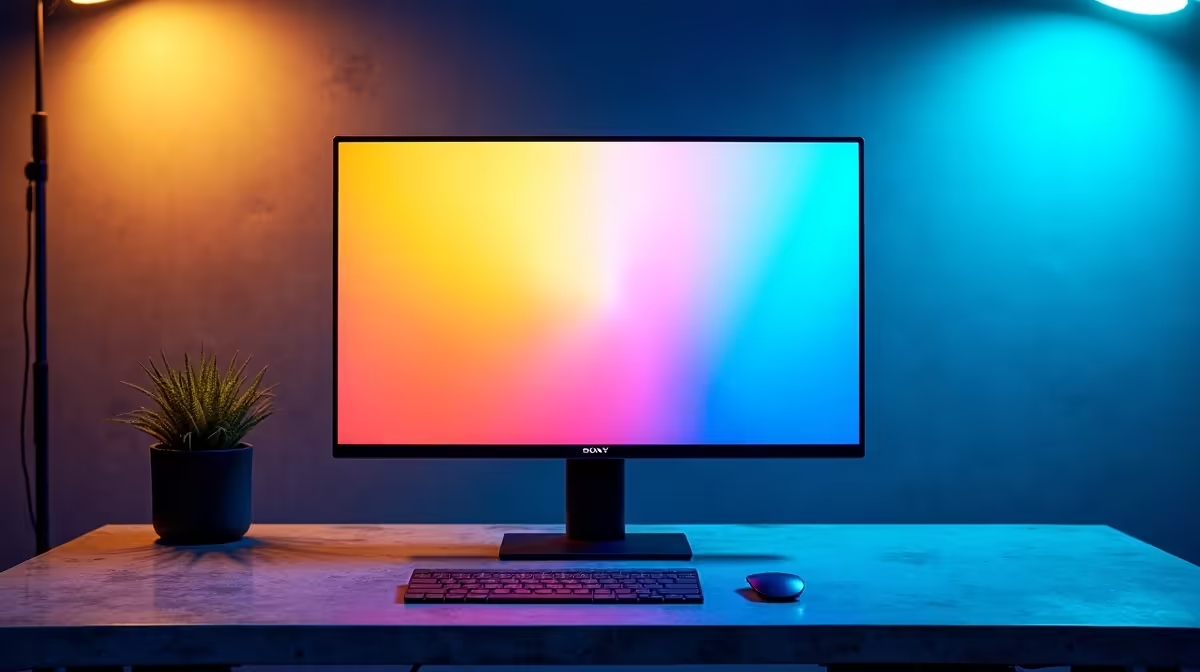
Why South African Gamers Care About Upgrading Their Monitor
If you’re gaming on a 1440p monitor, you’re already enjoying a crisp and detailed view. But is upgrading to an IPS monitor worth it? Many gamers in South Africa wonder if that extra spend will deliver smoother colours, better viewing angles, or real performance gains. Let’s unpack the real impact of IPS panels versus the standard 1440p displays, and how it matters for your gaming rig or everyday use. ⚡
What Does an IPS Monitor Bring to the Table?
IPS (In-Plane Switching) panels are known for superior colour accuracy and wider viewing angles compared to typical TN or VA 1440p monitors. This means when you're playing fast-paced titles or editing your content, colours stay consistent, vibrant, and lifelike even when you don’t sit directly in front of the screen. IPS monitors typically have better colour reproduction, useful if you also stream or create content.
That said, some early IPS displays had slower response times that worried competitive gamers. Newer models, especially those targeted at gamers, have addressed this with response times down to 1ms or 4ms, making them competitive for FPS and action games. So, if you’re upgrading your gaming setup, an IPS monitor adds that extra visual pop without compromising responsiveness. 🔧
Should You Upgrade Your 1440p Monitor in South Africa?
If your current 1440p display is an older TN panel, switching to an IPS does offer visible improvements in colour and sharpness, which enhances immersion. South African gamers who stream or watch esports will appreciate the enhanced colour fidelity and viewing consistency from different angles.
However, IPS screens often come at a higher price. If budget is tight, you might first consider upgrading other components with high-value deals like these best gaming PC deals on Evetech for under R15,000, which can boost your overall experience more than just a monitor swap.
For those looking to buy new, check out the full range of high-quality monitors available at Evetech to compare prices and specs tailored to South African gamers.
Real-World Performance Tips When Switching to IPS
IPS monitors shine with colour-critical applications but do need a bit more GPU muscle for high refresh rates at 1440p. Here’s a quick tip for optimising your settings:
Boost FPS Efficiency
Keep your monitor’s refresh rate synced with your GPU using FreeSync or G-Sync support. This cuts screen tearing and keeps gameplay buttery smooth on your IPS display.
In South Africa, power efficiency and heat are also key—especially during summer gaming sessions. Steam or Battle.net clients can bias your GPU settings for the monitor you use, so updating your profile after switching to IPS helps keep those frames steady without overheating.
If you’re after a ready-to-go powerhouse, consider one of the pre-built PC deals Evetech offers matched perfectly to handle 1440p IPS smoothness without compromise.
Balanced Viewing for Work and Play
For many South African users, the monitor isn’t just for gaming. IPS screens make a big difference for office tasks or multimedia watching, offering wider viewing angles without colour shifting. If your rig doubles as a home office setup or content hub, this upgrade is worthwhile.
And if you’re considering laptop options with quality displays for mobile gaming or work, explore Evetech’s notebooks for sale in South Africa which feature IPS panels at competitive prices.
Worth noting: Keep an eye on Evetech’s specials for seasonal discounts, so you can get an IPS monitor upgrade without stretching your budget.
Ready for an Upgrade That Delivers Colour and Crispness? Discover the latest IPS monitors and unbeatable gaming rigs at Evetech that match your needs and budget. Shop now at Evetech for performance that leaves lag in the dust.











