

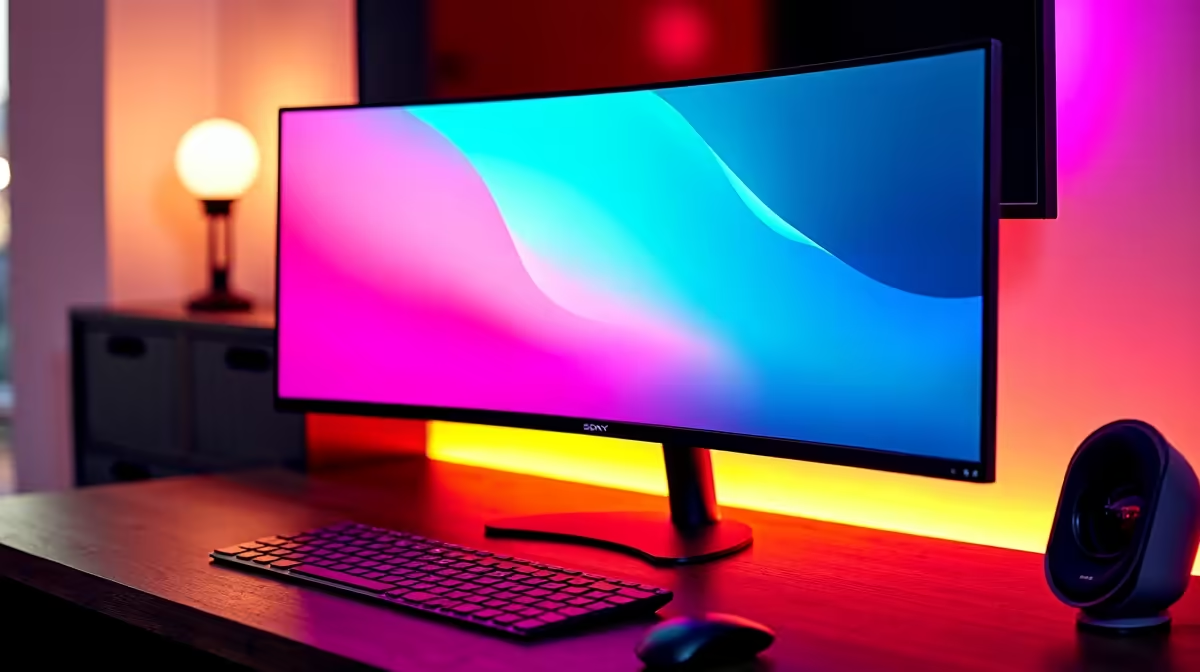
Why South African Gamers Are Curious About Overclocking Ultrawide Monitors ⚡
Is overclocking your ultrawide monitor worth it in SA? With our local gaming cafes and esports competitions heating up, smooth visuals matter more than ever. Ultrawide screens provide immersion, but does pushing that refresh rate beyond factory settings really boost your experience here? Let’s unpack what overclocking means for your setup, your wallet, and your gameplay.
What Overclocking Does for Ultrawide Monitor Performance
Overclocking means increasing your monitor’s refresh rate beyond its official spec—say from 60Hz to 75Hz or more. For ultrawide monitors, this enhances frame fluidity and reduces motion blur, which can sharpen fast-paced games like first-person shooters or racing titles 🎮. However, it’s not always a guaranteed win.
– Your monitor must support stable overclocking; some cheaper models may flicker or artefact. – Higher refresh rates demand more GPU power—are your PC specs up to the task?
If your gaming PC is on the entry-level side, like models from Evetech’s best gaming PC deals, you might hit limits without upgrading visuals or processing power.
The South African Reality: Cost, Compatibility, and Gains
In SA, ultrawide monitors range widely— from affordable 1080p panels to premium 3440×1440 displays. Overclocking might squeeze an extra 10 to 15 FPS from your current setup, but is the price of potential damage or instability worth it?
If peace of mind matters more than a slight edge, consider investing in a pre-built high-refresh PC from Evetech’s pre-built PC deals. These rigs balance CPU and GPU power well to handle ultrawide gaming without needing risky tweaks.
Setting Up Your Ultrawide Monitor Right in South Africa
Make sure your GPU supports custom refresh rates and connect via DisplayPort for best signal quality. Nvidia and AMD drivers enable manual tweaks, but test stability carefully each step.
Also, consider your environment—ambient lighting and desk space impact comfort when upgrading screens. If buying a new screen, browse Evetech’s monitor range for models designed with high refresh rates and solid build quality.
Ultrawide Overclocking Pro Tip
If you plan to overclock, avoid doing it continuously—stress test for 30 minutes and if no flicker appears, you’re likely safe. Always keep refresh rates within 15-20% above factory specs to avoid hardware strain.
Alternative: High-Performance Laptops and Special Offers for Gamers
Not ready to tinker? High-refresh gaming laptops are gaining traction locally. Check Evetech’s laptops for sale in South Africa with fast panels ideal for immersive play on the go ⚡. For those hunting deals, the Evetech specials page frequently offers discounts on gaming monitors and accessories.
Ultrawide monitor overclocking can be rewarding if approached carefully and with the right hardware. But our local climate of fluctuating power and budget constraints makes this a choice worth weighing thoroughly.
Upgrade Your Gaming Screen Today Ready for buttery-smooth ultrawide performance? Shop now at Evetech for great deals on monitors that thrive with or without overclocking.











