

Quick Answer
Ray tracing in GTA 6 delivers a genuine visual step-up - reflections, lighting, and shadow quality are meaningfully better with it enabled. Whether it is worth it depends entirely on your GPU. On mid-range and lower hardware, the performance cost is steep enough to warrant disabling ray tracing in favour of stable frame rates.
Ray tracing has moved from a tech demo novelty to a genuine visual upgrade in well-implemented games, and Rockstar''s track record with RAGE engine graphics suggests GTA 6''s implementation will be among the more polished examples on PC. But ''ray tracing is impressive'' and ''ray tracing is worth enabling on your setup'' are two different statements - especially for SA gamers working with mid-range hardware.
What Ray Tracing Actually Does in GTA 6
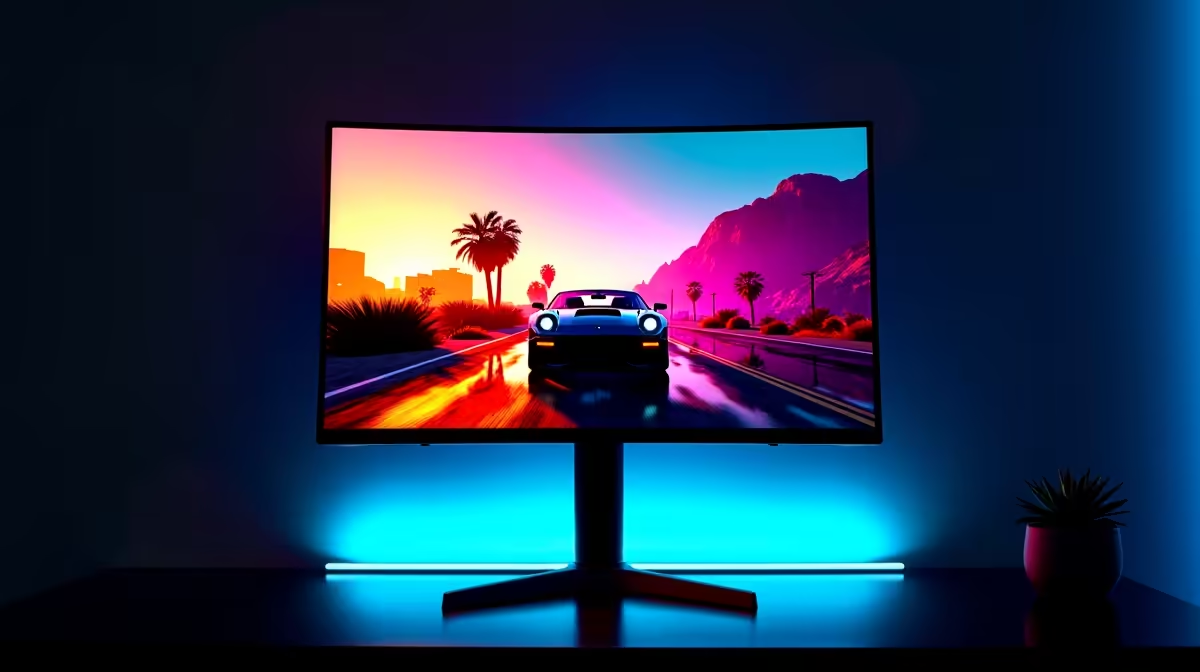
Ray tracing simulates the physical behaviour of light - how it reflects off surfaces, how shadows behave with multiple light sources, and how ambient occlusion (the darkening of corners and crevices) is calculated. In GTA 6''s dense urban environment, this has specific visual payoffs: wet roads reflecting neon signs and vehicle headlights accurately, building windows showing genuine reflections of the cityscape, and interior spaces with soft, realistic shadow gradients.
Rockstar typically implements ray tracing in layers - reflections, shadows, and global illumination as separate toggleable options rather than a single on/off switch. This means SA gamers can selectively enable the most visually impactful ray tracing effects while disabling the more GPU-intensive ones, finding a middle ground between visual quality and performance.
The Performance Cost: What Your GPU Needs to Handle It
Ray tracing is computationally expensive. The RAGE engine''s ray tracing implementation in GTA 5 Enhanced Edition demonstrated meaningful frame rate drops when ray tracing is enabled - particularly at higher quality settings and resolutions. GTA 6''s more ambitious world should be expected to have even higher ray tracing overhead.
For SA gamers on upper-mid to high-end current-generation GPUs with hardware ray tracing acceleration, enabling ray tracing at medium settings while using DLSS or FSR upscaling is the practical path. The upscaling compensates for the frame rate cost of ray tracing, maintaining playable performance while retaining the visual benefits. On lower-tier hardware, disabling ray tracing entirely and running native rasterisation at high settings will produce a better gaming experience than ray tracing at a degraded resolution with unacceptable frame rates.
Rasterisation vs. Ray Tracing: The Visual Honest Assessment
Modern rasterisation techniques have become extremely capable at mimicking the effects ray tracing calculates physically. Screen-space reflections, shadow mapping, and ambient occlusion algorithms in GTA 6''s rasterised mode will look excellent - they are built on years of refinement in the RAGE engine. The honest answer is that the gap between high-quality rasterisation and ray tracing is real but not dramatic in motion, particularly in a fast-paced open-world game where you are rarely pausing to admire a reflection.
The settings where ray tracing shines most noticeably in GTA 6 are likely to be: standing in rain-slicked streets at night, indoors looking at windows, and in any scenario with multiple dynamic light sources. In daytime open-world driving at speed, the visual delta is far less apparent. SA gamers can make an informed choice based on the content they most enjoy in GTA''s world.
DLSS, FSR, and Ray Tracing: The SA Gamer''s Practical Strategy
The most practical strategy for SA gamers who want ray tracing without sacrificing playability is to pair ray tracing with GPU upscaling technology. DLSS 4 on RTX cards and FSR on a wider range of GPUs both render at a lower resolution and upscale intelligently, recovering frame rates that ray tracing costs. On RTX 40-series and RTX 50-series cards, DLSS 4 with Multi Frame Generation can recover enough performance to make ray tracing viable at settings that would otherwise be unplayable.
For SA gamers on a budget who own older or lower-tier GPUs, the decision is simpler: disable ray tracing, enable FSR at quality or balanced mode, and set rasterisation quality to high. The result will run well and look excellent, even if it misses the ray tracing visual layer. Stable frame rates at your monitor''s refresh rate always deliver a better gaming experience than lower frames with prettier reflections.
Frequently Asked Questions
Q: Is ray tracing in GTA 6 noticeable compared to high-quality rasterisation? A: Yes, particularly in night-time urban environments, rainy conditions, and interior spaces. In daytime outdoor scenes at speed, the difference is less dramatic.
Q: Can I run ray tracing in GTA 6 on a mid-range GPU? A: With upscaling enabled (DLSS or FSR) and ray tracing at medium quality rather than ultra settings, mid-range current-generation GPUs can achieve playable frame rates with ray tracing enabled. Low-tier or older GPUs should disable ray tracing entirely.
Q: Does ray tracing affect CPU performance in GTA 6? A: Ray tracing workload primarily falls on the GPU''s dedicated RT cores. CPU performance is more affected by GTA 6''s NPC simulation and world systems than by ray tracing specifically.
Q: Should I prioritise ray tracing or frame rate in GTA 6? A: Frame rate, especially in an open-world game with driving and action sequences. A stable 60 fps at high rasterisation quality is more enjoyable than 30 fps with ray tracing enabled. Once your hardware supports both comfortably, enable ray tracing progressively.
Ready to Find Your Perfect Match? Shop gaming GPUs and PC hardware at Evetech.











