


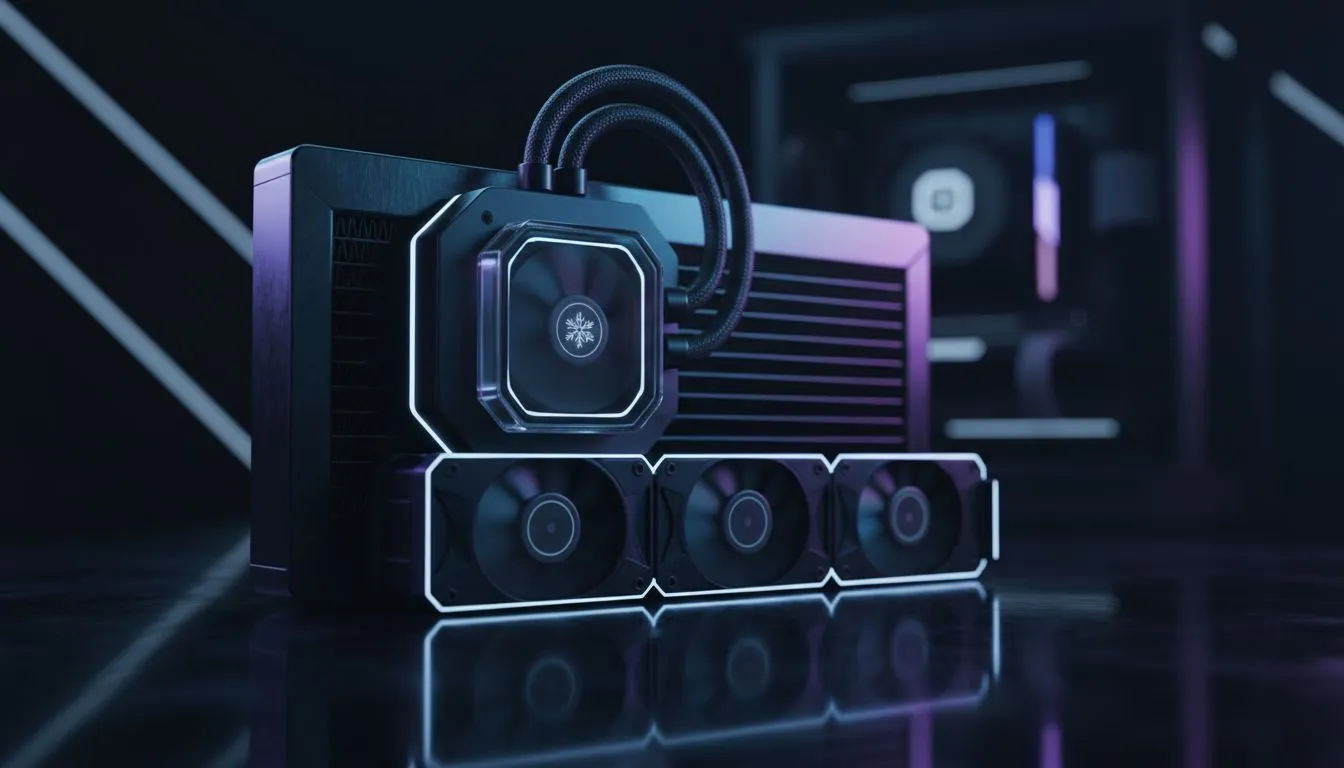
Loadshedding hits. The lights die, but your trusty UPS kicks in… your gaming session is safe. But wait. The room is getting stuffy, the aircon is off, and your GPU fans are starting to sound like a jet engine. Keeping your gaming PC cool during loadshedding is a unique South African challenge, but don't sweat it. We’ve got the practical tips to keep your machine running cool and quiet when the power goes out.
Why Loadshedding Turns Your PC into an Oven
It’s not just about the power being off. The real enemy to your PC’s health during a power cut is the rising ambient temperature. With no air conditioning or fans circulating air, the room your PC is in quickly becomes a hotbox.
Your PC’s cooling system works by pulling in cooler ambient air to dissipate heat from components like the CPU and GPU. When that "cool" air is already warm and stagnant, your fans have to spin much faster to achieve the same result, leading to more noise and still-high temperatures. This is how you can end up with thermal throttling (your PC slowing itself down to prevent damage) even when your UPS is working perfectly. ⚡
Quick Fixes: How to Keep Your PC Cool Right Now
When you're mid-game and the power drops, you need to act fast. Here are a few immediate steps you can take to lower those temps.
1. Create Some Airflow
If it's safe to do so, open a window and a door to create a cross-breeze. Even a small amount of air movement can help dissipate the bubble of hot air building up around your PC.
2. Reduce the Load
This is the easiest software fix. Go into your game’s settings and lower the graphics quality or cap the framerate. This reduces the workload on your GPU and CPU, which in turn generates less heat. It's a small sacrifice to prevent your components from cooking.
3. The Side-Panel Off Trick
For a quick and dirty solution, you can carefully remove the side panel of your PC case. This instantly exposes your components to whatever cooler air is in the room. Just be mindful of dust, pets, or stray cables! A modern case with great airflow, like the compact Cooler Master E301 Mini Tower, can help mitigate this issue from the start.
Proactive Cooling: Long-Term Fixes for Loadshedding Woes
The best way to keep your gaming PC cool during loadshedding is to prepare for it. A few strategic upgrades and maintenance habits can make a world of difference. 🔧
Optimise Your Case Airflow
Your computer case isn't just a box; it's the foundation of your entire cooling system. A case with a mesh front panel will always outperform one with a solid glass front in terms of thermal performance. More airflow means your fans don't have to work as hard, keeping your PC cooler and quieter. Renowned brands like Cooler Master have built their reputation on thermal performance and smart design.
You don't have to break the bank for good airflow, either. You can also find excellent value and airflow from brands like Gamemax Computer Cases, which prove that a smart layout is key. Ultimately, the right chassis is your first line of defence. Browse our full range of computer cases to find the perfect foundation for a cool-running rig.
Keep an Eye on Your Temps! 🌡️
Use free software like HWMonitor or MSI Afterburner to see your CPU and GPU temperatures in real-time. If you see temps creeping above 85-90°C during a gaming session, it's a clear sign you need to take action. Knowledge is power!
Clean Your Components
Dust is a fantastic insulator… which is terrible news for your PC. A thick layer of dust on your CPU cooler, GPU heatsink, or case filters traps heat and forces your fans to work overtime. Make it a habit to give your PC a thorough clean with compressed air every few months. You'll be surprised at the difference it makes. ✨
Consider Undervolting
For the more tech-savvy user, undervolting is a powerful technique. It involves slightly reducing the voltage supplied to your CPU or GPU without sacrificing performance. The result? The same gaming experience with significantly less power consumption and heat output. It’s the perfect loadshedding-era optimisation.
By taking a few proactive steps, you can ensure that the next time loadshedding strikes, your PC's temperature will be the last thing on your mind.
Ready to Beat the Heat? Don't let loadshedding cook your components. A high-airflow case is the best investment you can make for a cooler, quieter, and longer-lasting gaming PC. Explore our massive range of computer cases and find the perfect chassis to conquer the heat.









